Break time!
Your Pomodoro session has ended
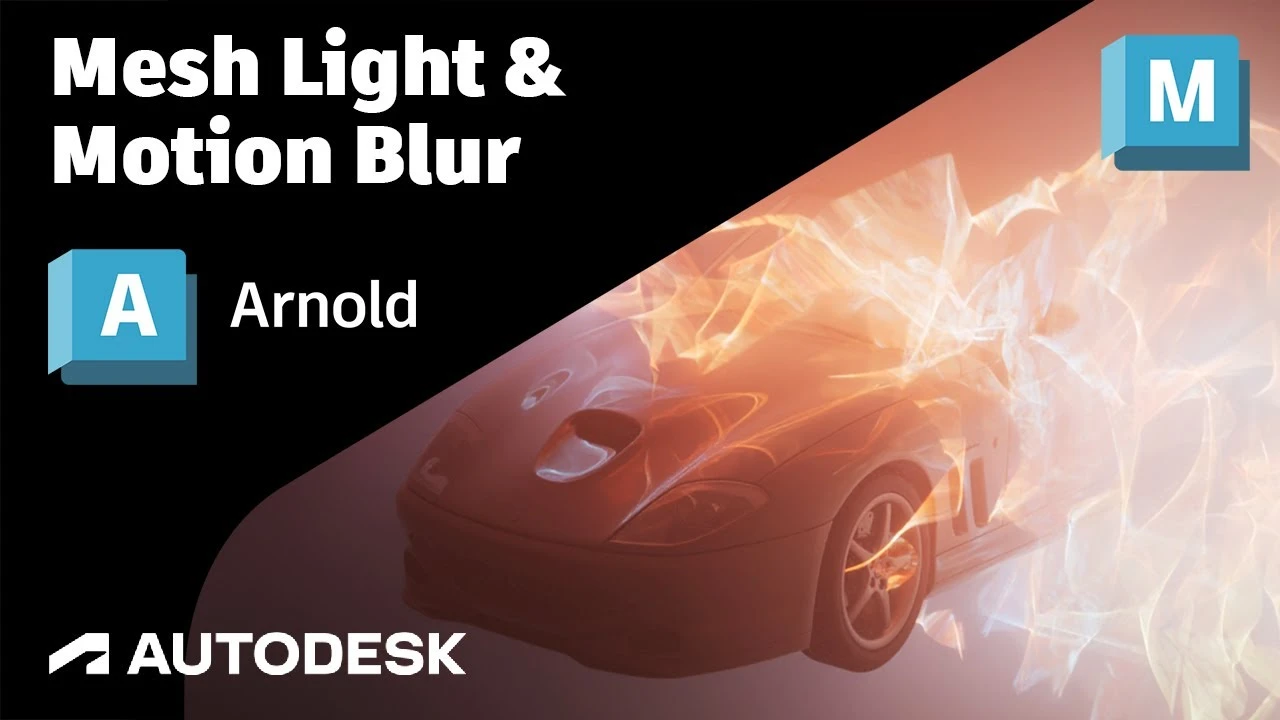
Arnold Tutorial - Mesh Light with Motion Blur in Maya (GPU)
Beginner🍅 Pomodoro Timer
Study for 25 min, then take a break. Improves focus!
Description
This short tutorial shows how to create a dynamic electrical effect using Paint Effects converted to geometry which can be used as a mesh light. It also covers motion blur length with atmosphere volume.
https://help.autodesk.com/view/ARNOL/...
https://help.autodesk.com/view/ARNOL/...
https://help.autodesk.com/view/ARNOL/...
#arnoldrenderer #lighting #rendering
https://help.autodesk.com/view/ARNOL/...
https://help.autodesk.com/view/ARNOL/...
https://help.autodesk.com/view/ARNOL/...
#arnoldrenderer #lighting #rendering
Up Next

Cómo Crear una Animación de Cámara 360 en Maya – Iluminación y Render
Fox Bandit
UVs for Beginners - UV mapping a Head in Maya
FlippedNormals
Arnold tutorial - How to create a CD shader in MtoA
Arnold renderer
Arnold tutorial - Using the camera rolling shutter in MtoA
Arnold renderer
Agregar SkyDome y HDRI en Maya Anrold
Blender Deluxe Tutoriales
Ray Shelf Setup
Blender Deluxe Tutoriales
Arnold tutorial - Rendering a refractive portrait effect in MtoA
Arnold renderer
Arnold tutorial - Using transmission_scatter in MtoA
Arnold renderer
Create a Flag using nCloth in Maya 2019
Academic Phoenix Plus
3D Game Asset Creation (Full Process) - Stylised Axe
Stu Lloyd (CG Stu)