Break time!
Your Pomodoro session has ended
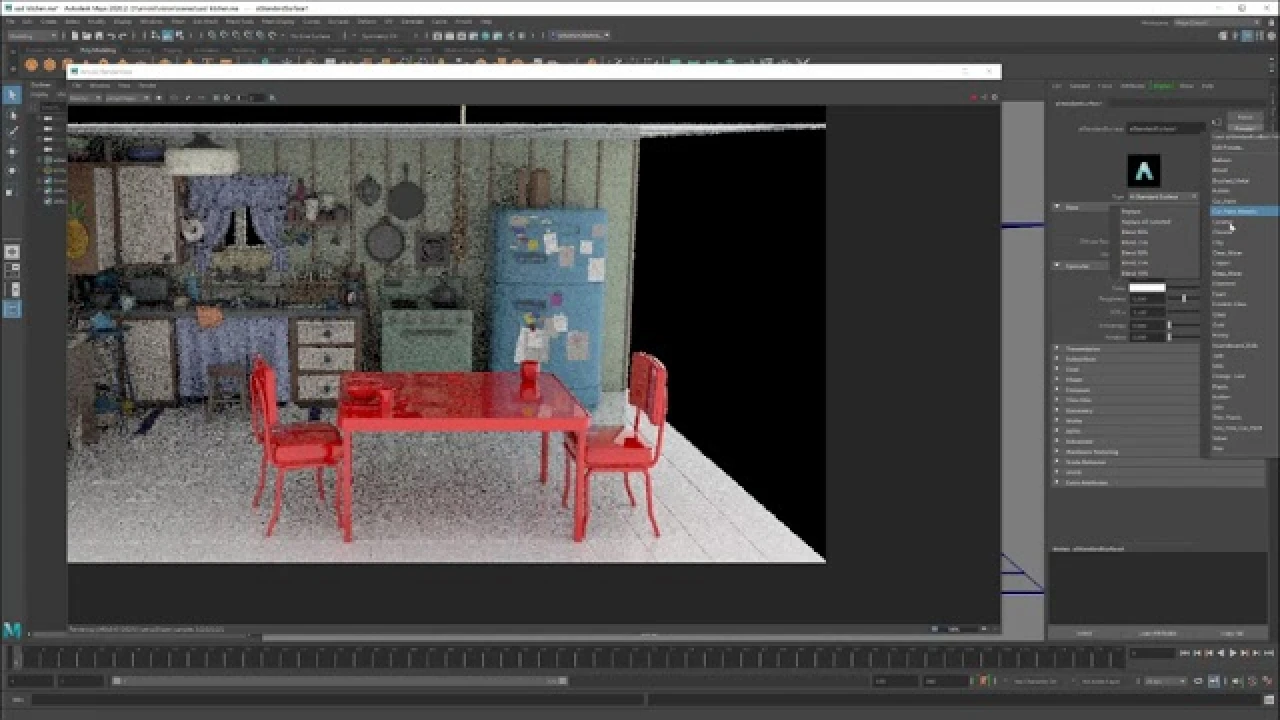
Arnold + USD = Love
Beginner🍅 Pomodoro Timer
Study for 25 min, then take a break. Improves focus!
Description
Maximize the power of Pixar's USD with Arnold software in production scenarios. We'll show examples of exporting and importing USD assets—including full shading, material assignments, and render setup—from any of the applications that Arnold supports, such as Maya software, 3ds Max software, Houdini, or Cinema 4D. We’ll also demonstrate how you can take advantage of the power of USD's composition and variants to address common scenarios in modern studio pipelines. All of Arnold software’s effort for USD is open source. You'll learn what's out there and how you can contribute.
#maya #arnoldrenderer #usd
#maya #arnoldrenderer #usd
Up Next
Finalizing Walk Cycle in Maya 2022 | Lesson 7 | Maya Animation for Beginners | Livestream
zinteractive
Herramienta de Bevel Maya #maya #maya3d #mayatutorial #3dtutorial #bevel
Blender Deluxe Tutoriales
The Easiest Character Setup for Mocap Animation in Maya
Sir Wade Neistadt
How to Retopologize the Body in Maya
FlippedNormals
How to Retopologize a Head in Maya
FlippedNormals
How to Shatter Objects in Maya
FlippedNormals
How to Easily Translate a Walk Cycle Forward | Maya Animation Tip
Mark Masters
Skin Shading in Arnold for Maya Tutorial - The Ultimate Guide
FlippedNormals
Animation Masterclass: How to Create Walk Cycles in Maya
Mark Masters
Arnold tutorial - Using the barndoor light filter in MtoA
Arnold renderer