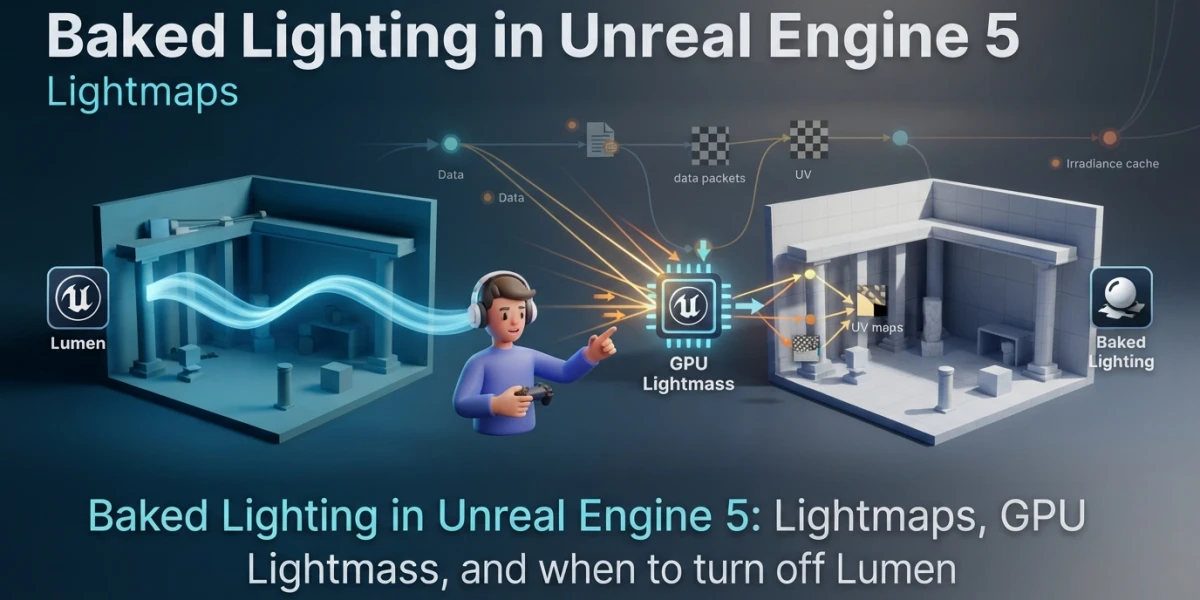
Image generated with AI
Baked Lighting in UE5: Lightmaps and GPU Lightmass

Diego Cortés
Author
Your Unreal Engine 5 scene looks stunning and runs at 20 fps. The fix is not lowering quality: it is deciding which lights get baked and which ones stay live. Baked lighting and lightmaps exist exactly for that decision.
What Baking Lighting in Unreal Engine 5 Actually Means
Baking means precomputing lighting in the editor and saving it in the project. With static and stationary lights, Unreal uses Lightmass to resolve area shadows and diffuse interreflection, then writes the result into textures applied to the geometry. Once the build finishes, that light costs nothing at runtime: the expense moved to GPU and disk memory.
A lightmap stores the light arriving at a surface, not a material's color, so it is not the same as the map baking you know from Blender (normals, ambient occlusion and ORM packing): that belongs to the asset, this belongs to the scene.
When baking is the wrong choice
If the light changes, baking loses its point: switches, day and night cycles or a scene rearranged at runtime all force a rebuild. The documentation is blunt about it: large open worlds are impractical to bake, like environments with terrain and World Partition.
Light Mobility: The Decision That Changes Everything
Before touching a single Lightmass setting, every light needs a mobility. That defines what gets precomputed and what gets paid on every frame.
Static: zero runtime cost
A static light cannot move or change at runtime, and in exchange Lightmass precomputes it entirely. It has the lowest cost of the three: once the build is done, it never costs again. In a fixed interior, most of the lighting should be static.
Stationary: the hybrid light and the limit of four
A stationary light is meant to stay in place while still changing brightness and color: indirect lighting goes into lightmaps and direct shadows into shadow maps. It uses Distance Field Shadows, so it holds up at low resolutions. The limit worth memorizing: four or fewer stationary lights can overlap on the same geometry.
Movable: pure, expensive dynamism
It is fully dynamic and the most expensive: the cost depends on how many meshes it lights and how many triangles they have. One fact that surprises and saves performance: a movable light that casts no shadows is very cheap, cheaper even than a static one, because there is no data to store on disk.
Setting Up Lightmap UVs, Where Bakes Break
Most failed bakes do not fail because of Lightmass, they fail because of UVs. A lightmap needs its own coordinate channel, with hard rules.
No overlaps and the right padding
Every face needs its own space: if two share the same patch, light from one bleeds into the other. Islands need separation to avoid leaking, and the usual minimum is four texels because DXT compression works in 4x4 blocks. For the editor grid, one divided by the target resolution gives the texel spacing: at 64, the spacing is 0.016129.
Resolution, UV channel and the view that exposes it
The Lightmap Coordinate Index tells the build which UV channel to use. Going below the minimum resolution of the generated UV produces seams and leaks. The Lightmap Density view colors by texel density: green is ideal, red is excessive and movable objects show brown because they need no lightmap. Without Compress Lightmaps, memory quadruples.
Baking on the CPU with Lightmass: The Classic Flow
The Importance Volume and the build
Lightmass emits photons based on level size, so a huge scene with background geometry becomes slow for no reason. The Importance Volume concentrates the calculation where it matters; outside it you get a single low-quality bounce. The build starts from the Build menu and when it finishes you choose Keep. The presets run from Preview, which is quick, to Production, which looks amazing and takes a while.
The settings that really move the result
Static Lighting Level Scale works in centimeters: raising it to 2 or 4 speeds up large worlds. Num Indirect Lighting Bounces controls bounces, and the first one contributes the most. Indirect Lighting Quality raises samples, and at high quality it pays to lower Smoothness to around 0.75. Environment Color exists, but the official recommendation is a Static Sky Light. Lightmass Portals only work in small interiors.
GPU Lightmass: Baking on the GPU (and Its Real Limits)
Turning it on and what you gain
It is a plugin found under Edit, Plugins, inside the Built-In category in Editor. It requires Support Hardware Ray Tracing and Virtual Texture Support enabled, the Default RHI set to DirectX 12 and a GPU with ray tracing. It precomputes the same result as CPU Lightmass in far less time, and with Virtual Texture Lightmaps the result updates live in the viewport.
What it does not support and how much memory it needs
It is still in Beta and does not support distributed baking with Swarm, World Position Offset, Pixel Depth Offset, Stationary Sky Light or Lighting Channels, nor precomputed ambient occlusion or Portals. It needs the whole scene in VRAM and ignores LODs, so heavy builds can trigger the Windows driver timeout.
Volumetric Lightmaps: Baked Light for Characters and Props
How it works and what it solves
When you build, Lightmass places samples on an adaptive grid over the Importance Volume, denser near static geometry. Each sample stores incoming light as a third-order spherical harmonic, and interpolation happens per pixel on the GPU, and on mobile on the CPU. That way a character driven by Control Rig receives coherent indirect light, and volumetric fog is lit by the bake, like fog in Blender.
The two cost dials and the honest number
Detail Cell Size hits build time and memory hard: halving it can multiply memory by up to eight. Maximum Brick Memory Mb acts as a ceiling, and if it is too low dense bricks get dropped and the character's light becomes imprecise. A character costs around 0.02 ms of GPU, and in a reference map the old system used 5 MB against 30 MB.
Turning Lumen Off: How It Is Done and What You Lose
Lumen and baked lighting do not mix
With Lumen enabled, static precomputed lighting contributions are disabled and every lightmap is hidden. Static lights are not supported either, because their contribution lives entirely in lightmaps. You cannot have both: you pick a path before building.
The two switches and the middle path
Allow Static Lighting removes precomputed lighting from the whole project. Levels with existing data do not clean themselves up: you must enable Force No Precomputed Lighting in World Settings, rebuild lighting and save the level. There is one rarely used middle path: Lumen Reflections works without Lumen global illumination, for projects with static lighting that want better reflections than Reflection Captures.
Baked Lighting or Dynamic Lighting: The Decision in One Table
The precomputed path is for light that does not change: the cost is measured in lightmap memory, quality is set by lightmap resolution, it requires its own UVs and it works especially well on mobile. The dynamic path is for light that changes: the cost is paid in real time and large open worlds are impractical to bake.
It is not either-or. You can bake the environment and keep gameplay lights dynamic, and that hybrid scene is the most common production case.
Checklist: A Bake That Does Not Break
Decide whether the project targets mobile or whether the scene is fixed, and pick your global illumination method. Assign mobility to every light. Generate lightmap UVs and set resolutions. Place the Importance Volume, and Portals if it is an interior. Build with CPU Lightmass or GPU Lightmass. Review the Lighting Only view and error coloring. And verify that moving objects receive light properly from the Volumetric Lightmaps.
Conclusion
Baked lighting trades freedom for performance: you give up changing light at runtime in exchange for memory and build time. On a scene with fixed light it is one of the roundest optimizations available, and on mobile it is often the answer outright.
On the platform you will find curated video tutorials on Unreal Engine 5 lighting and performance, organized and free of distractions. You can start with the Unreal Engine category or go straight to the video on turning Lumen off and baking lighting.