Break time!
Your Pomodoro session has ended
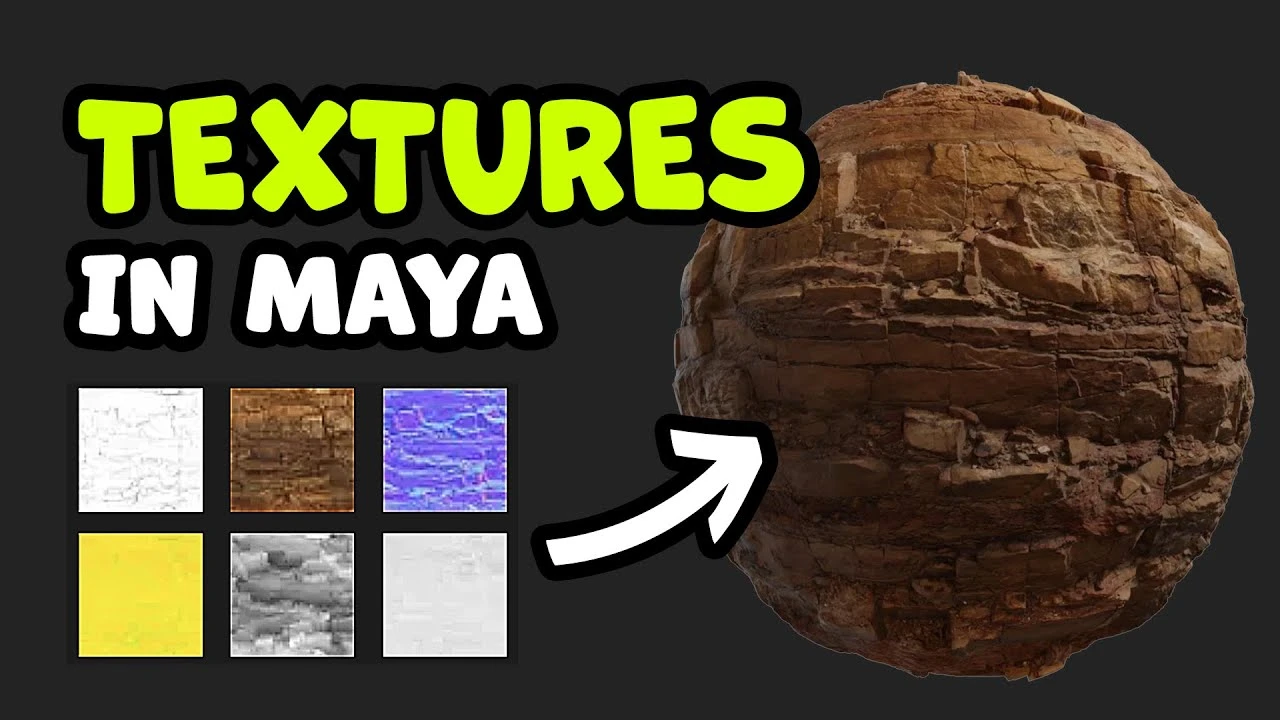
Cómo añadir Texturas en Maya - Introducción a Hypershade y Mapas PBR (Amigable para Principiantes)
Beginner🍅 Pomodoro Timer
Study for 25 min, then take a break. Improves focus!
Description
¡Desbloquea el poder de las texturas PBR en Maya con este tutorial detallado para principiantes! 🎨
En este video aprenderás a descargar texturas de alta calidad, configurar Maya y aplicar mapas como Difuso, Rugosidad, Normal y Desplazamiento para crear modelos 3D realistas.
En este video aprenderás a descargar texturas de alta calidad, configurar Maya y aplicar mapas como Difuso, Rugosidad, Normal y Desplazamiento para crear modelos 3D realistas.
Tags
Up Next
Arnold tutorial - Toon hatching shading in MtoA
Arnold renderer
Rigging brazo IKFK Parte 3
Blender Deluxe Tutoriales
Arnold Tutorial - Mesh Light with Motion Blur in Maya (GPU)
Arnold renderer
¿Cómo animar la anticipación y el sobreimpulso en Maya? | Lección 5, Parte C | Animación en Maya ...
zinteractive
Arnold Tutorial: Toon shading an assault mech model in MtoA
Arnold renderer
Arnold tutorial - Using the curvature shader in MtoA
Arnold renderer
Arnold tutorial - Using the flakes shader in MtoA
Arnold renderer
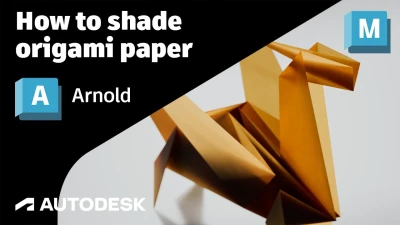
Arnold Tutorial - How to shade origami paper in Maya
Arnold renderer
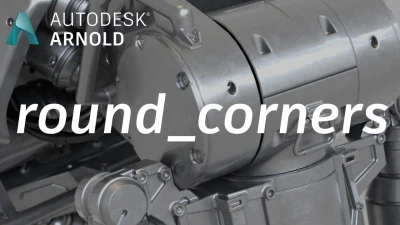
Arnold tutorial - Using the round_corners shader in MtoA
Arnold renderer
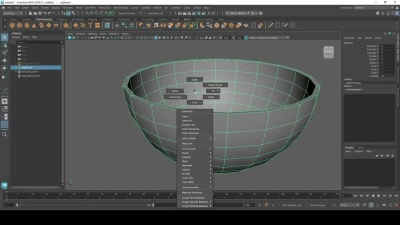
Modelado Pote Bowl Ceramico Maya
Blender Deluxe Tutoriales