Break time!
Your Pomodoro session has ended
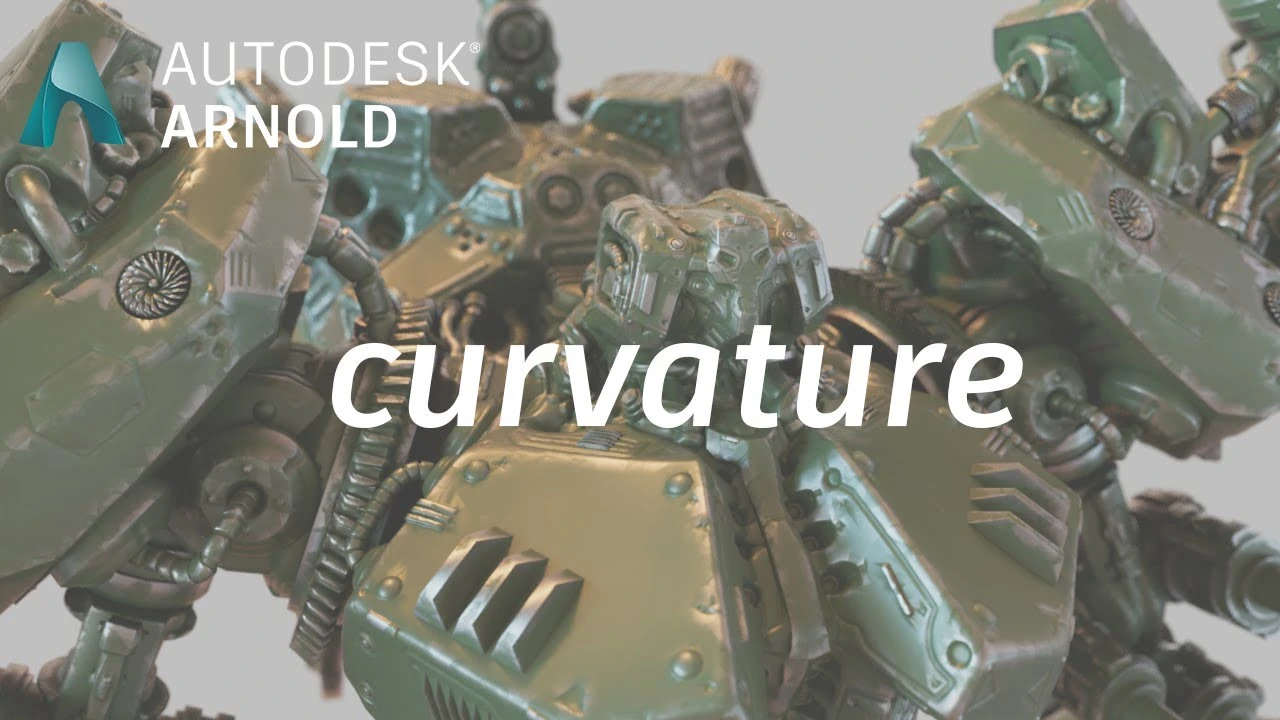
Arnold tutorial - Using the curvature shader in MtoA
Beginner🍅 Pomodoro Timer
Study for 25 min, then take a break. Improves focus!
Description
This tutorial shows how to create a wear and tear effect using the curvature shader in Arnold.
https://help.autodesk.com/view/ARNOL/...
https://help.autodesk.com/view/ARNOL/...
#maya #arnoldrenderer #shading
https://help.autodesk.com/view/ARNOL/...
https://help.autodesk.com/view/ARNOL/...
#maya #arnoldrenderer #shading
Up Next


Arnold tutorial - Toon hatching shading in MtoA
Arnold renderer
Rigging brazo IKFK Parte 3
Blender Deluxe Tutoriales
Arnold Tutorial - Mesh Light with Motion Blur in Maya (GPU)
Arnold renderer
¿Cómo animar la anticipación y el sobreimpulso en Maya? | Lección 5, Parte C | Animación en Maya ...
zinteractive
Arnold Tutorial: Toon shading an assault mech model in MtoA
Arnold renderer
Arnold tutorial - Using the flakes shader in MtoA
Arnold renderer
Arnold Tutorial - How to shade origami paper in Maya
Arnold renderer
Arnold tutorial - Using the round_corners shader in MtoA
Arnold renderer
Modelado Pote Bowl Ceramico Maya
Blender Deluxe Tutoriales
Herramienta de Bevel Maya #maya #maya3d #mayatutorial #3dtutorial #bevel
Blender Deluxe Tutoriales