¡Tiempo de descanso!
Tu sesión Pomodoro ha terminado
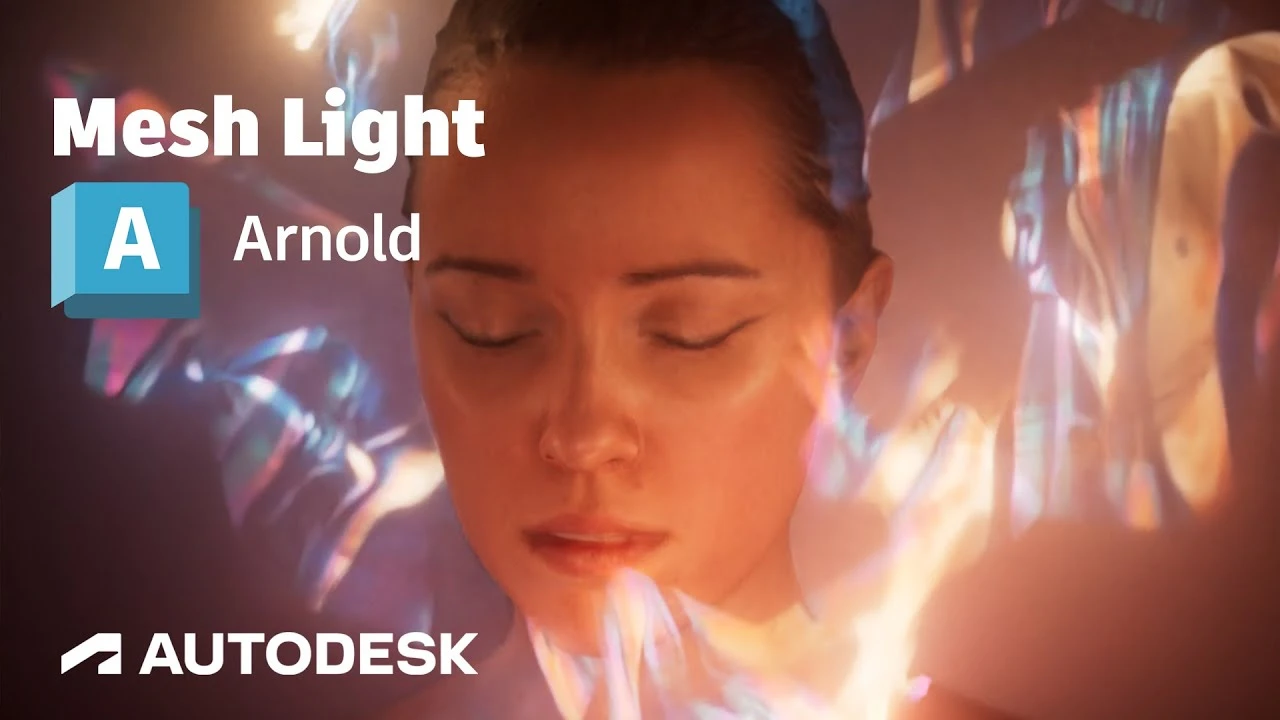
Arnold Tutorial - Using the mesh_light in MtoA
Principiante🍅 Timer Pomodoro
Estudia 25 min, luego toma un descanso. ¡Mejora la concentración!
Descripción
This tutorial shows how to use the mesh_light with motion_blur and atmosphere_volume to create a long exposure lighting effect.
Mesh lights: https://help.autodesk.com/view/ARNOL/...
Motion blur: https://help.autodesk.com/view/ARNOL/...
Atmosphere volume: https://help.autodesk.com/view/ARNOL/...
#arnoldrenderer #arnoldrenderer #maya #shading
Mesh lights: https://help.autodesk.com/view/ARNOL/...
Motion blur: https://help.autodesk.com/view/ARNOL/...
Atmosphere volume: https://help.autodesk.com/view/ARNOL/...
#arnoldrenderer #arnoldrenderer #maya #shading
A continuación


Animación de Parpadeo en Maya Parte 1 ⭐
Blender Deluxe Tutoriales
Arnold Tutorial: How to create a portal effect using the ray_switch shader (GPU)
Arnold renderer
Arnold tutorial - Toon hatching shading in MtoA
Arnold renderer
5 Topology Tips That Will Get You HIRED
JL Mussi
Hard Surface Modeling Essentials: Curved Surfaces
FlippedNormals
Tutorial Algas Ncloth Simulación en Maya
Blender Deluxe Tutoriales
Arnold + USD = Love
Arnold renderer
How to model a tire in 7 Minutes in Maya
MH Tutorials
¿Cómo animar la anticipación y el sobreimpulso en Maya? | Lección 5, Parte C | Animación en Maya ...
zinteractive
Arnold tutorial - Toon Shading and Lighting Sven in MtoA
Arnold renderer