¡Tiempo de descanso!
Tu sesión Pomodoro ha terminado
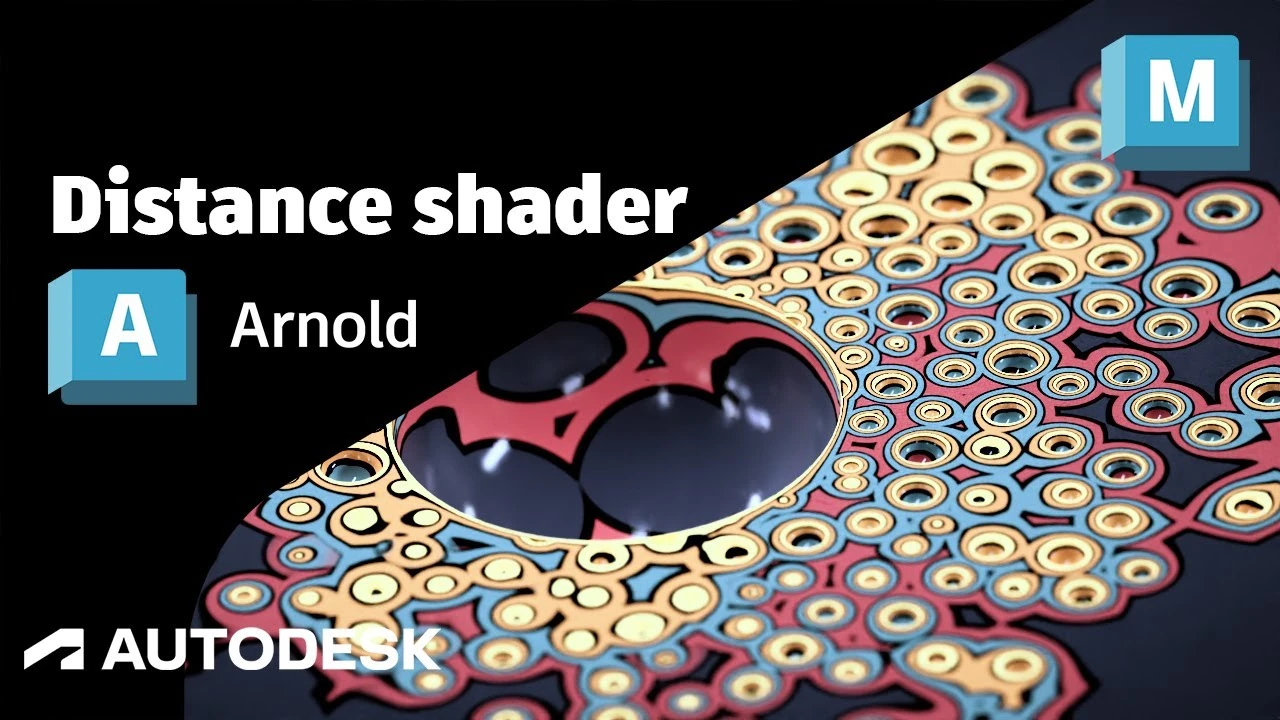
Arnold Tutorial - How to use the Distance shader to create some abstract art in MtoA
Principiante🍅 Timer Pomodoro
Estudia 25 min, luego toma un descanso. ¡Mejora la concentración!
Descripción
This tutorial shows you how you can use the distance shader in combination with the ramp_rgb shader and the clip_geo shader to create an abstract art effect.
https://help.autodesk.com/view/ARNOL/...
https://help.autodesk.com/view/ARNOL/...
https://help.autodesk.com/view/ARNOL/...
#arnoldrenderer #shaders #maya
https://help.autodesk.com/view/ARNOL/...
https://help.autodesk.com/view/ARNOL/...
https://help.autodesk.com/view/ARNOL/...
#arnoldrenderer #shaders #maya
A continuación


Animación de Parpadeo en Maya Parte 1 ⭐
Blender Deluxe Tutoriales
Arnold Tutorial: How to create a portal effect using the ray_switch shader (GPU)
Arnold renderer
Arnold tutorial - Toon hatching shading in MtoA
Arnold renderer
5 Topology Tips That Will Get You HIRED
JL Mussi
Hard Surface Modeling Essentials: Curved Surfaces
FlippedNormals
Tutorial Algas Ncloth Simulación en Maya
Blender Deluxe Tutoriales
Arnold + USD = Love
Arnold renderer
How to model a tire in 7 Minutes in Maya
MH Tutorials
¿Cómo animar la anticipación y el sobreimpulso en Maya? | Lección 5, Parte C | Animación en Maya ...
zinteractive
Arnold tutorial - Toon Shading and Lighting Sven in MtoA
Arnold renderer