¡Tiempo de descanso!
Tu sesión Pomodoro ha terminado
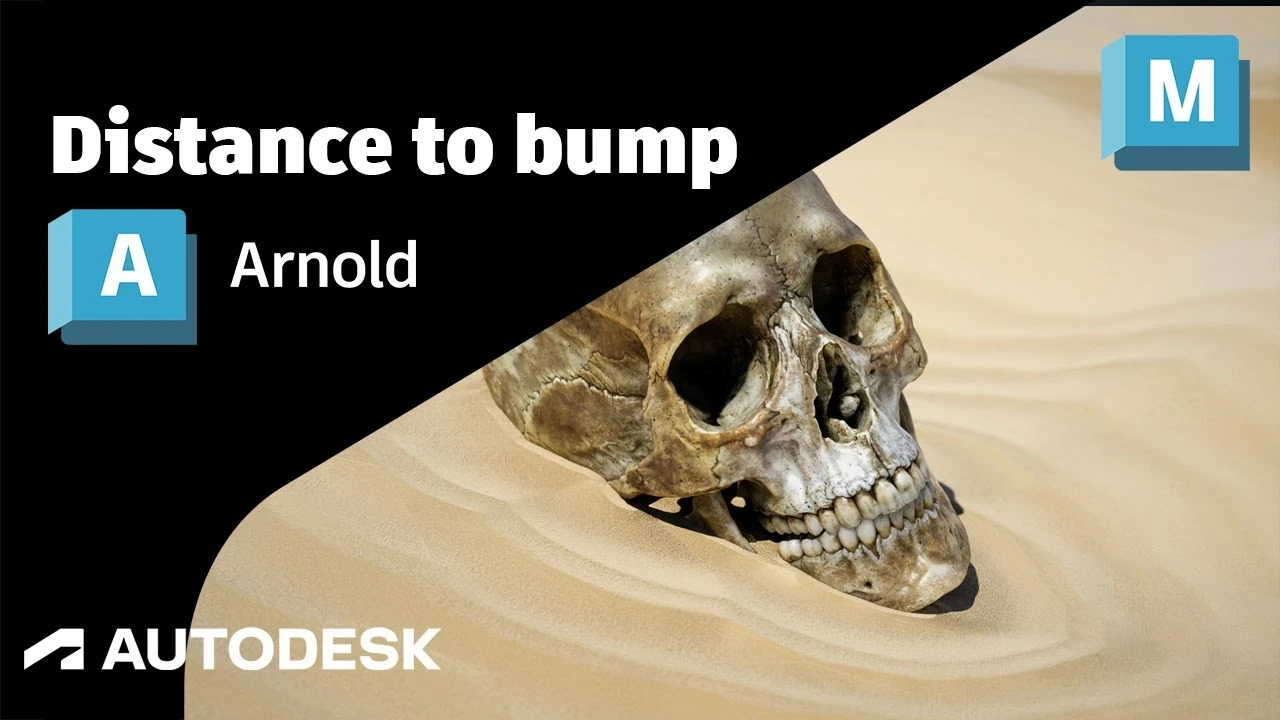
Arnold Tutorial: How to use the distance shader to create a ripple using bump mapping in Maya (GPU)
Principiante🍅 Timer Pomodoro
Estudia 25 min, luego toma un descanso. ¡Mejora la concentración!
Descripción
This tutorial shows how to use the distance shader with the cell_noise and bump 2d shader to create some sand and water ripples around an object.
https://help.autodesk.com/view/ARNOL/...
https://help.autodesk.com/view/ARNOL/...
#arnoldrenderer #shaders #shading
https://help.autodesk.com/view/ARNOL/...
https://help.autodesk.com/view/ARNOL/...
#arnoldrenderer #shaders #shading
A continuación


The Easiest Character Setup for Mocap Animation in Maya
Sir Wade Neistadt
Arnold tutorial - Using the light_blocker in MtoA
Arnold renderer
¡Domina el Parkour Blocking en Maya! Técnicas Avanzadas Parte 2 🚀
Blender Deluxe Tutoriales
Getting Started With Open Source NVIDIA Audio2Face-3D in Maya
NVIDIA Game Developer
How to Animate Overlapping and Drag & Wave Principle? | Lesson3 | Maya Animation for Beginners |Live
zinteractive
Arnold tutorial - How to create a holographic effect in MtoA
Arnold renderer
Maya Tutorial: Model a Coffee Cup
What Make Art
Render Image Sequence Maya Tutorial
What Make Art
Tutorial de efectos visuales de Blender Monster
FxForge
Why Your 3D Renders Look Fake and How to Fix Them
Tranyx