Break time!
Your Pomodoro session has ended
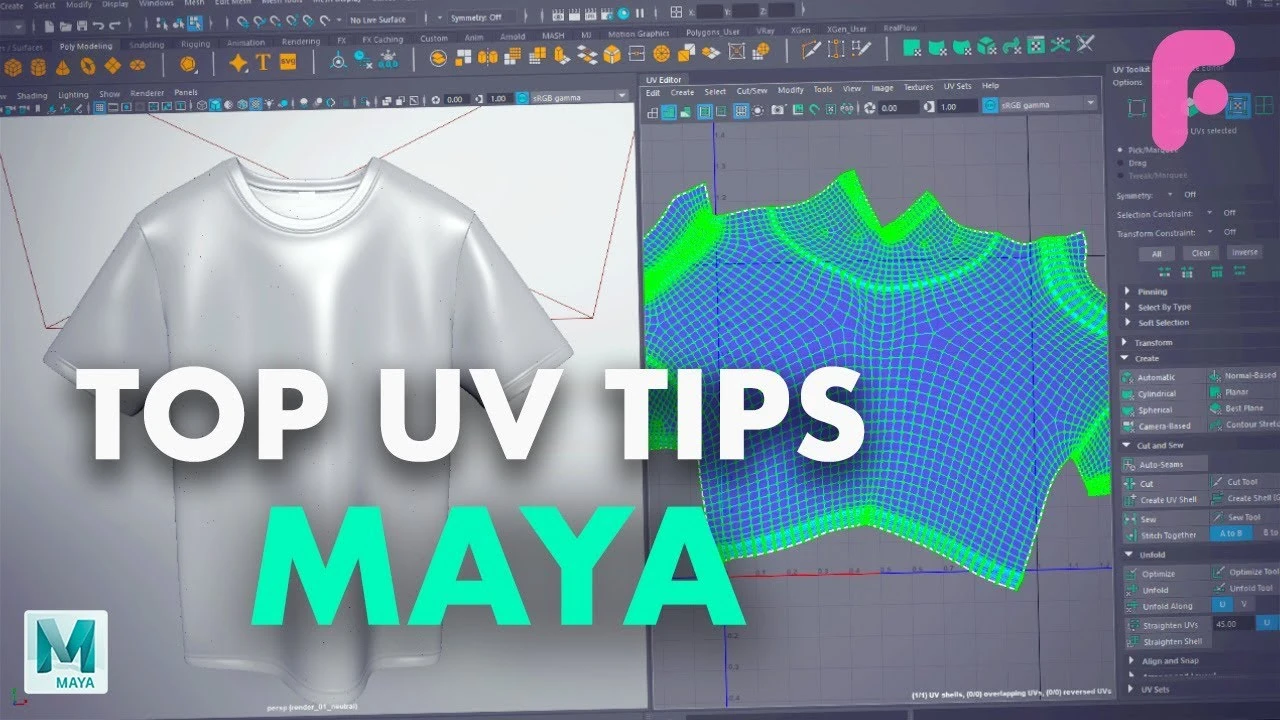
Top Tips for Improving Your UVs in Maya
Beginner🍅 Pomodoro Timer
Study for 25 min, then take a break. Improves focus!
Description
In this Maya video tutorial, we cover our top tips for improving your UV mapping in Maya 2018. These tips can really speed up your UV workflow in bigger and smaller ways.
We hope you enjoyed this tutorial! Make sure to follow us on our other social media to stay on top of what we do.
Website - https://flippednormals.com/
Facebook - / flippednormals
Twitter - / flippednormals
Vimeo - http://vimeo.com/flippednormals
Subscribe now to stay up to date with future videos!
https://www.youtube.com/c/FlippedNorm...
We hope you enjoyed this tutorial! Make sure to follow us on our other social media to stay on top of what we do.
Website - https://flippednormals.com/
Facebook - / flippednormals
Twitter - / flippednormals
Vimeo - http://vimeo.com/flippednormals
Subscribe now to stay up to date with future videos!
https://www.youtube.com/c/FlippedNorm...
Tags
Up Next

Cómo Crear una Animación de Cámara 360 en Maya – Iluminación y Render
Fox Bandit
UVs for Beginners - UV mapping a Head in Maya
FlippedNormals
Arnold tutorial - How to create a CD shader in MtoA
Arnold renderer
Arnold tutorial - Using the camera rolling shutter in MtoA
Arnold renderer
Agregar SkyDome y HDRI en Maya Anrold
Blender Deluxe Tutoriales
Ray Shelf Setup
Blender Deluxe Tutoriales
Arnold tutorial - Rendering a refractive portrait effect in MtoA
Arnold renderer
Arnold tutorial - Using transmission_scatter in MtoA
Arnold renderer
Create a Flag using nCloth in Maya 2019
Academic Phoenix Plus
3D Game Asset Creation (Full Process) - Stylised Axe
Stu Lloyd (CG Stu)