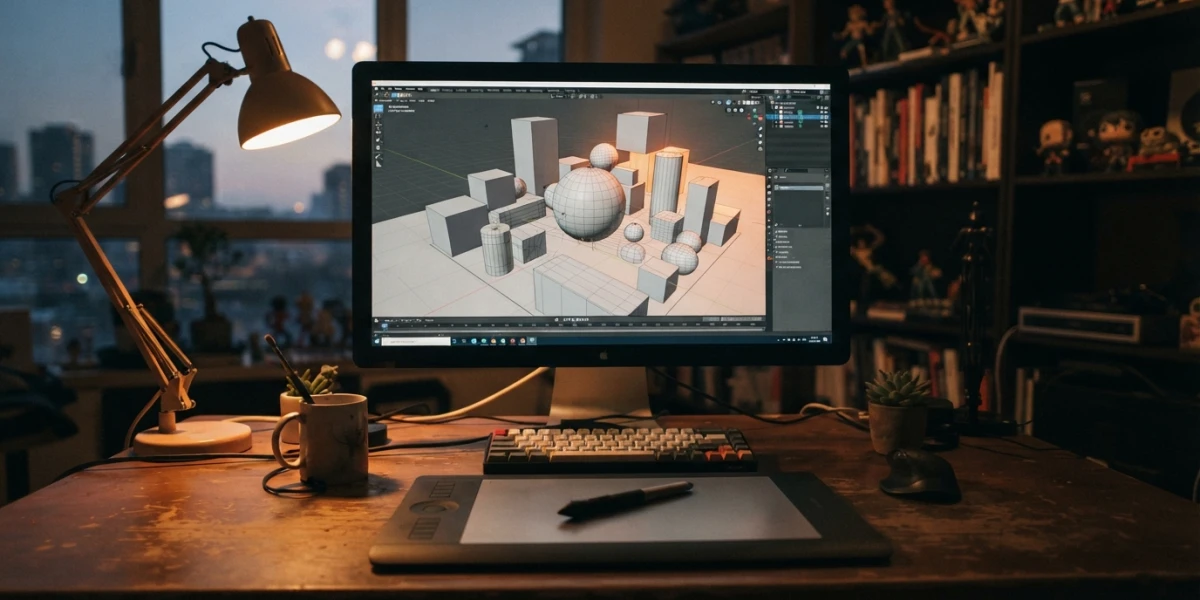
Image generated with AI
How to Learn CGI from Scratch: Roadmap & First Project

Diego Cortés
Author
Learning CGI from scratch is not hard because of the software. It is hard because almost nobody tells you the order to do things in. This guide lays out the whole path, from understanding what CGI is to finishing your first project.
What CGI Really Is (and What It Isn't)
CGI stands for computer-generated imagery: creating or enhancing images with software for film, advertising, video games, simulators and illustration. There is CGI behind almost everything on screen today.
The one-line definition
Any image created or modified by a computer for an audiovisual medium. Everything else (stages, software, job titles) hangs off that base.
CGI is not the same as on-set visual effects
Visual effects cover work done over live-action footage: removing a wire, cleaning a mark, replacing a sky, compositing layers. CGI is one of the pieces that can go into that work, but not the only one. You can have VFX with no CGI at all, and CGI with no live-action plate. We cover that side in what visual effects are.
CGI is not an AI-generated image
A CGI scene is geometry, materials, lights and animation you can manipulate: move the camera, change a texture or relight a lamp and render again. That is what the pipeline below makes possible. A generative model hands you a finished image, not an editable scene.
A short history note
CGI reached the big screen earlier than most people think: John Whitney's computer graphics appeared in the titles of Vertigo (1958), Westworld (1973) was the first feature to use CGI inside the story alongside live action, and Young Sherlock Holmes (1985) delivered the first fully CGI character.
The CGI Pipeline: the Stages You Repeat in Every Project
In the industry, the chain of disciplines behind 3D computer animation is known as the pipeline. The team size changes; the order does not. Every stage feeds the next one.
Modeling
Building the surface of an object in three dimensions by manipulating vertices, edges and polygons. You can model by hand, procedurally with rules and nodes, or by scanning reality.
Texturing and shading
Giving the model a surface: base color, roughness, metallic, normals. It is the PBR workflow that makes an object react to light like its real material.
Rigging
Building the skeleton, the weights and the controls that let the model move without breaking. It is the stage nobody sees.
Animation
Bringing the rig to life with keyframes and, above all, principles: timing, anticipation, weight. If animation is your goal, the 12 principles of animation are the base material.
Simulation and FX
Cloth, hair, fluids, smoke, destruction and particles. It is the most automated branch and one of the most in demand at large studios.
Lighting and rendering
Setting the lights and turning the scene into images. This is where renderers come in (Cycles, Arnold, Karma) along with compute time: the stage that eats the most hardware.
Compositing and post
Combining layers and render passes, grading color and delivering the final image. It runs alongside everything above and is usually the last gate.
Why the pipeline matters before you pick software
Each stage is a specialty and, at mid-size and large studios, a different job. Knowing this from day one keeps you from trying to learn seven things at once and lets you choose what to go deep on later.
Which Software to Start With When You Learn CGI (Without Spending a Cent)
You do not need a studio suite to learn. You need one tool that lets you walk the whole pipeline.
Blender
Free and open source, and a single program covers modeling, texturing, rigging, animation, simulation, rendering and even video editing. The current stable release is Blender 5.2 LTS, shipped on July 14, 2026, with fixes guaranteed for at least two years. It is the best possible starting point: see the platform's beginner Blender tutorial.
Maya
The standard in animation and VFX. Autodesk offers eligible students and teachers a free one-year education plan, renewable while requirements are met: the sensible way to try the industry standard without paying for a license. If you go that route, start with the Maya fundamentals.
Houdini
The king of procedural effects. Houdini Apprentice is free for non-commercial projects, with clear limits: watermarked renders, output capped at 1920x1080, its own scene format and no third-party renderers. Great for exploring FX later, not as a first program.
Unreal Engine
A real-time engine widely used in games and virtual production. It is free to learn on: the license only takes a royalty on high game revenue, never for studying.
ZBrush and Substance Painter
Sculpting and texturing that the industry asks for: the next step, once you have a model and a working flow, not the entry door.
How to decide
Pick one program and stay with it for the first few months. Software is not the craft, it is the tool. To compare options, read our software comparison for beginners; if you pick Blender, start with first steps in Blender.
The Hardware You Actually Need
Blender's official requirements are modest: minimum 4 cores, 8 GB of RAM and 2 GB of VRAM with OpenGL 4.3 or Vulkan 1.3; recommended 8 cores, 32 GB of RAM and 8 GB of VRAM. On macOS, Blender 5.0 and later require Apple Silicon and macOS 13 or higher.
What really changes a beginner's day is not the GPU: a mouse with a scroll wheel and a keyboard with a numpad save more time than a new card. Heavy renders can wait until the end of the day, and if you would rather not buy hardware, cloud rendering is an option, compared in render farms in the cloud.
A Learning Path: How to Learn CGI from Zero to Your First Project
A path that works is not a 40-hour course: it is months with concrete deliverables.
Weeks 1 and 2
Get to know the tool: interface, navigation, move, scale, rotate. Then model something simple and finish it, even if it looks bad. Finished is the key word: the Blender Guru donut series fits those two weeks.
Weeks 3 and 4
Blockout modeling and subdivision, with a model of your own from start to finish.
Month 2
Materials, textures and three-point lighting. Learn to study real references before you invent anything; the fundamentals of lighting are a good entry point.
Month 3
Animation. A well-animated bouncing ball with squash and stretch teaches more than a half-animated character, and it forces you to understand weight and timing.
Month 4
Render, composite and publish a short 10 to 20 second clip. One published project is worth more than ten started ones.
Four rules that speed up the learning
Small finished projects beat endless courses; a short daily session pays off more than a weekend marathon; copy the tutorial first and break it afterwards; show your work and ask for specific critique instead of praise.
Your First Project and a Portfolio
Pick something that fits in two weeks: a simple scene, an animation loop, a ball with squash and stretch, or an object with a turntable. The point is not difficulty, it is finishing.
Afterwards, only put work in your portfolio that proves a specific skill. Quality over quantity, with short descriptions. We break that down in building a portfolio that gets you hired.
Jobs and the Reality of the Craft
Pipeline specializations are real jobs: modeler, texture or lookdev artist, rigger, animator, lighter, FX artist or Houdini TD, compositor and generalist. The generalist shines where someone has to do a bit of everything.
US market data gives an honest reference: in 2025, special effects artists and animators recorded a median of 102,030 dollars a year, about 49 an hour, across 51,900 jobs, with a projected 2025-2035 change of zero percent. The right reading: a stable, competitive market where the portfolio decides, not the diploma. Ranges differ across Spanish-speaking countries, but the rule holds.
Other routes: advertising and small production houses, games, architecture and visualization, teaching and freelance work.
Conclusion
Learning CGI is learning a craft in stages, not memorizing a program. Pick one tool, respect the pipeline order and finish projects: that is the difference between years of scattered tutorials and a real portfolio. On the platform, the curated video tutorials are grouped by software and by fundamentals, with channels such as Blender Guru, Aura Prods and BlenderDude.