¡Tiempo de descanso!
Tu sesión Pomodoro ha terminado
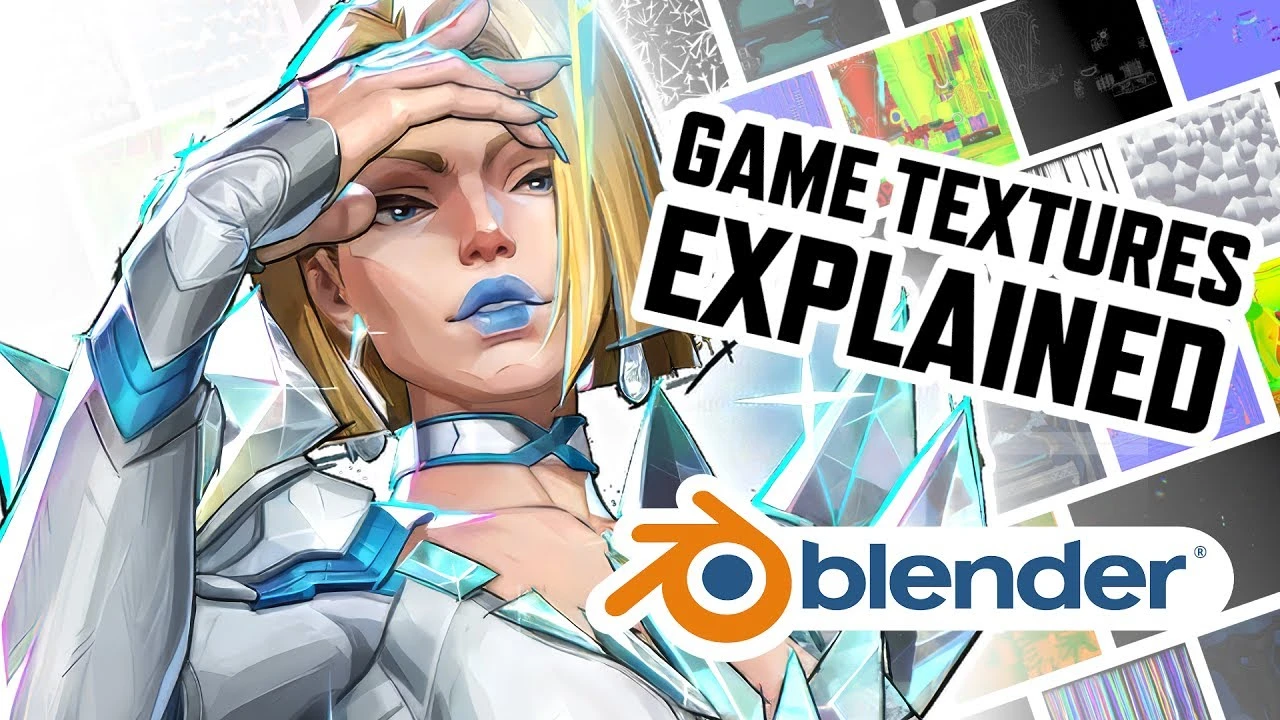
Video Game Textures Explained! (Blender 4.0+ Tutorial)
Principiante🍅 Timer Pomodoro
Estudia 25 min, luego toma un descanso. ¡Mejora la concentración!
Descripción
Game models come with lots of different texture maps....but what do they all do?
In this video, I’ll explain the most common texture types like Color, Roughness, Metallic, Normal, Ambient Occlusion, Emission, and more. We’ll also cover packed textures like ORM maps and how to split them in Blender using Node Wrangler.
Watch the rest of the Video Game Series!
• Import ANY Game Model into Blender 4.0+!
• EASILY Set Up Game Materials in Blender 4.0+
• EASILY Rig Game Models in Blender 4.0+
In this video, I’ll explain the most common texture types like Color, Roughness, Metallic, Normal, Ambient Occlusion, Emission, and more. We’ll also cover packed textures like ORM maps and how to split them in Blender using Node Wrangler.
Watch the rest of the Video Game Series!
• Import ANY Game Model into Blender 4.0+!
• EASILY Set Up Game Materials in Blender 4.0+
• EASILY Rig Game Models in Blender 4.0+
A continuación





La IA acaba de llegar a Blender… pero no como imaginaba
Aura Prods
1 Easy Way to Make Better Environments in Blender
ManjuRam
Sculpting a cliff in Blender (timelapse)
Blender Guru
How I created a barren world in Blender 3D
Samuel Krug VFX
Easy Fog in Blender
Blender Guru
Aprende TODO de Blender - De CERO a PRO de Producto 3D! 📈📈 (Tutorial ESP) - Blender 4.2.2 LTS
Alinwan Studios
How to Make Cinematic Renders with Blender?
Bad Normals
Material de vidrio en Blender 4.3: ¡Rápido y fácil!
Berk Kaplan - Designer
Blender 3.0 Beginner Tutorial Part 12: Floating Particles
Blender Guru
Topology Tip: Perfect Sub-D Modeling Every Time!
On Mars 3D