Break time!
Your Pomodoro session has ended
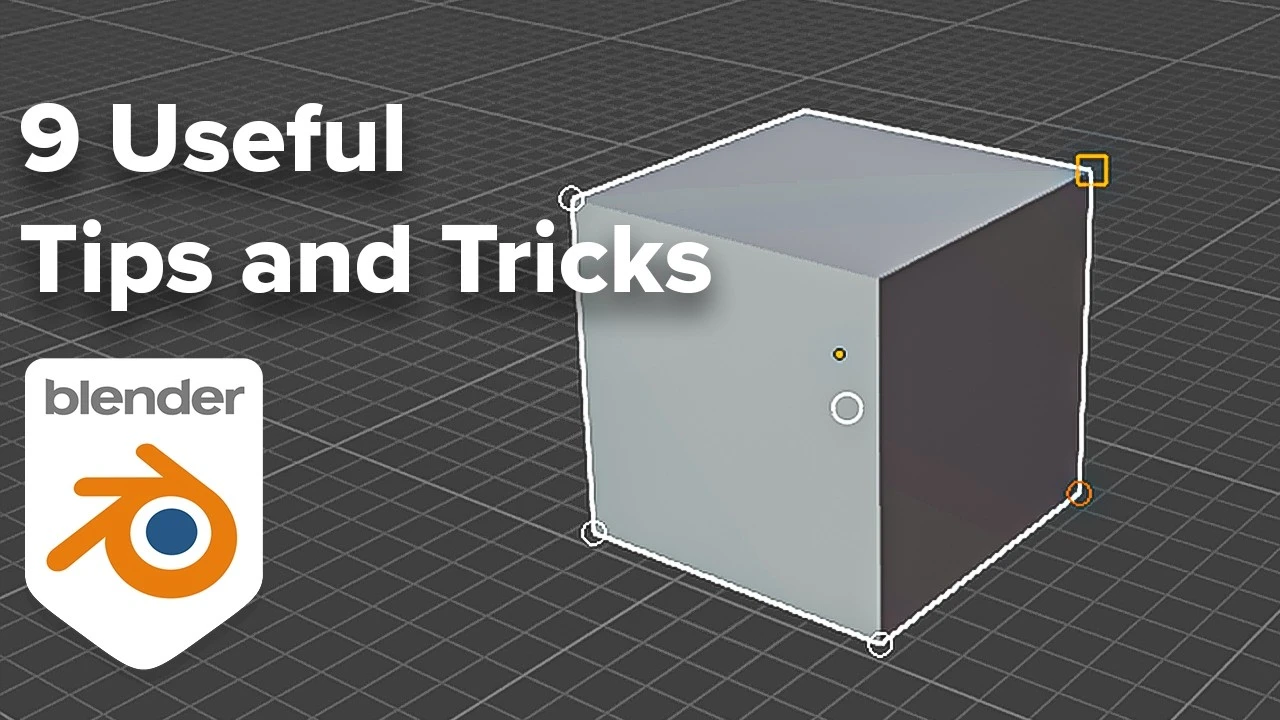
9 Tips for Blender You Probably Didn't Know
Beginner🍅 Pomodoro Timer
Study for 25 min, then take a break. Improves focus!
Description
In this video, I'll go over 9 tips, tricks and shortcuts you might not know in blender. I've tried to keep these to only ones that are actually useful, and which I use all the time. There are many that I didn't include here, so feel free to share them in the comments too.
Cyber Environments Course:
https://www.maxhayart.com/cyber-envir...
Timestamps:
00:00 - Start
00:22 - Movement Snap Controls
01:57 - Workspace Tips
03:43 - Align World to Camera
05:00 - More Workspace Tips
07:00 - Snap Objects to Cursor
07:58 - Period Key tips
9:38 - Quick Favourites Menu
12:25 - Affect Only Locations
13:35 - Select Objects with Mats or Data
Cyber Environments Course:
https://www.maxhayart.com/cyber-envir...
Timestamps:
00:00 - Start
00:22 - Movement Snap Controls
01:57 - Workspace Tips
03:43 - Align World to Camera
05:00 - More Workspace Tips
07:00 - Snap Objects to Cursor
07:58 - Period Key tips
9:38 - Quick Favourites Menu
12:25 - Affect Only Locations
13:35 - Select Objects with Mats or Data
Up Next




La IA acaba de llegar a Blender… pero no como imaginaba
Aura Prods
MAKE THIS: Realistic Dense Forest Scene in Blender
Meshful Works
1 Easy Way to Make Better Environments in Blender
ManjuRam
Sculpting a cliff in Blender (timelapse)
Blender Guru
Easy Fog in Blender
Blender Guru
Making motion trails in Blender
Bad Normals
Optimize interior Renderings in Blender Cycles
rileyb3d
Rigging chains and Scoprion's hook in Blender
Pierrick Picaut
How to Create Photorealistic Interior Lighting in Blender
coral lab
Blender 3.0 Beginner Tutorial Part 12: Floating Particles
Blender Guru