Break time!
Your Pomodoro session has ended
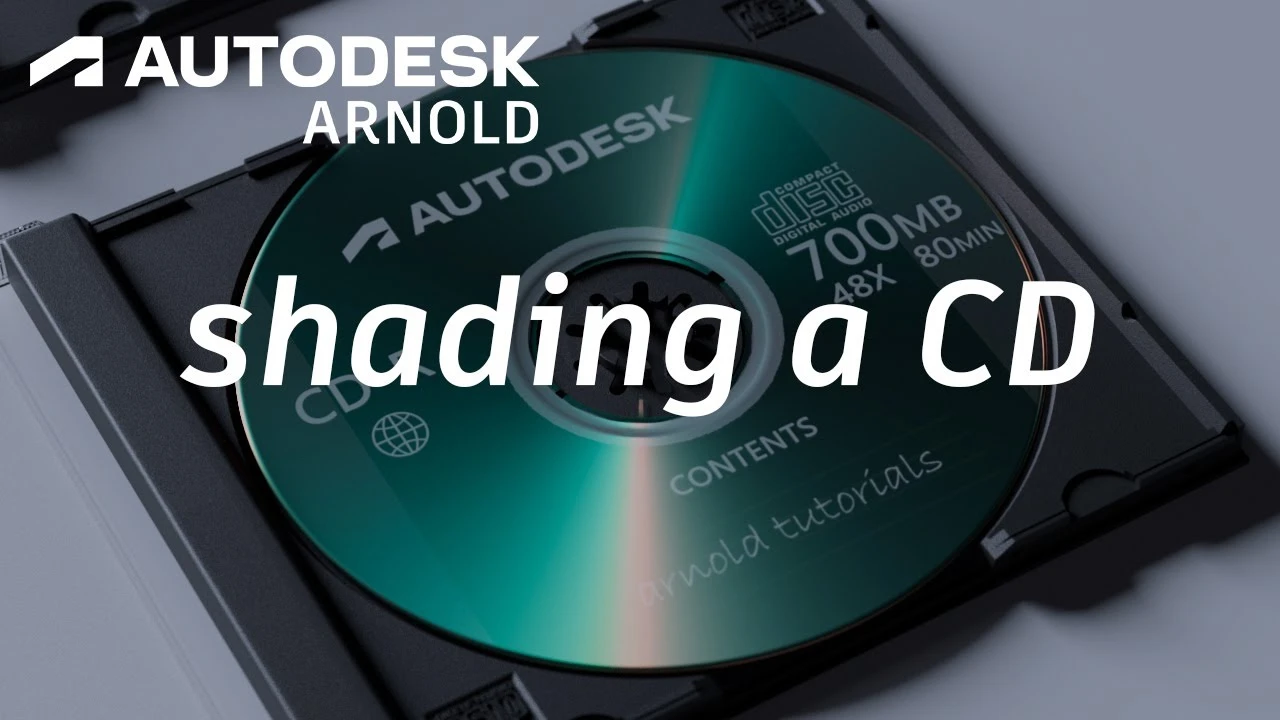
Arnold tutorial - How to create a CD shader in MtoA
Beginner🍅 Pomodoro Timer
Study for 25 min, then take a break. Improves focus!
Description
This tutorial will show you how to create a realistic CD shader with anisotropic reflections. Anisotropic reflections are based on the orientation of small grooves (bumps, fibers, or scratches) that exist on a reflective surface. We will achieve this effect using a radial ramp connected to the anisotropy rotation.
Things to note:
You may need to change the UVs depending on the mesh that you are using for this effect to work. You may also need to increase the number of subdivision_iterations to remove any anisotropic faceting that you might see on the CD mesh.
Even though I duplicated three ramps in the video, you could probably just use one ramp and connect it to the three UVTransform shaders.
Thanks to Zap Andersson for his assistance with this tutorial.
https://help.autodesk.com/view/ARNOL/...
https://help.autodesk.com/view/ARNOL/...
https://help.autodesk.com/view/ARNOL/...
https://help.autodesk.com/view/ARNOL/...
#maya #arnoldrenderer #shading
Things to note:
You may need to change the UVs depending on the mesh that you are using for this effect to work. You may also need to increase the number of subdivision_iterations to remove any anisotropic faceting that you might see on the CD mesh.
Even though I duplicated three ramps in the video, you could probably just use one ramp and connect it to the three UVTransform shaders.
Thanks to Zap Andersson for his assistance with this tutorial.
https://help.autodesk.com/view/ARNOL/...
https://help.autodesk.com/view/ARNOL/...
https://help.autodesk.com/view/ARNOL/...
https://help.autodesk.com/view/ARNOL/...
#maya #arnoldrenderer #shading
Up Next




Introduction to UV Mapping - Learn the Complete Basics
FlippedNormals
Conceptos básicos de modelado en Maya ::: Parte 1
Tutoriales Kames
Master Maya Curve Modeling in Maya Using Sweep Mesh
FlippedNormals
Idle ANIMATION in UNDER 5 MINUTES!
Gogan
Details on Cylinders // 3D Modeling in Maya
Mario Elementza
Arnold tutorial - Render Bifrost strands with the Arnold toon shader in MtoA
Arnold renderer
How to Retopologize the Body in Maya
FlippedNormals
¡DOMINA LIGHT LINKING EN MAYA ARNOLD! Mejora la Iluminación de tus Escenas ⭐ ⭐ ⭐ ⭐ ⭐
Blender Deluxe Tutoriales
Arnold for Maya | How to create Silk, Cotton, Velvet and other fabric shaders | Tutorial #115
MographPlus
Hidden Maya Features: Align Tools
FlippedNormals