Break time!
Your Pomodoro session has ended
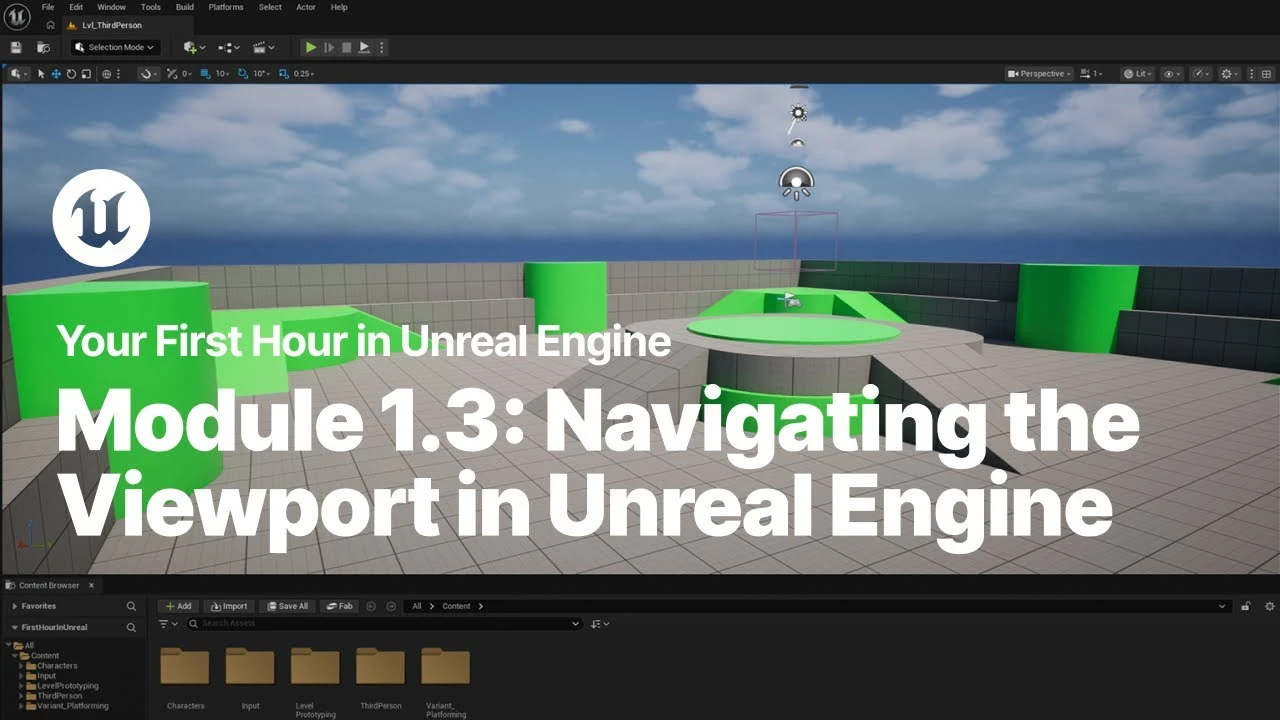
Navigating the Viewport in Unreal Engine
Beginner🍅 Pomodoro Timer
Study for 25 min, then take a break. Improves focus!
Description
Just starting your journey using Unreal Engine? This beginner tutorial series, created in partnership with Luke Anderton of Tinkr Studios, will show you how to get started while helping you start building your first 3d platforming game!
In this video, you will learn to navigate the user interface and use the gizmo to move, rotate, and scale objects.
YFHIU Tutorial Page: https://dev.epicgames.com/documentati...
Additional Resources:
Unreal Editor Interface: https://dev.epicgames.com/documentati...
In this video, you will learn to navigate the user interface and use the gizmo to move, rotate, and scale objects.
YFHIU Tutorial Page: https://dev.epicgames.com/documentati...
Additional Resources:
Unreal Editor Interface: https://dev.epicgames.com/documentati...
Up Next


Live Link Hub Tips | Unreal Engine Animation Hub
Unreal Engine
Procedural PAINTERLY SHADER in Unreal Engine 5 | Part 1
Kher
How Create A Simple Cel Shader - Unreal Engine 5 Materials Tutorial
Pitchfork Academy
Installing Unreal Engine
Unreal Engine
Florian and Sam Make a Real-Time Strategy Game in UEFN | Unreal Fest Stockholm 2025
Unreal Engine
A First Look at the New Animation Features in Unreal Engine 5.6
Unreal Engine
How to Procedurally Generate 3D Environments in Unreal Engine 5 | FULL PCG WORKFLOW
pwnisher
Beginner's Guide to Creating Stylized Environments in UE4
Stylized Station
Designing the Game End Screen in UMG
Unreal Engine
How to use physically based lighting values In Unreal Engine
Karim abou shousha