Break time!
Your Pomodoro session has ended
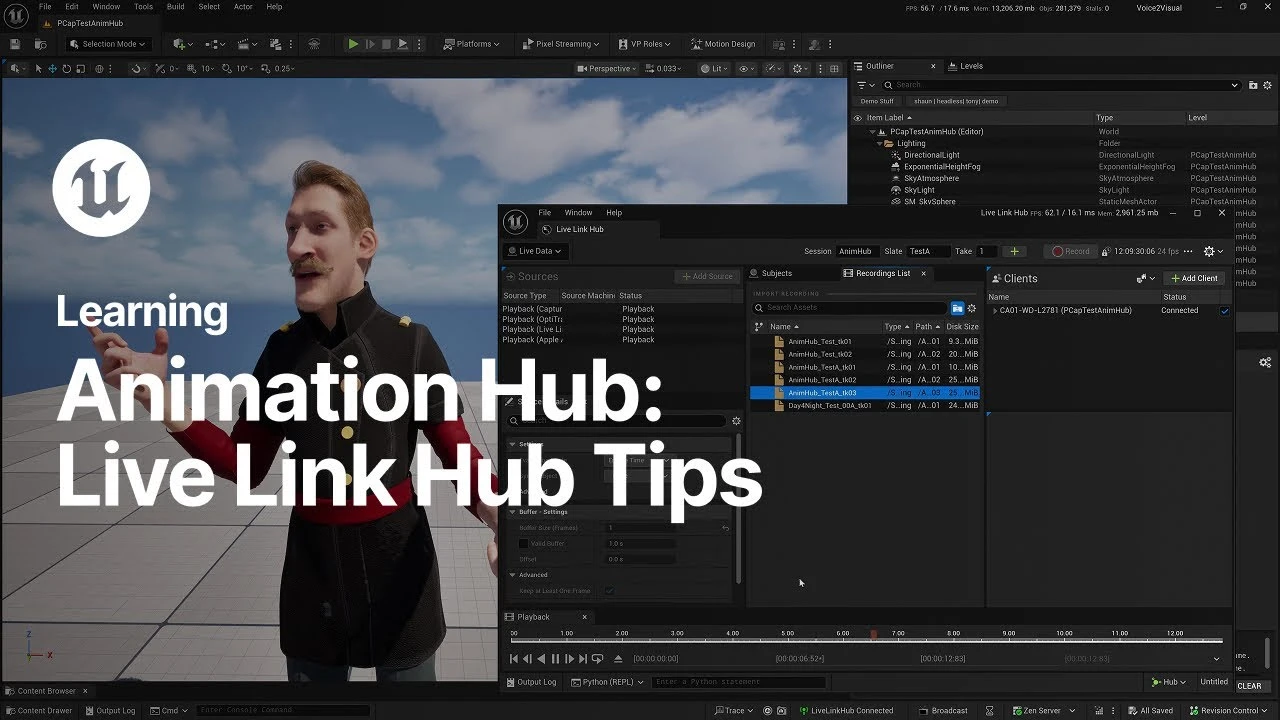
Live Link Hub Tips | Unreal Engine Animation Hub
Beginner🍅 Pomodoro Timer
Study for 25 min, then take a break. Improves focus!
Description
Watch this video for a deep dive into the different features of Live Link Hub, including the management, recording, and playback of Live Link sources as well as virtual subject setup and use.
Don’t miss the other episodes in our Animation Hub series—a collection of tutorials designed to get you up to speed with animation in Unreal Engine, fast.
For more information, visit the EDC page for this tutorial: https://dev.epicgames.com/community/l...
Want to learn more about animating in Unreal Engine? Take a look here: unrealengine.com/uses/animation
#Animation, #UnrealEngine, #LiveLinkHub, #UE5
Don’t miss the other episodes in our Animation Hub series—a collection of tutorials designed to get you up to speed with animation in Unreal Engine, fast.
For more information, visit the EDC page for this tutorial: https://dev.epicgames.com/community/l...
Want to learn more about animating in Unreal Engine? Take a look here: unrealengine.com/uses/animation
#Animation, #UnrealEngine, #LiveLinkHub, #UE5
Up Next



Control Rig Physics: Fast, Fun, and Expressive Character Animation | Unreal Fest Stockholm 2025
Unreal Engine
Procedural PAINTERLY SHADER in Unreal Engine 5 | Part 1
Kher
Launching the ULTIMATE UNREAL ENGINE Course! (BTS)
Bad Decisions Studio
Unreal Engine 5 Beginner Tutorial Part 2: Navigating the Interface like a PRO
Bad Decisions Studio
Create a Resident Evil Style Horror Environment in Unreal Engine 5 | Small Hallway Scene Tutorial
HALbot Studios
NEW Mesh Painting in UE5.5 & 5.6! Stack Multiple Textures Like a Pro
Arghanion's Puzzlebox
Create Entire Cities Automatically With PCG Splines! Procedural Content Generation in Unreal Engine
Aziel Arts
3 Ways to Fix Visually Tiling Textures in Unreal Engine 5
Aziel Arts
Create An Open World In UE5 & CityBLD | Full Beginner Tutorial
WorldBLD
Unreal Engine 5 Project Full Breakdown, landscape, lighting, camera, render queue tips
Yeleenek