¡Tiempo de descanso!
Tu sesión Pomodoro ha terminado
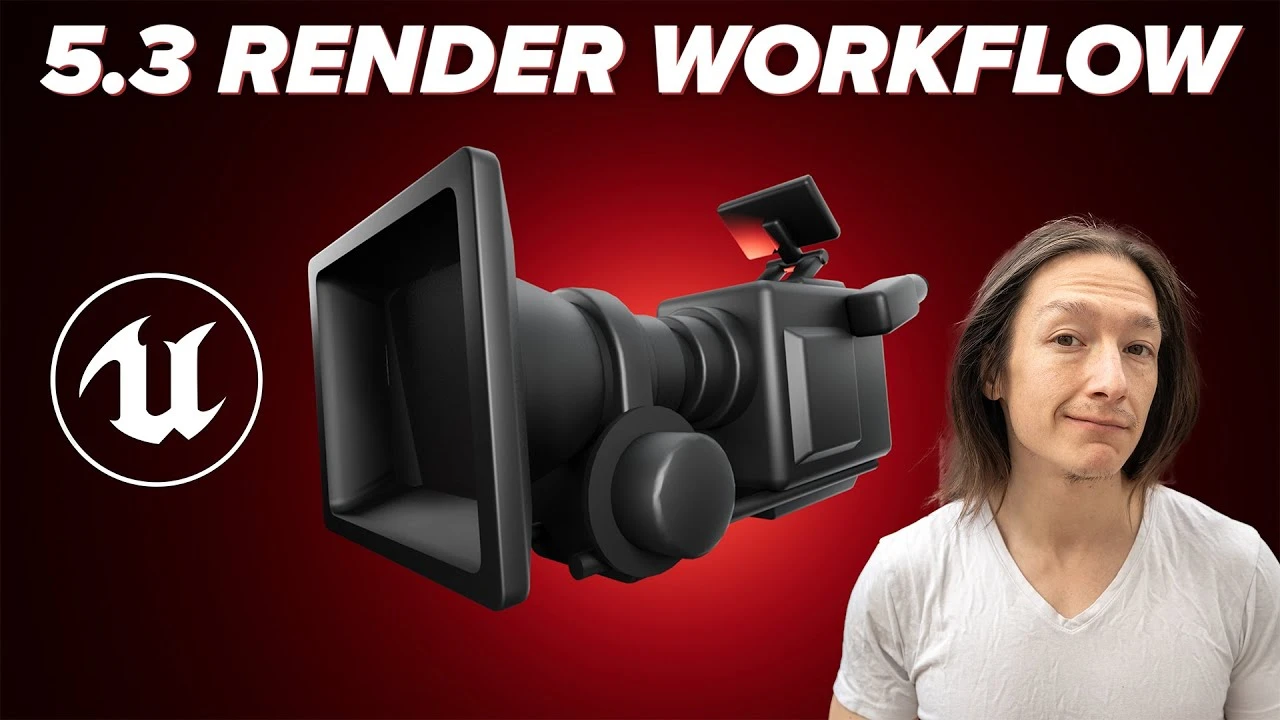
My Unreal Engine 5.3 Commercial Render Settings
Principiante🍅 Timer Pomodoro
Estudia 25 min, luego toma un descanso. ¡Mejora la concentración!
Descripción
For my commercial clients, these are my render settings. No fluff, just watch the video :) If you have questions, hmu in the comments. Kthxbai
My Render Presets: https://www.jags.tv/unreal-engine-ren...
Console Commands!
PASTE THESE INTO THE RENDER SETTINGS WITHOUT THE ZERO
r.AmbientOcclusion.Denoiser.TemporalAccumulation 0
r.GlobalIllumination.Denoiser.TemporalAccumulation 0
r.Reflections.Denoiser.TemporalAccumulation 0
r.Shadow.Denoiser.TemporalAccumulation 0
DISABLE RAY TRACING IN VIEWPORT
r.RayTracing.ForceAllRayTracingEffects 0
CONSOLE COMMANDS THAT JAGS USES MOST OF THE TIME...I'll confess, I can barely tell the difference tho
r.DepthOfFieldQuality 4
r.ScreenPercentage 125
r.MotionBlurQuality 4
r.ShadowQuality 5
r.RayTracing.GlobalIllumination.ScreenPercentage 50
this is one is for the fog stuff
r.VolumetricFog.GridSizeZ 256
r.VolumetricFog.GridPixelSize 2
r.VolumetricFog.TemporalReprojection 1
there are a bunch more but I usually use the first few
You might also want to use
r.BloomQuality 5
00:00 - INTRODUCTION
00:14 - Before You Learn How to Render in Unreal Engine 5
00:47 - Opening Up Unreal
01:27 - Anti-Aliasing Settings
02:23 - Color Output Settings
04:36 - Game Overrides
05:09 - Console Variables
07:52 - Saving A Preset
08:35 - Changing Resolution and Output Folder
10:04 - Bringing the File into After Effects
10:55 - OCIO in After Effects
13:03 - Maybe some Color Grading in AE?
15:17 - Rendering Out of After Effects in Rec 709
16:26 - Thanks for Watching!
My Render Presets: https://www.jags.tv/unreal-engine-ren...
Console Commands!
PASTE THESE INTO THE RENDER SETTINGS WITHOUT THE ZERO
r.AmbientOcclusion.Denoiser.TemporalAccumulation 0
r.GlobalIllumination.Denoiser.TemporalAccumulation 0
r.Reflections.Denoiser.TemporalAccumulation 0
r.Shadow.Denoiser.TemporalAccumulation 0
DISABLE RAY TRACING IN VIEWPORT
r.RayTracing.ForceAllRayTracingEffects 0
CONSOLE COMMANDS THAT JAGS USES MOST OF THE TIME...I'll confess, I can barely tell the difference tho
r.DepthOfFieldQuality 4
r.ScreenPercentage 125
r.MotionBlurQuality 4
r.ShadowQuality 5
r.RayTracing.GlobalIllumination.ScreenPercentage 50
this is one is for the fog stuff
r.VolumetricFog.GridSizeZ 256
r.VolumetricFog.GridPixelSize 2
r.VolumetricFog.TemporalReprojection 1
there are a bunch more but I usually use the first few
You might also want to use
r.BloomQuality 5
00:00 - INTRODUCTION
00:14 - Before You Learn How to Render in Unreal Engine 5
00:47 - Opening Up Unreal
01:27 - Anti-Aliasing Settings
02:23 - Color Output Settings
04:36 - Game Overrides
05:09 - Console Variables
07:52 - Saving A Preset
08:35 - Changing Resolution and Output Folder
10:04 - Bringing the File into After Effects
10:55 - OCIO in After Effects
13:03 - Maybe some Color Grading in AE?
15:17 - Rendering Out of After Effects in Rec 709
16:26 - Thanks for Watching!
A continuación




Movie Render Graph Intro | Unreal Engine Animation Hub
Unreal Engine
Unreal Engine 5 Tutorial: Lidar Pulse & Echolocation Effect
UnrealVolunteer
Download UE and Get Started
Unreal Engine
Chateau Project Overview | Unreal Engine 5.4
Megatecture
Unreal Engine 5 Beginner Tutorial Part 16 : Cameras, Rig Rail, and Crane
Bad Decisions Studio
Unreal Engine 5 Beginner Tutorial Part 7: Materials & Textures Basics
Bad Decisions Studio
Introducing EasyMapper for Unreal Engine 5
William Faucher
Profiling with Purpose: Performance Lessons from a Real Unreal Project | Unreal Fest Stockholm 2025
Unreal Engine
Modelling a Sci-Fi Apartment in Blender Substance and Unreal Engine
Nico Linde
Create a Resident Evil Style Horror Environment in Unreal Engine 5 | Small Hallway Scene Tutorial
HALbot Studios