¡Tiempo de descanso!
Tu sesión Pomodoro ha terminado
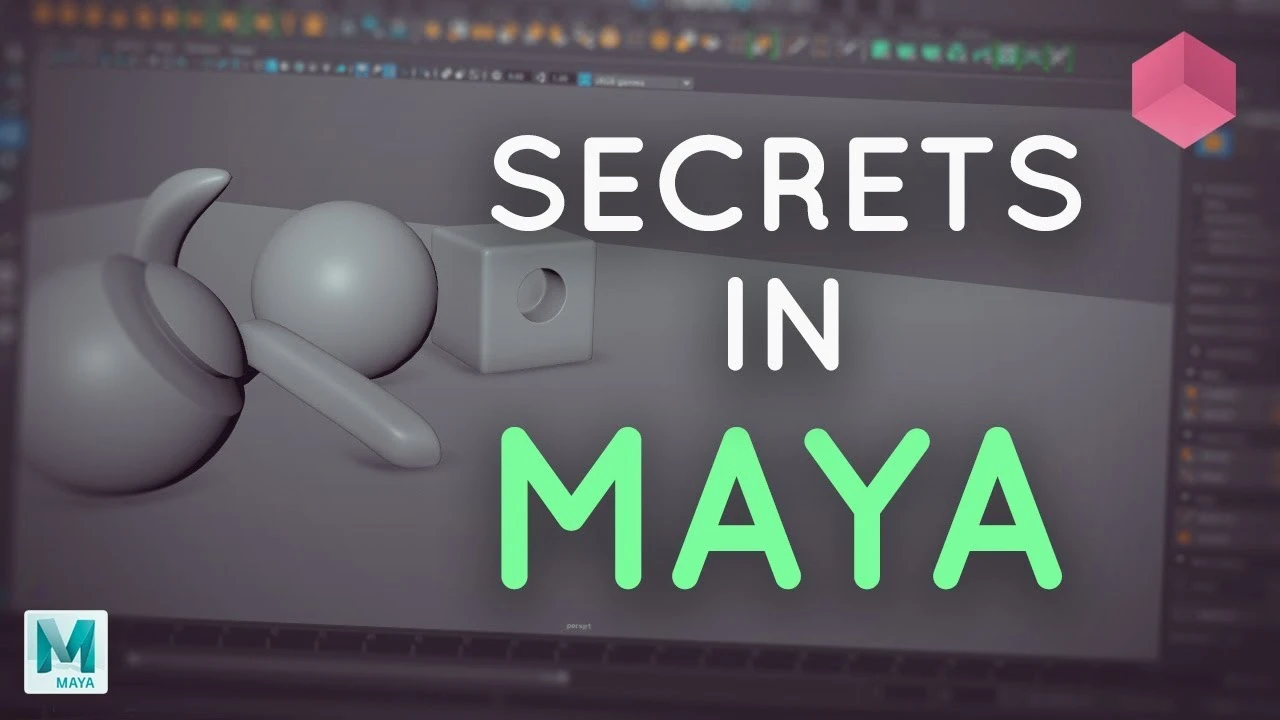
Maya Modelling Secrets
Principiante🍅 Timer Pomodoro
Estudia 25 min, luego toma un descanso. ¡Mejora la concentración!
Descripción
In this Maya modelling tutorial, learn some of our top tips for speeding up your modelling work in Autodesk Maya. We cover the use of custom hotkeys, marking menus and general modelling tips. Stay tuned for more!
Hotkey list with MEL commands:
https://pastebin.com/Av0Q2B62
Support us by checking out our merch!
https://teespring.com/stores/flippedn...
Subscribe now!
https://www.youtube.com/c/FlippedNorm...
Website - https://flippednormals.com/
Instagram - / flippednormals
Twitter - / flippednormals
Facebook - / flippednormals
Our episodes are also available on all major podcast services!
Hotkey list with MEL commands:
https://pastebin.com/Av0Q2B62
Support us by checking out our merch!
https://teespring.com/stores/flippedn...
Subscribe now!
https://www.youtube.com/c/FlippedNorm...
Website - https://flippednormals.com/
Instagram - / flippednormals
Twitter - / flippednormals
Facebook - / flippednormals
Our episodes are also available on all major podcast services!
A continuación

Arnold tutorial - Using the curvature shader in MtoA
Arnold renderer
Arnold Tutorial - Rendering a diamond in Maya (Arnold 7.4.4.0)
Arnold renderer
Maya Basic Rigging Tutorial | Rigging a Robotic Arm with a Piston | Maya Rigging
Cryptic Visionary
¡Descubre los secretos de Render Settings en MAYA! Guía completa Parte 1 🚀
Blender Deluxe Tutoriales
Trim Sheets and Modular Assets | Maya and Unreal
Stefan
Arnold tutorial - Using the barndoor light filter in MtoA
Arnold renderer
Tutorial 3D en Autodesk Maya PRINCIPIANTES aprende desde cero!! - Parte 1
Kubika: 3D y Tecnología
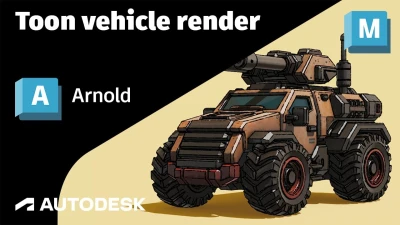
Arnold Tutorial - Rendering a Toon vehicle in Maya
Arnold renderer
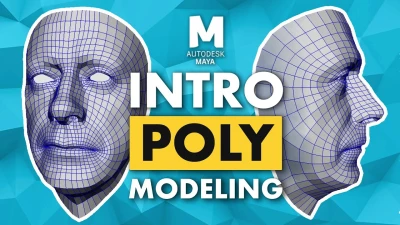
Introduction to Poly Modeling in Maya - 3D Tutorial
FlippedNormals
Maya Tutorial | Improve your Renders and Portfolio!
Abe Leal 3D