Break time!
Your Pomodoro session has ended
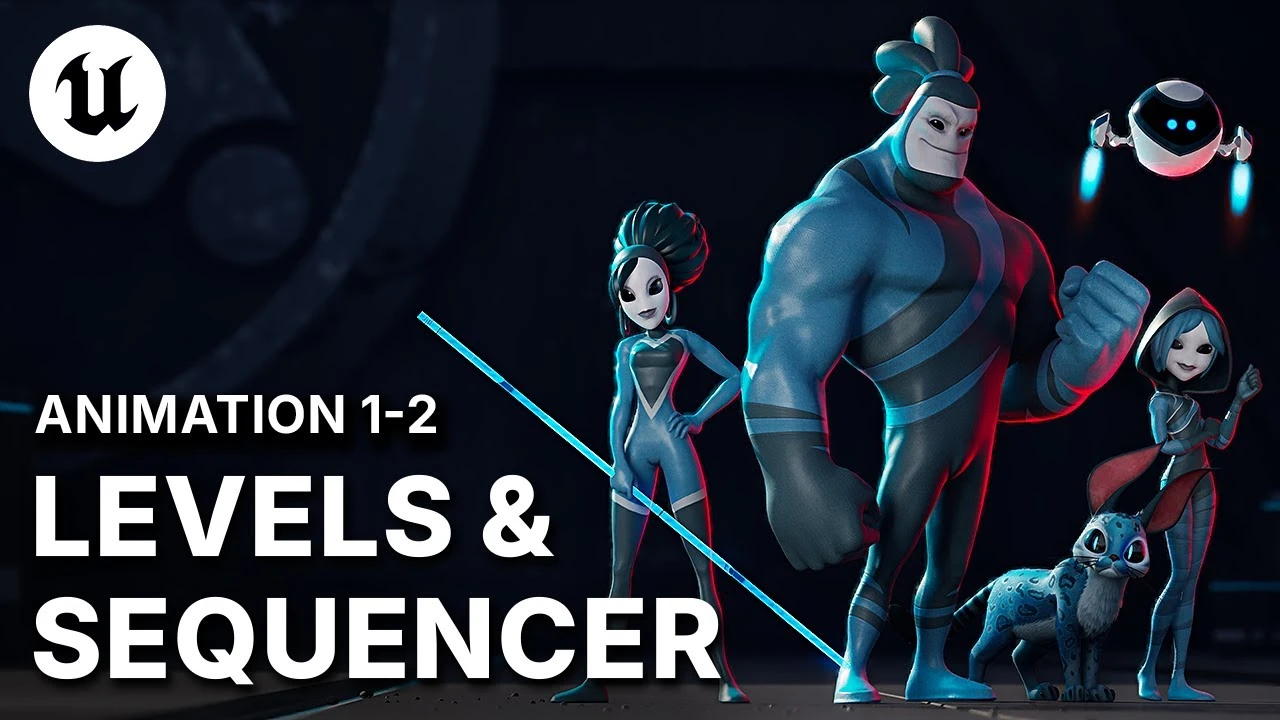
Level Management: Sub-Levels, Spawnables, Possessibles in UE5
Beginner🍅 Pomodoro Timer
Study for 25 min, then take a break. Improves focus!
Description
UE5 LEVEL OPTIMIZATION SECRETS: Master your cinematic environment by understanding how the Master Level uses nested sub-levels (for lighting, damage decals, assets) to enable crucial organizational control and support multi-artist production workflows. Crucially, understand the difference between possessible assets that persist in the world and spawnable assets (like characters and cameras) that only appear for specific shots, giving you control over dynamic scene changes. This is essential for managing large Unreal Engine projects
►Download the A-COM Animation Sample here: https://epic.gm/agora-animation-sample
► Check out Sir Wade's channel for more Animation Tutorials and UE5 workflows: / @sirwade
► Sir Wade's Courses: https://courses.sirwade.com
#Animation, #ACOMAnimaticSample, #UnrealEngine5.6, #AgoraStudio
►Download the A-COM Animation Sample here: https://epic.gm/agora-animation-sample
► Check out Sir Wade's channel for more Animation Tutorials and UE5 workflows: / @sirwade
► Sir Wade's Courses: https://courses.sirwade.com
#Animation, #ACOMAnimaticSample, #UnrealEngine5.6, #AgoraStudio
Up Next





Unreal Engine 5 Beginner Tutorial Part 3: Modelling Tools Basics
Bad Decisions Studio
Installing Unreal Engine
Unreal Engine
3 Ways to Fix Visually Tiling Textures in Unreal Engine 5
Aziel Arts
Unreal Engine 5 Beginner Tutorial Part 17: Animation & Sequencer Basics
Bad Decisions Studio
Procedural PAINTERLY SHADER in Unreal Engine 5 | Part 2
Kher
Chateau Project Overview | Unreal Engine 5.4
Megatecture
Speed Level Design UE5 - The Heart of Stone | Timelapse
Actoo'sLive
Creating An End State Screen in Unreal Engine
Unreal Engine
Mafia: The Old Country: Using MetaHuman in a AAA Character Pipeline | Unreal Fest Stockholm 2025
Unreal Engine
Unreal Engine 5 Beginner Tutorial Part 4: Modeling Tools Advanced
Bad Decisions Studio