¡Tiempo de descanso!
Tu sesión Pomodoro ha terminado
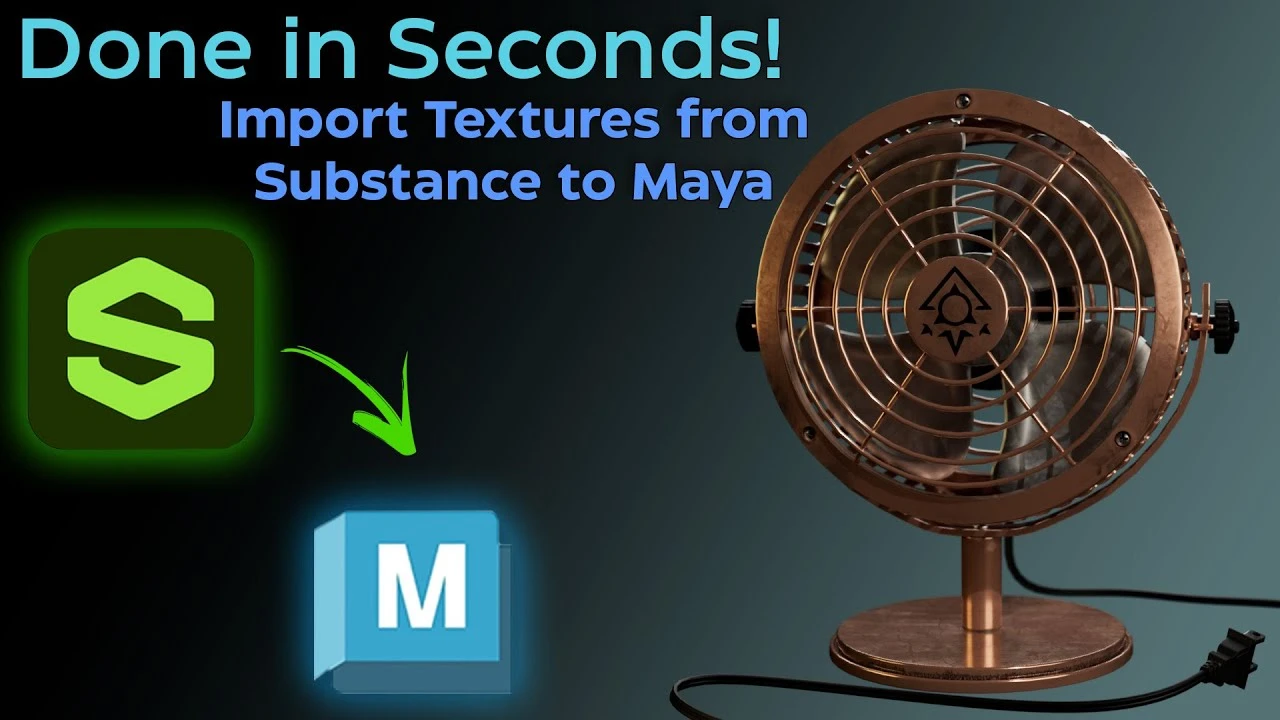
Import Substance painter Texture Files into Maya FAST and EASILY!
Principiante🍅 Timer Pomodoro
Estudia 25 min, luego toma un descanso. ¡Mejora la concentración!
Descripción
This is how you can quickly import and configure all of the texture files you exported from Substance painter easily without the hassle of manually selecting and adding each and every texture file.
Look out for more videos coming soon in the future from tutorials to conversations!
Chapters
0:00 Intro
00:23 Substance Plugin
1:12 Importing the texture Files
2:12 Applying the Material
3:22 Outro
JOIN THE UNDERGROUND TODAY! Like and Subscribe!
If you like what you see Please Like and Subscribe to me!
/ @crypticvisionary
Live On Twitch Monday, Wednesday, Thursday!
Twitch.tv/Cryptic_Visionary
Follow me on Social Media!
https://allmylinks.com/cryptic-visionary
#SubstancePainter #maya #substancetomaya
Look out for more videos coming soon in the future from tutorials to conversations!
Chapters
0:00 Intro
00:23 Substance Plugin
1:12 Importing the texture Files
2:12 Applying the Material
3:22 Outro
JOIN THE UNDERGROUND TODAY! Like and Subscribe!
If you like what you see Please Like and Subscribe to me!
/ @crypticvisionary
Live On Twitch Monday, Wednesday, Thursday!
Twitch.tv/Cryptic_Visionary
Follow me on Social Media!
https://allmylinks.com/cryptic-visionary
#SubstancePainter #maya #substancetomaya
A continuación

Cómo Crear una Animación de Cámara 360 en Maya – Iluminación y Render
Fox Bandit
UVs for Beginners - UV mapping a Head in Maya
FlippedNormals
Arnold tutorial - How to create a CD shader in MtoA
Arnold renderer
Arnold tutorial - Using the camera rolling shutter in MtoA
Arnold renderer
Agregar SkyDome y HDRI en Maya Anrold
Blender Deluxe Tutoriales
Ray Shelf Setup
Blender Deluxe Tutoriales
Arnold tutorial - Rendering a refractive portrait effect in MtoA
Arnold renderer
Arnold tutorial - Using transmission_scatter in MtoA
Arnold renderer
Create a Flag using nCloth in Maya 2019
Academic Phoenix Plus
3D Game Asset Creation (Full Process) - Stylised Axe
Stu Lloyd (CG Stu)