Break time!
Your Pomodoro session has ended
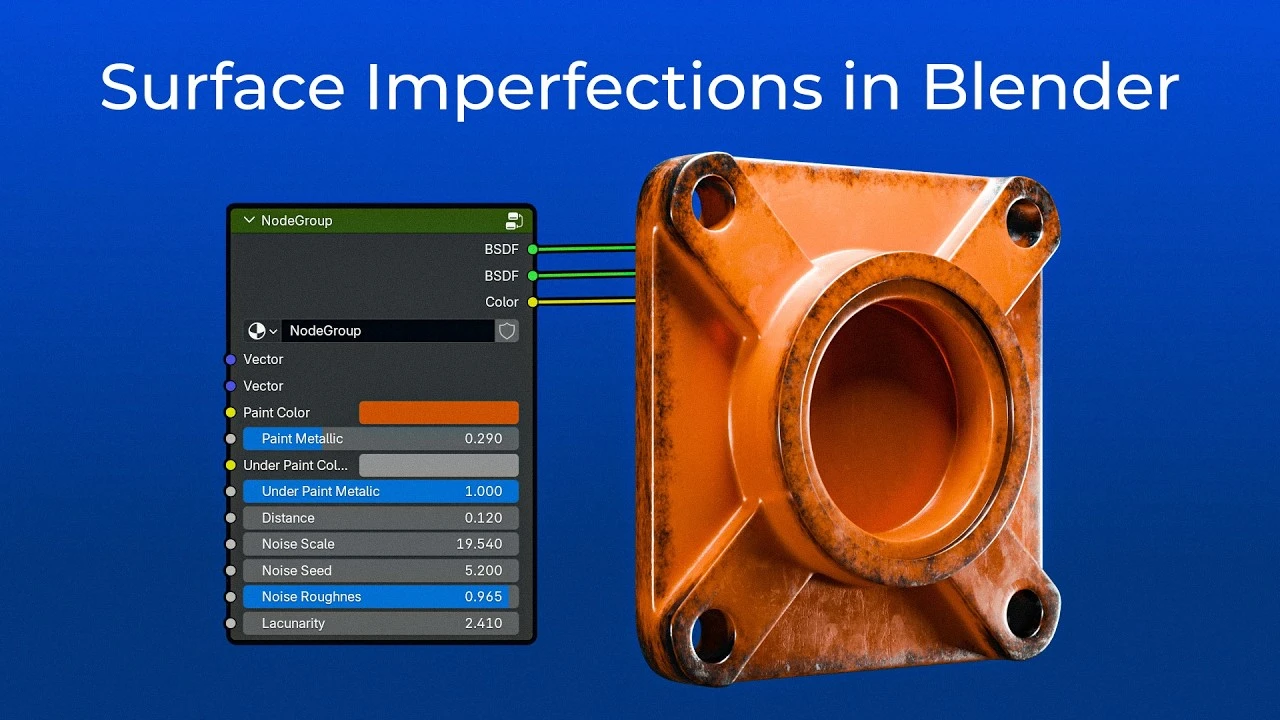
How to Make Realistic Materials in Blender
Beginner🍅 Pomodoro Timer
Study for 25 min, then take a break. Improves focus!
Description
In this tutorial I break down how I make materials with edgewear and surface imperfections in Blender. Using two different materials, I teach you how to mask off the edges and set up a custom Material Node that you can use for all your future projects. Create a few different variations of these materials for your own library, and make texturing your scenes a breeze!
00:00 Intro
00:16 Material 1
06:22 Material 2
09:05 Edgewear Mask
13:08 Custom Material Node
16:27 Saving to Material Library
00:00 Intro
00:16 Material 1
06:22 Material 2
09:05 Edgewear Mask
13:08 Custom Material Node
16:27 Saving to Material Library
Up Next





La IA acaba de llegar a Blender… pero no como imaginaba
Aura Prods
Cinematic 3D Marketing Shot from Simple Footage (CGI Workflow)
SolidFrame
1 Easy Way to Make Better Environments in Blender
ManjuRam
Sculpting a cliff in Blender (timelapse)
Blender Guru
Easy Fog in Blender
Blender Guru
Become a Topology PRO with these Five Tips
DECODED
How to Generate 3D Elements from Image in Blender!
Architecture Topics
Octane Material Secrets I Wish I Knew Earlier
1 Polygon With Me
How to add REALISTIC Dust and Hair in Blender
EJ 3D
Blender 3.0 Beginner Tutorial Part 12: Floating Particles
Blender Guru