Break time!
Your Pomodoro session has ended
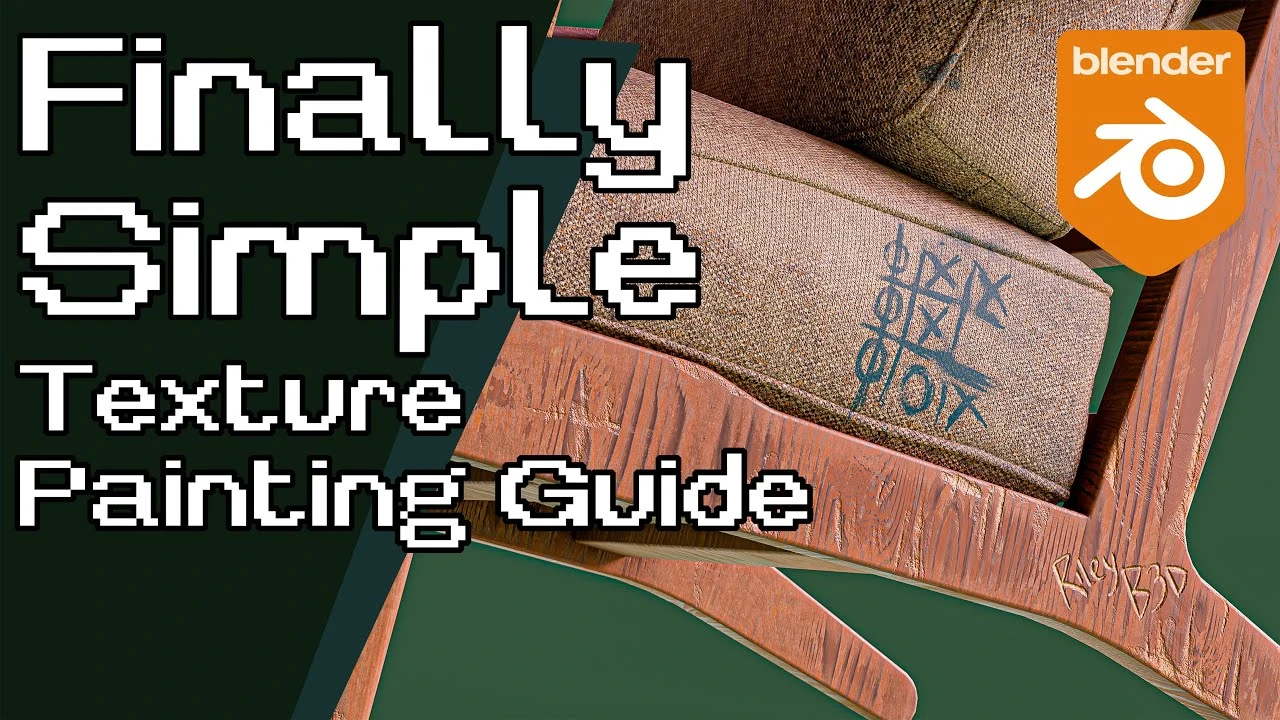
Finally: Texture Painting in Blender Made Simple
Beginner🍅 Pomodoro Timer
Study for 25 min, then take a break. Improves focus!
Description
Become a Patreon supporter: / rileyb3d
Sponsored message: Upgrade Your Workspace with FlexiSpot! Don’t miss FlexiSpot’s huge Labor Day Sale! Enter my exclusive code 'C750' and save $50 on the C7 Max Ergonomic Chair! Shop through FlexiSpot C7 Max Ergonomic Chair: https://bit.ly/4fFL1Xr (US), https://bit.ly/41b6stD (CA)
*END sponsored message
Get fluent materializer: https://superhivemarket.com/products/...
Display tablet I use for texture painting: https://wacom.pxf.io/e1GM7g
Music in this video has been provided by Christoffer Moe Ditlevsen. Please subscribe to his YouTube: / @christoffermoeditlevsen
Intro music: "Embers" by Christoffer Moe Ditlevsen
Outro music: "Symmetry" by Christoffer Moe Ditlevsen
New Blender tutorial showing some texture painting techniques! We will be creating two blender materials using blender nodes and texture painting techniques to enhance our texture workflow. Learn how to add materials and paint textures in blender for realistic results.
Chapters:
00:00 - overview
00:32 - download chair
00:45 - download textures
00:59 - initial material setup
04:00 - first texture paint layer
07:19 - blender brush settings
10:15 - adjusting procedural values
10:56 - painting normal details
13:17 - mixing in procedural edges
17:10 - texturing the fabric
25:58 - wrap up
Sponsored message: Upgrade Your Workspace with FlexiSpot! Don’t miss FlexiSpot’s huge Labor Day Sale! Enter my exclusive code 'C750' and save $50 on the C7 Max Ergonomic Chair! Shop through FlexiSpot C7 Max Ergonomic Chair: https://bit.ly/4fFL1Xr (US), https://bit.ly/41b6stD (CA)
*END sponsored message
Get fluent materializer: https://superhivemarket.com/products/...
Display tablet I use for texture painting: https://wacom.pxf.io/e1GM7g
Music in this video has been provided by Christoffer Moe Ditlevsen. Please subscribe to his YouTube: / @christoffermoeditlevsen
Intro music: "Embers" by Christoffer Moe Ditlevsen
Outro music: "Symmetry" by Christoffer Moe Ditlevsen
New Blender tutorial showing some texture painting techniques! We will be creating two blender materials using blender nodes and texture painting techniques to enhance our texture workflow. Learn how to add materials and paint textures in blender for realistic results.
Chapters:
00:00 - overview
00:32 - download chair
00:45 - download textures
00:59 - initial material setup
04:00 - first texture paint layer
07:19 - blender brush settings
10:15 - adjusting procedural values
10:56 - painting normal details
13:17 - mixing in procedural edges
17:10 - texturing the fabric
25:58 - wrap up
Up Next




La IA acaba de llegar a Blender… pero no como imaginaba
Aura Prods
8 Tips to improve your animation fast
Pierrick Picaut
1 Easy Way to Make Better Environments in Blender
ManjuRam
Rigging switchable parents and equipment slots in Blender
Pierrick Picaut
Introduction to UDIMs in Blender
CG Boost
Sculpting a cliff in Blender (timelapse)
Blender Guru
This Blender Trick Makes Weight Painting EASY
Pierrick Picaut
Easy Fog in Blender
Blender Guru
The Key to Realism in Blender (or 3D)
Kaizen
Real-time Energy Beam in EEVEE!
CG Flare