¡Tiempo de descanso!
Tu sesión Pomodoro ha terminado
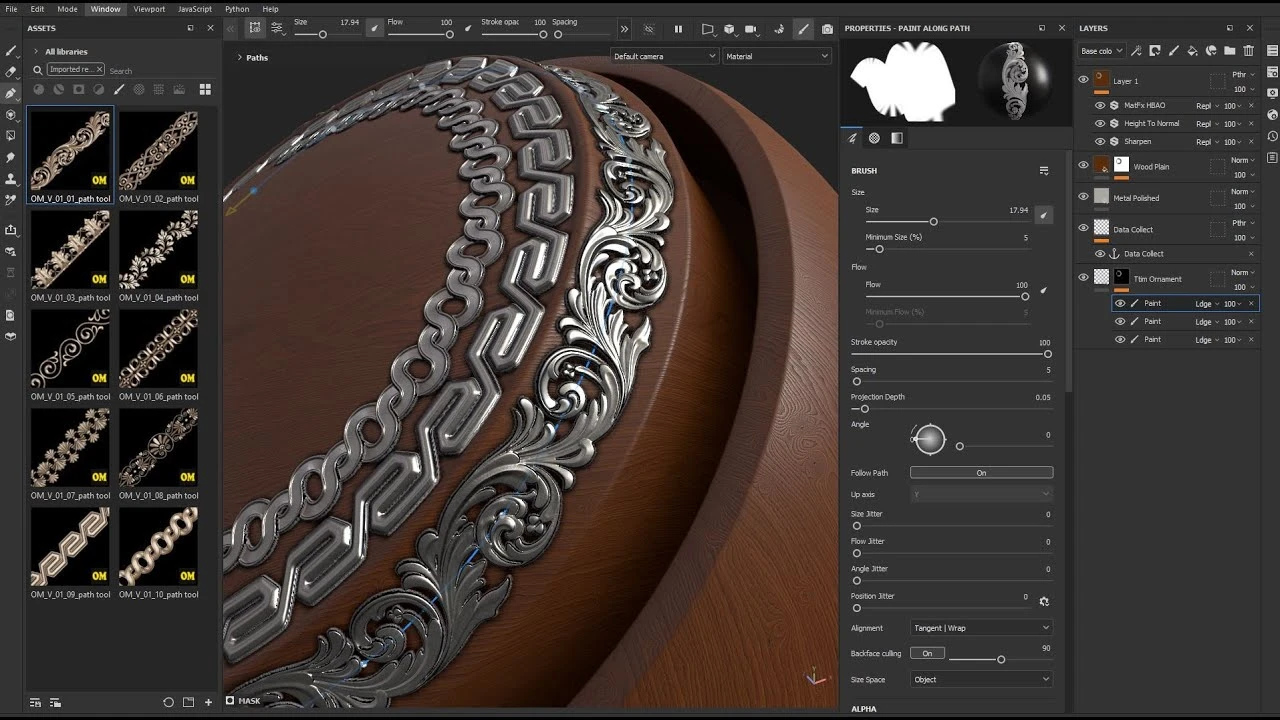
Dynamic Ornament Trim Brush for Substance painter & ZBrush V 01
Principiante🍅 Timer Pomodoro
Estudia 25 min, luego toma un descanso. ¡Mejora la concentración!
Descripción
https://www.artstation.com/a/49484048
Dynamic Ornament Trim Brush for Substance painter & ZBrush Vlol.01
Learning to use trim ornament brushes in Adobe Substance 3D Painter and ZBrush
Refer to the following address, to purchase the complete set of these tutorials and brushes:
https://www.artstation.com/a/49484048
Dynamic Ornament Trim Brush for Substance painter & ZBrush Vlol.01
Learning to use trim ornament brushes in Adobe Substance 3D Painter and ZBrush
Refer to the following address, to purchase the complete set of these tutorials and brushes:
https://www.artstation.com/a/49484048
A continuación
¡Crea este Diorama Realista! Tutorial de UVs en Maya y Texturizado en Substance Painter
Blender Deluxe Tutoriales
Achieve Stunning Stylized Textures in Substance 3D Painter | Adobe Substance 3D
Adobe Substance 3D
Painting Opacity Maps in Substance Painter
Abe Leal 3D
Stylized hand-painted texturing | Game character - New stylised filter substance painter
VOIDART SCHOOL
Anchor Point Magic 01 - Double Layer Setup in Substance 3D Painter | Adobe Substance 3D
Adobe Substance 3D
Substance Painter - NEW Hand Painted Filters
Abe Leal 3D
Trim Sheets for Games - Modelling and Organization
Abe Leal 3D
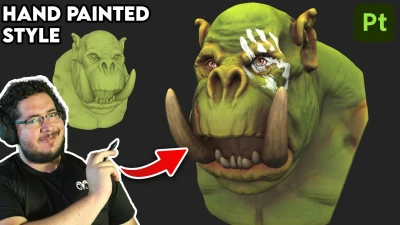
Stylized Textures Tutorial | Hand-Painted Style in Substance Painter
Abe Leal 3D
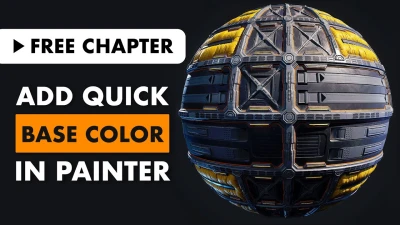
How to Add Quick Base Color in Substance Painter
FlippedNormals Marketplace
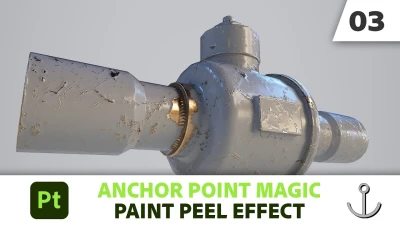
Anchor Point Magic 03 - Paint Peel Effect in Substance 3D Painter | Adobe Substance 3D
Adobe Substance 3D