Break time!
Your Pomodoro session has ended
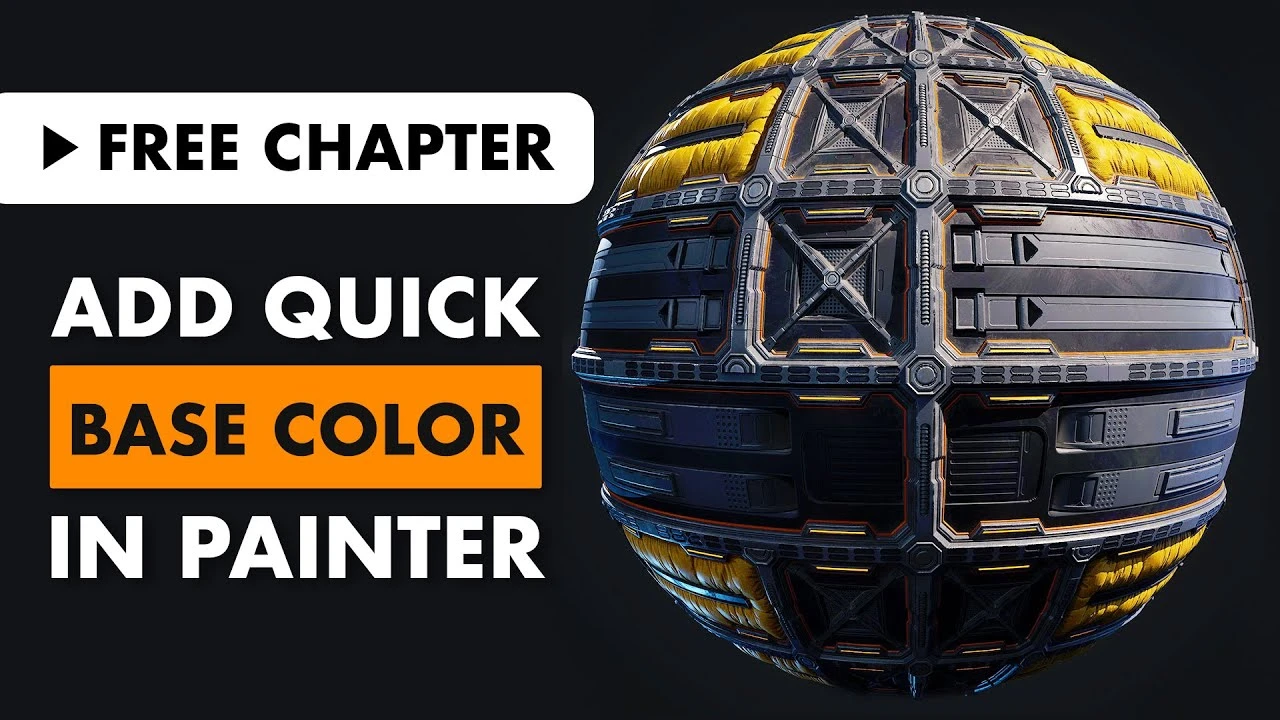
How to Add Quick Base Color in Substance Painter
Beginner🍅 Pomodoro Timer
Study for 25 min, then take a break. Improves focus!
Description
Enjoy this free chapter from our FlippedNormals Exclusive - Material Creation for AAA Games http://FlipNm.co/materialCreationTuto...
Early Bird Special - 25% OFF the full course!
In this video, you'll learn how to quickly and effectively add base colors to your material in Substance Painter.
▶ SUBSCRIBE | / @fnmarket
▶ MARKETPLACE | https://flippednormals.com/
▷Instagram | / flippednormals
▷Twitter | / flippednormals
▷Facebook | / flippednormals
Early Bird Special - 25% OFF the full course!
In this video, you'll learn how to quickly and effectively add base colors to your material in Substance Painter.
▶ SUBSCRIBE | / @fnmarket
▶ MARKETPLACE | https://flippednormals.com/
▷Instagram | / flippednormals
▷Twitter | / flippednormals
▷Facebook | / flippednormals
Up Next
Creating Sole Patterns for Footwear with Anchor Points in Substance 3D Painter | Adobe Substance 3D
Adobe Substance 3D
Substance Painter 3D PATHS Tutorial
Abe Leal 3D
Substance Painter - NEW Hand Painted Filters
Abe Leal 3D
Creating 3D Paths in Substance 3D Painter | Adobe Substance 3D
Adobe Substance 3D
Substance Painter Material Layering Basic Setup
Abe Leal 3D
Substance Painter Secrets: 7 Tips To Make Texturing Easier
Abe Leal 3D
Anchor Point Magic 03 - Paint Peel Effect in Substance 3D Painter | Adobe Substance 3D
Adobe Substance 3D
Substance Painter Trick everyone NEEDS to KNOW (how to use anchor points)
ProductionCrate
Hand Painted Workflow in Substance 3D Painter | Adobe Substance 3D
Adobe Substance 3D
Creating Fabric stitches for Footwear with Anchor Points in Substance 3D Painter | Substance 3D
Adobe Substance 3D