¡Tiempo de descanso!
Tu sesión Pomodoro ha terminado
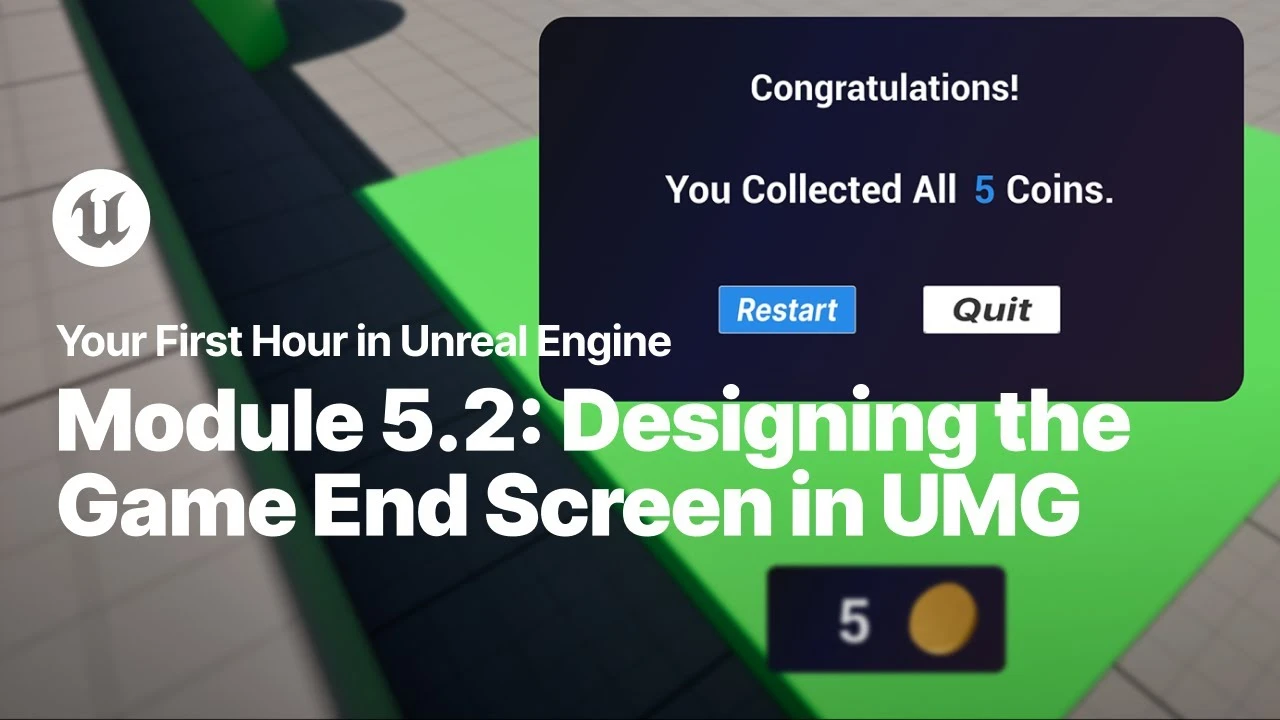
Designing the Game End Screen in UMG
Principiante🍅 Timer Pomodoro
Estudia 25 min, luego toma un descanso. ¡Mejora la concentración!
Descripción
Just starting your journey using Unreal Engine? This beginner tutorial series, created in partnership with Luke Anderton of Tinkr Studios, will show you how to get started while helping you start building your first 3d platforming game!
In this video, you will learn how to add additional styling to your buttons and learn how to display your Game Over screen with a background blur when you collect the required number of coins.
YFHIU Tutorial Page: https://dev.epicgames.com/documentati...
Additional Resources:
Blueprint Visual Scripting: https://dev.epicgames.com/documentati...
Building Your UI: https://dev.epicgames.com/documentati...
Importing Assets Directly: https://dev.epicgames.com/documentati...
In this video, you will learn how to add additional styling to your buttons and learn how to display your Game Over screen with a background blur when you collect the required number of coins.
YFHIU Tutorial Page: https://dev.epicgames.com/documentati...
Additional Resources:
Blueprint Visual Scripting: https://dev.epicgames.com/documentati...
Building Your UI: https://dev.epicgames.com/documentati...
Importing Assets Directly: https://dev.epicgames.com/documentati...
A continuación

Create A Realistic Horror game Enviroment in UE5 (Horror Game Series Part 3)
Eremental Studios
Control Rig Physics: Fast, Fun, and Expressive Character Animation | Unreal Fest Stockholm 2025
Unreal Engine
You’re Probably Lighting Wrong: Physically Based Lighting in UE5 | Unreal Fest Gold Coast 2024
Unreal Engine
Applying Custom UI Graphics in UMG
Unreal Engine
Binding UMG Interface Elements to Blueprints
Unreal Engine
Aprende a dominar la iluminación en Unreal Engine 5 | Lumen, luces y optimización
AstroxDev
Capturing the World’s OLDEST Stave Church in Unreal Engine 5
William Faucher
Lighting Interiors in Unreal Engine 5
William Faucher
Introducing EasyAtmos for Unreal Engine 5
William Faucher
William Faucher Makes Unreal Engine 5.6 Even EASIER (Introducing EasyToolbag)
Future Familiar