¡Tiempo de descanso!
Tu sesión Pomodoro ha terminado
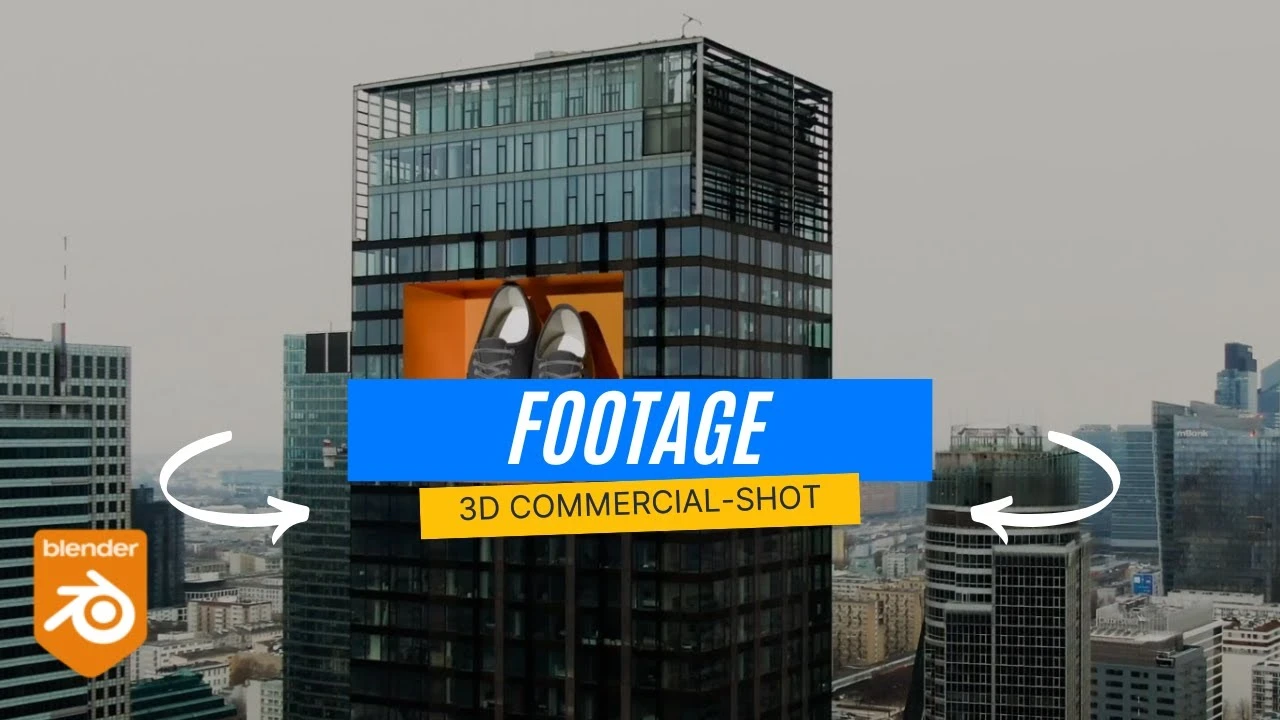
Cinematic 3D Marketing Shot from Simple Footage (CGI Workflow)
Principiante🍅 Timer Pomodoro
Estudia 25 min, luego toma un descanso. ¡Mejora la concentración!
Descripción
In this video, I’ll show you how to turn simple stock footage into a 3D product marketing shot using Adobe After Effects and Blender. We’ll track the camera in After Effects, export the tracking data to Blender, and then add CGI shoes from the BlenderKit library. Finally, we’ll render everything together to create a realistic 3D commercial-style shot.
Etiquetas
A continuación





La IA acaba de llegar a Blender… pero no como imaginaba
Aura Prods
8 Tips to improve your animation fast
Pierrick Picaut
1 Easy Way to Make Better Environments in Blender
ManjuRam
Rigging switchable parents and equipment slots in Blender
Pierrick Picaut
Introduction to UDIMs in Blender
CG Boost
Sculpting a cliff in Blender (timelapse)
Blender Guru
This Blender Trick Makes Weight Painting EASY
Pierrick Picaut
Easy Fog in Blender
Blender Guru
The Key to Realism in Blender (or 3D)
Kaizen
Real-time Energy Beam in EEVEE!
CG Flare