¡Tiempo de descanso!
Tu sesión Pomodoro ha terminado
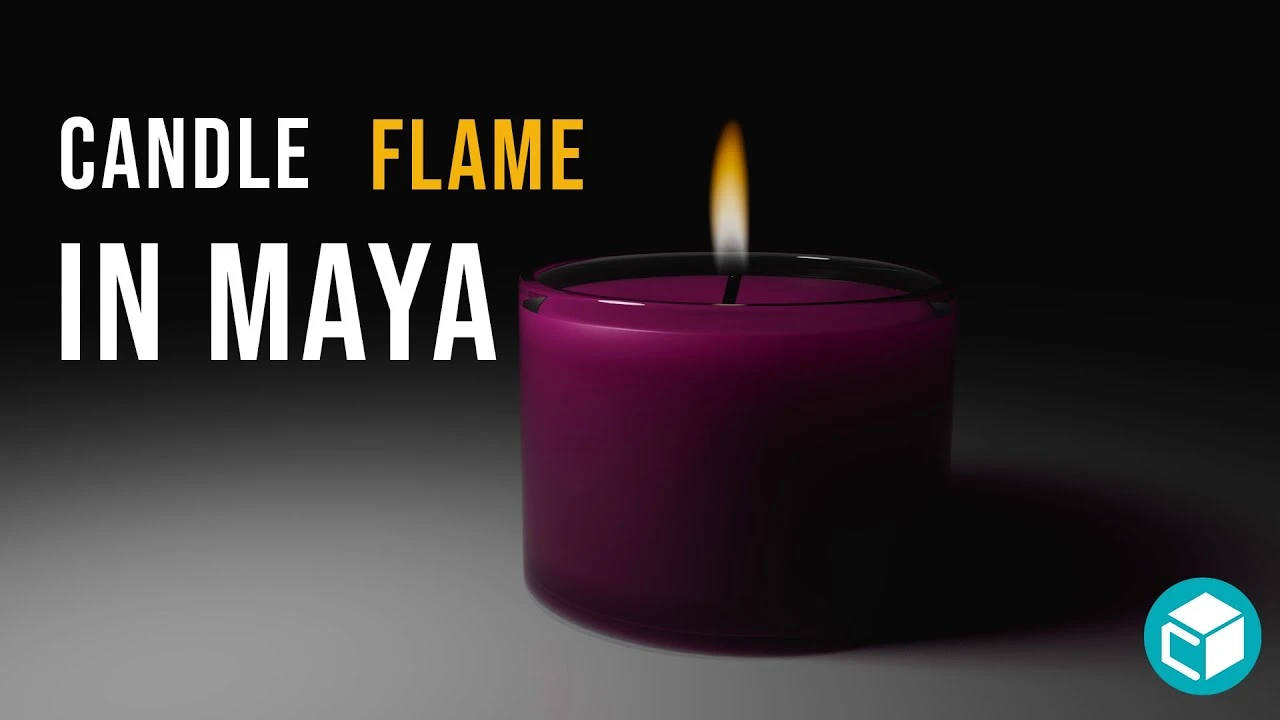
Candle Flame Tutorial in Maya
Principiante🍅 Timer Pomodoro
Estudia 25 min, luego toma un descanso. ¡Mejora la concentración!
Descripción
In this tutorial, we'll explore how to create a realistic candle flame using Autodesk Maya! I’ll walk you through the entire process, from setting up your candle model to simulating a dynamic and lifelike flame.
🔹 What You’ll Learn:
Setting up the flame using Maya’s particle and fluid systems
Adjusting settings for color, intensity, and flicker effects
Adjusting settings to achieve a toned down candle-like flame
🔹 What You’ll Learn:
Setting up the flame using Maya’s particle and fluid systems
Adjusting settings for color, intensity, and flicker effects
Adjusting settings to achieve a toned down candle-like flame
A continuación
Arnold tutorial - Toon hatching shading in MtoA
Arnold renderer
Rigging brazo IKFK Parte 3
Blender Deluxe Tutoriales
Arnold Tutorial - Mesh Light with Motion Blur in Maya (GPU)
Arnold renderer
¿Cómo animar la anticipación y el sobreimpulso en Maya? | Lección 5, Parte C | Animación en Maya ...
zinteractive
Arnold Tutorial: Toon shading an assault mech model in MtoA
Arnold renderer
Arnold tutorial - Using the curvature shader in MtoA
Arnold renderer
Arnold tutorial - Using the flakes shader in MtoA
Arnold renderer
Arnold Tutorial - How to shade origami paper in Maya
Arnold renderer
Arnold tutorial - Using the round_corners shader in MtoA
Arnold renderer
Modelado Pote Bowl Ceramico Maya
Blender Deluxe Tutoriales