¡Tiempo de descanso!
Tu sesión Pomodoro ha terminado
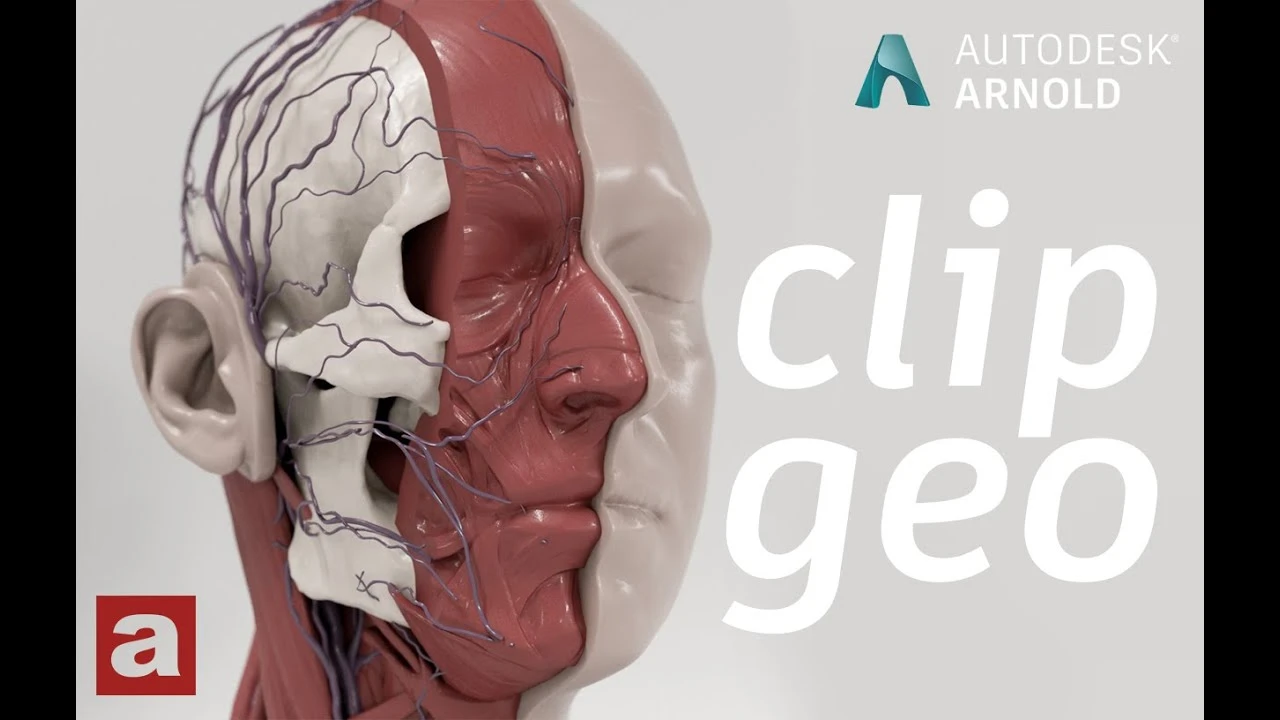
Arnold tutorial - Using the clip_geo shader in MtoA
Principiante🍅 Timer Pomodoro
Estudia 25 min, luego toma un descanso. ¡Mejora la concentración!
Descripción
This video shows you how to use the clip_geo shader in Arnold for Maya (MtoA).
https://help.autodesk.com/view/ARNOL/...
#maya #arnoldrenderer #shading
https://help.autodesk.com/view/ARNOL/...
#maya #arnoldrenderer #shading
A continuación
How to Retopologize a Head in Maya
FlippedNormals
Getting Started With Open Source NVIDIA Audio2Face-3D in Maya
NVIDIA Game Developer
How to Connect PBR Textures in Maya
Abe Leal 3D
Optimizing 3D Assets for Games
Abe Leal 3D
Arnold tutorial - Using the light_blocker in MtoA
Arnold renderer
CÓMO USAR CAPAS DE ANIMACIÓN - Tutorial de animación 3D
Skitty Animates
Arnold Tutorial - How to use the toon tonemap hue saturation
Arnold renderer
Arnold Tutorial - How to shade origami paper in Maya
Arnold renderer
How to Animate Anticipation & Overshoot in Maya? | Lesson5PartA | Maya Animation for Beginners |Live
zinteractive
HOW TO ANIMATE QUADRUPED WALK CYCLES - Universal Tutorial + Maya Walkthrough
Skitty Animates