¡Tiempo de descanso!
Tu sesión Pomodoro ha terminado
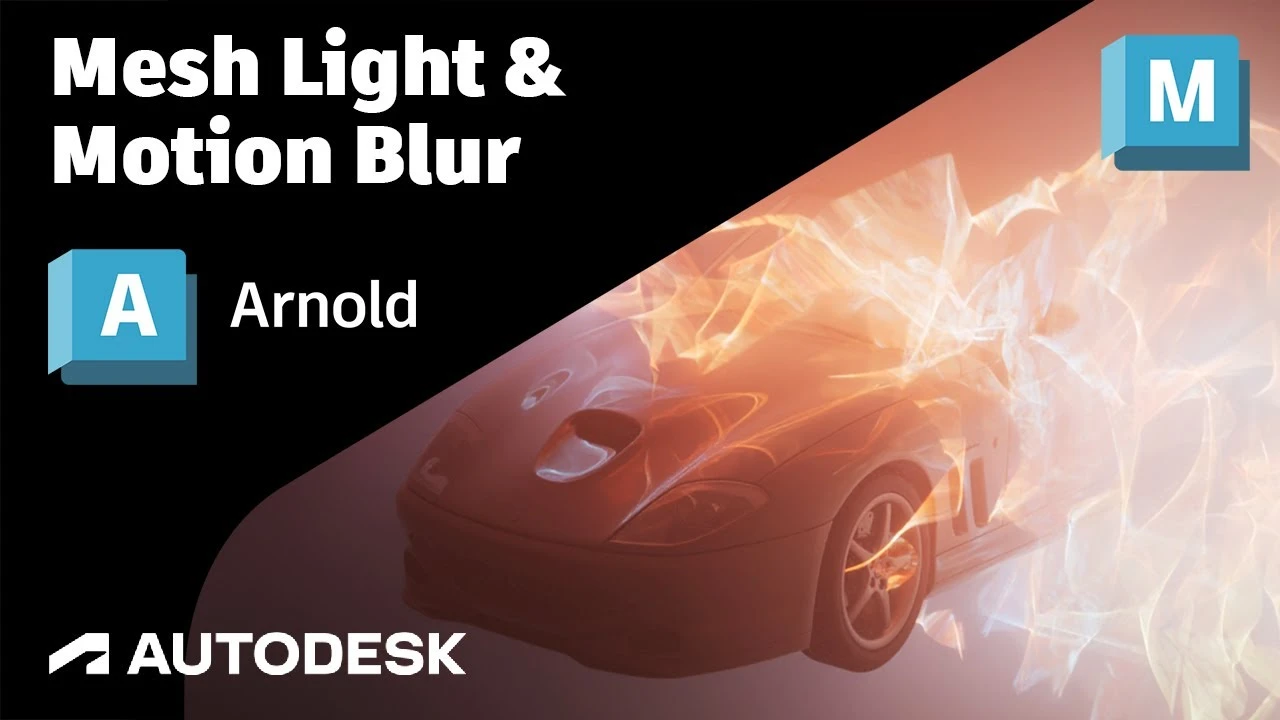
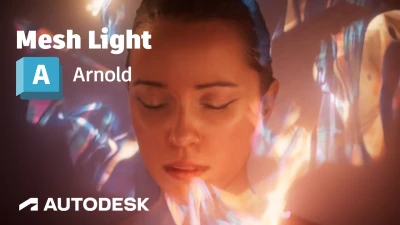
Arnold Tutorial - Mesh Light with Motion Blur in Maya (GPU)
Principiante🍅 Timer Pomodoro
Estudia 25 min, luego toma un descanso. ¡Mejora la concentración!
Descripción
This short tutorial shows how to create a dynamic electrical effect using Paint Effects converted to geometry which can be used as a mesh light. It also covers motion blur length with atmosphere volume.
https://help.autodesk.com/view/ARNOL/...
https://help.autodesk.com/view/ARNOL/...
https://help.autodesk.com/view/ARNOL/...
#arnoldrenderer #lighting #rendering
https://help.autodesk.com/view/ARNOL/...
https://help.autodesk.com/view/ARNOL/...
https://help.autodesk.com/view/ARNOL/...
#arnoldrenderer #lighting #rendering
A continuación
nParticles Instancer Maya tutorial ataque de aviones #maya #mayatutorial #mayatutorials #nparticles
Blender Deluxe Tutoriales
¡Crea este Diorama Realista! Tutorial de UVs en Maya y Texturizado en Substance Painter
Blender Deluxe Tutoriales
How to Easily Translate a Walk Cycle Forward | Maya Animation Tip
Mark Masters
Maya Tutorial | 5 Easy steps for Clean UVs!
Abe Leal 3D
¡Descubre cómo transformar tus escenas en Arnold Maya con aiAtmosphereVolume! 🌟
Blender Deluxe Tutoriales
3D Game Asset Creation (Full Process) - Stylised Axe
Stu Lloyd (CG Stu)
Arnold Tutorial - How to use the toon tonemap hue saturation
Arnold renderer
Arnold Tutorial - Snow and ice scene using the Distance shader
Arnold renderer
How to Quick Rig a Character with Controllers? | Lesson10PartA | Maya Animation for Beginners | Live
zinteractive
Arnold Tutorial - Using the mesh_light in MtoA
Arnold renderer