Break time!
Your Pomodoro session has ended
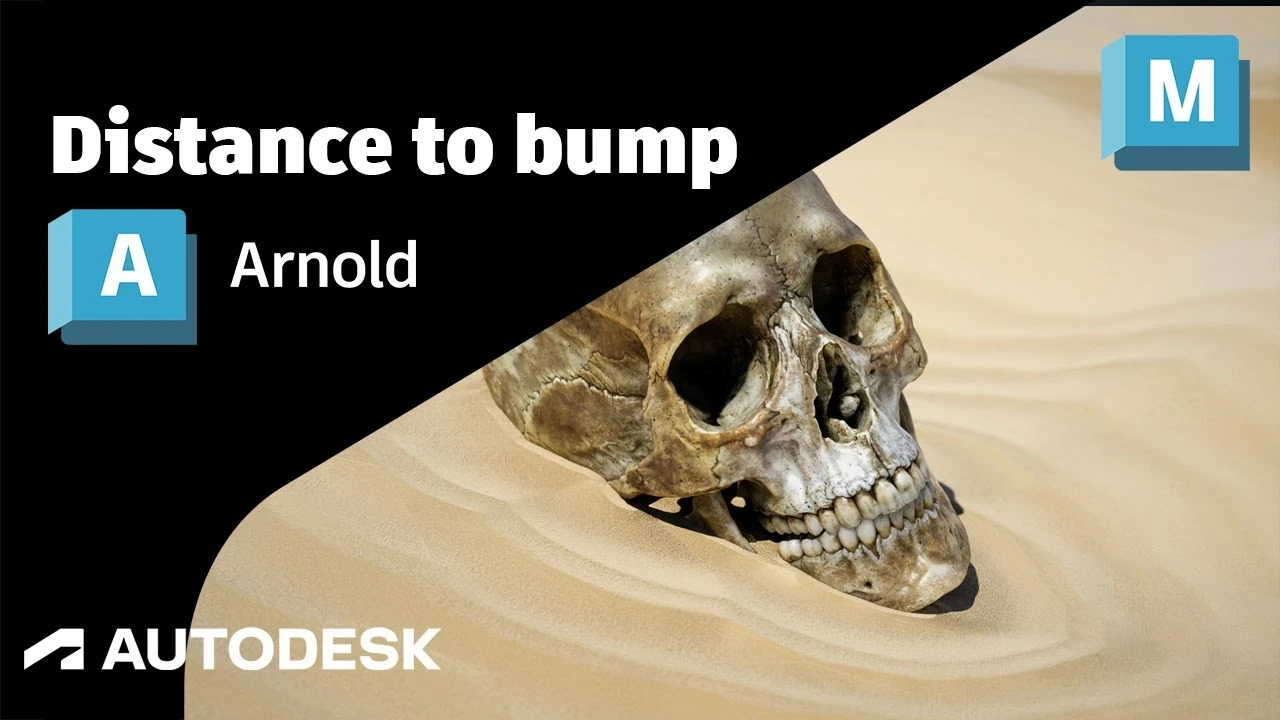
Arnold Tutorial: How to use the distance shader to create a ripple using bump mapping in Maya (GPU)
Beginner🍅 Pomodoro Timer
Study for 25 min, then take a break. Improves focus!
Description
This tutorial shows how to use the distance shader with the cell_noise and bump 2d shader to create some sand and water ripples around an object.
https://help.autodesk.com/view/ARNOL/...
https://help.autodesk.com/view/ARNOL/...
#arnoldrenderer #shaders #shading
https://help.autodesk.com/view/ARNOL/...
https://help.autodesk.com/view/ARNOL/...
#arnoldrenderer #shaders #shading
Up Next


Transfer ALL Texture Maps - 3D Workflow and Optimization
Abe Leal 3D
Arnold Tutorial: How to create a portal effect using the ray_switch shader (GPU)
Arnold renderer
Arnold tutorial - Using transmission_scatter in MtoA
Arnold renderer
Arnold tutorial - Using the camera rolling shutter in MtoA
Arnold renderer
Master UV Mapping in Maya – Pro Tips for Perfect Unwraps
Abe Leal 3D
Arnold tutorial - Shading a mirror using MtoA
Arnold renderer
Cinematic Lighting Techniques Using Arnold / Maya
Arvid Schneider
The Secret Animation Workflow You Should Be Using
Sir Wade Neistadt
Intro to Dynamics in Maya 2019: nCloth (1/2)
Academic Phoenix Plus
Descubre los secretos del RenderSettings en MAYA Arnold Renderer | Parte 2 IMPERDIBLE
Blender Deluxe Tutoriales