¡Tiempo de descanso!
Tu sesión Pomodoro ha terminado
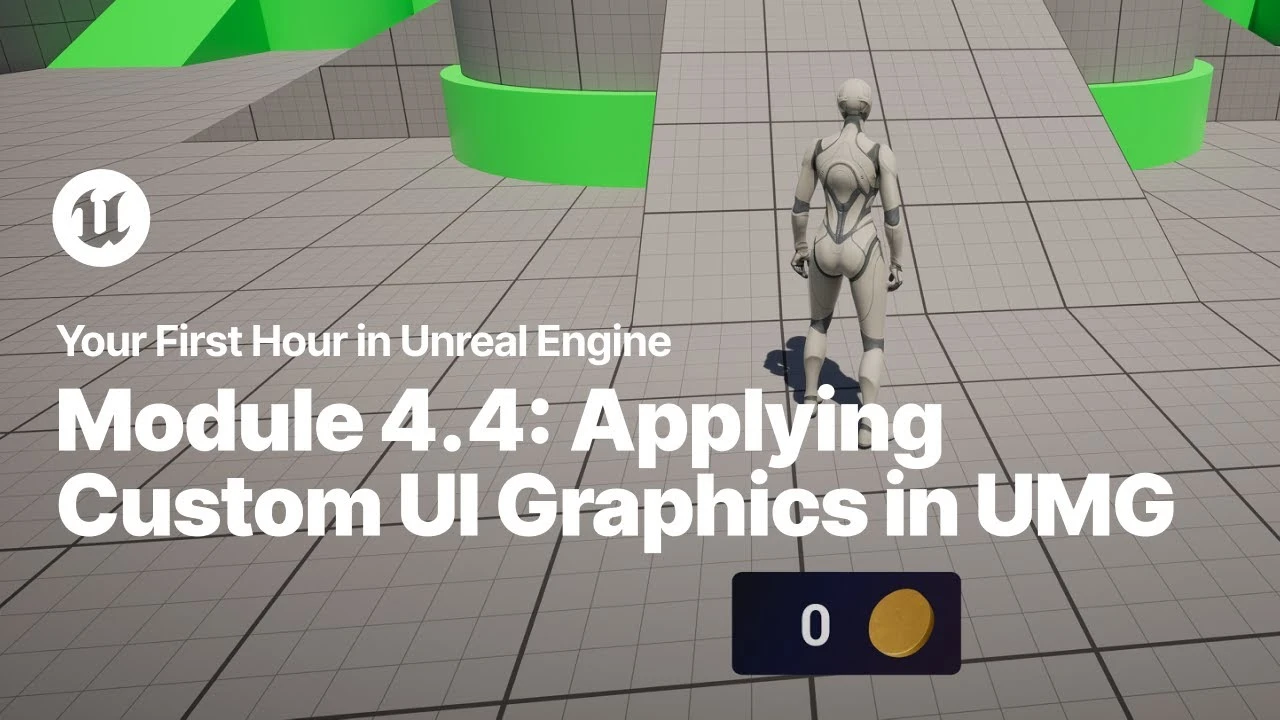
Applying Custom UI Graphics in UMG
Principiante🍅 Timer Pomodoro
Estudia 25 min, luego toma un descanso. ¡Mejora la concentración!
Descripción
Just starting your journey using Unreal Engine? This beginner tutorial series, created in partnership with Luke Anderton of Tinkr Studios, will show you how to get started while helping you start building your first 3d platforming game!
In this video, you will learn how to import custom art elements and use them in your heads up display (HUD).
YFHIU Tutorial Page: https://dev.epicgames.com/documentati...
Additional Resources:
Blueprint Visual Scripting: https://dev.epicgames.com/documentati...
Building Your UI: https://dev.epicgames.com/documentati...
In this video, you will learn how to import custom art elements and use them in your heads up display (HUD).
YFHIU Tutorial Page: https://dev.epicgames.com/documentati...
Additional Resources:
Blueprint Visual Scripting: https://dev.epicgames.com/documentati...
Building Your UI: https://dev.epicgames.com/documentati...
Etiquetas
A continuación


Live Link Hub Tips | Unreal Engine Animation Hub
Unreal Engine
Procedural PAINTERLY SHADER in Unreal Engine 5 | Part 1
Kher
How Create A Simple Cel Shader - Unreal Engine 5 Materials Tutorial
Pitchfork Academy
Installing Unreal Engine
Unreal Engine
Florian and Sam Make a Real-Time Strategy Game in UEFN | Unreal Fest Stockholm 2025
Unreal Engine
A First Look at the New Animation Features in Unreal Engine 5.6
Unreal Engine
How to Procedurally Generate 3D Environments in Unreal Engine 5 | FULL PCG WORKFLOW
pwnisher
Beginner's Guide to Creating Stylized Environments in UE4
Stylized Station
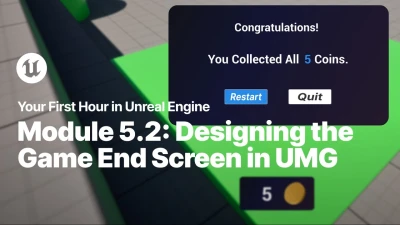
Designing the Game End Screen in UMG
Unreal Engine
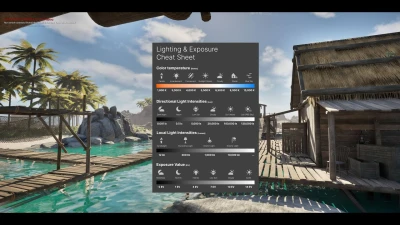
How to use physically based lighting values In Unreal Engine
Karim abou shousha