Break time!
Your Pomodoro session has ended
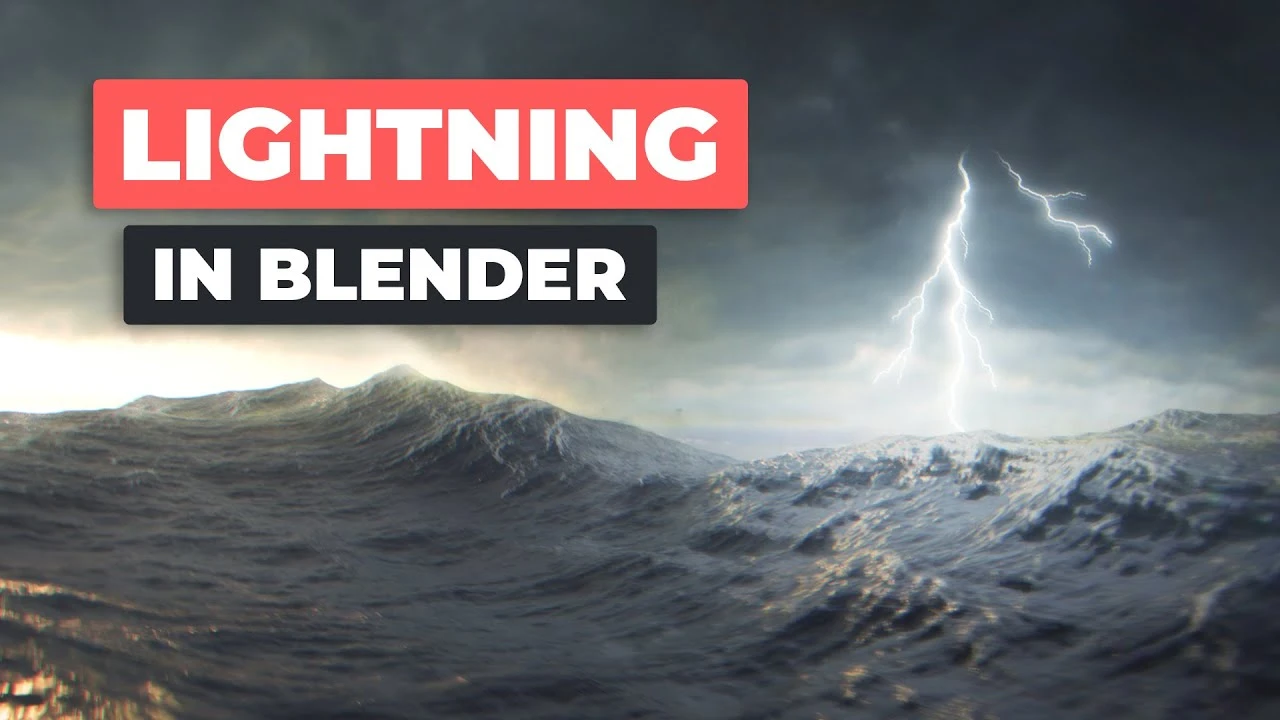
Animated Lightning in Blender (Tutorial)
Beginner🍅 Pomodoro Timer
Study for 25 min, then take a break. Improves focus!
Description
In this video, @MartinKlekner shows how to create a 3D lightning using a simple Grease Pencil workflow and how to composite it into your scenes. Learn how to make the waves in our course.
⇨ Master 3D Environments course: https://bit.ly/b3d-environment-course-10
⇨ Project Files & Blender Shortcut PDF (email required): https://bit.ly/cgboost-resources-16
⇨ Blender Secrets E-book (affiliate): https://gumroad.com/a/436106355
LINKS
⇨ Free Introduction to Compositing: • Introduction to Compositing in Blender
⇨ SlowMo Guys Lightning video by Joey Carlino: • Lightning Strike at 103,000 FPS
⇨ Lightning tutorial using Geometry Nodes: • Realistic Lightning with Geometry Nodes ||...
CHAPTERS
00:00 - Intro
00:10 - Getting reference
01:54 - Drawing the lightning with Grease Pencil
05:47 - Animating the lightning
07:00 - Adding Thickness and Opacity modifier
09:13 - Rendering out layers
11:29 - Making the Lightning visible & Grease Pencil effects
12:48 - Compositing
14:40 - Driving exposure and Drivers
15:45 - Adding Glow with Ellipse mask
17:30 - Gradually blurring the Lightning
MY SYSTEM
CPU: Intel Core i7-7700K 4.2 Ghz
GPU: GeForce GTX 1070 Ti
RAM: 64 GB
FOLLOW CG BOOST
⇨ Facebook: / cgboost
⇨ Twitter: / cgboost
⇨ Instagram: / cg_boost
⇨ Web: https://cgboost.com/
#b3d #tutorial #lightning
⇨ Master 3D Environments course: https://bit.ly/b3d-environment-course-10
⇨ Project Files & Blender Shortcut PDF (email required): https://bit.ly/cgboost-resources-16
⇨ Blender Secrets E-book (affiliate): https://gumroad.com/a/436106355
LINKS
⇨ Free Introduction to Compositing: • Introduction to Compositing in Blender
⇨ SlowMo Guys Lightning video by Joey Carlino: • Lightning Strike at 103,000 FPS
⇨ Lightning tutorial using Geometry Nodes: • Realistic Lightning with Geometry Nodes ||...
CHAPTERS
00:00 - Intro
00:10 - Getting reference
01:54 - Drawing the lightning with Grease Pencil
05:47 - Animating the lightning
07:00 - Adding Thickness and Opacity modifier
09:13 - Rendering out layers
11:29 - Making the Lightning visible & Grease Pencil effects
12:48 - Compositing
14:40 - Driving exposure and Drivers
15:45 - Adding Glow with Ellipse mask
17:30 - Gradually blurring the Lightning
MY SYSTEM
CPU: Intel Core i7-7700K 4.2 Ghz
GPU: GeForce GTX 1070 Ti
RAM: 64 GB
FOLLOW CG BOOST
⇨ Facebook: / cgboost
⇨ Twitter: / cgboost
⇨ Instagram: / cg_boost
⇨ Web: https://cgboost.com/
#b3d #tutorial #lightning
Up Next






La IA acaba de llegar a Blender… pero no como imaginaba
Aura Prods
MAKE THIS: Realistic Dense Forest Scene in Blender
Meshful Works
Rigging switchable parents and equipment slots in Blender
Pierrick Picaut
1 Easy Way to Make Better Environments in Blender
ManjuRam
Sculpting a cliff in Blender (timelapse)
Blender Guru
Blender Beginner Modeling Chair Tutorial - Part 6: Creases & Shearing
Blender Guru
Create Realistic Mountains with Blender 5.0 and Gaea 2
Maarten Nauta
Stylised Sky shader - Blender tutorial
Pierrick Picaut
Easy Fog in Blender
Blender Guru
How I rendered 17,731 Donuts
Blender Guru