Break time!
Your Pomodoro session has ended
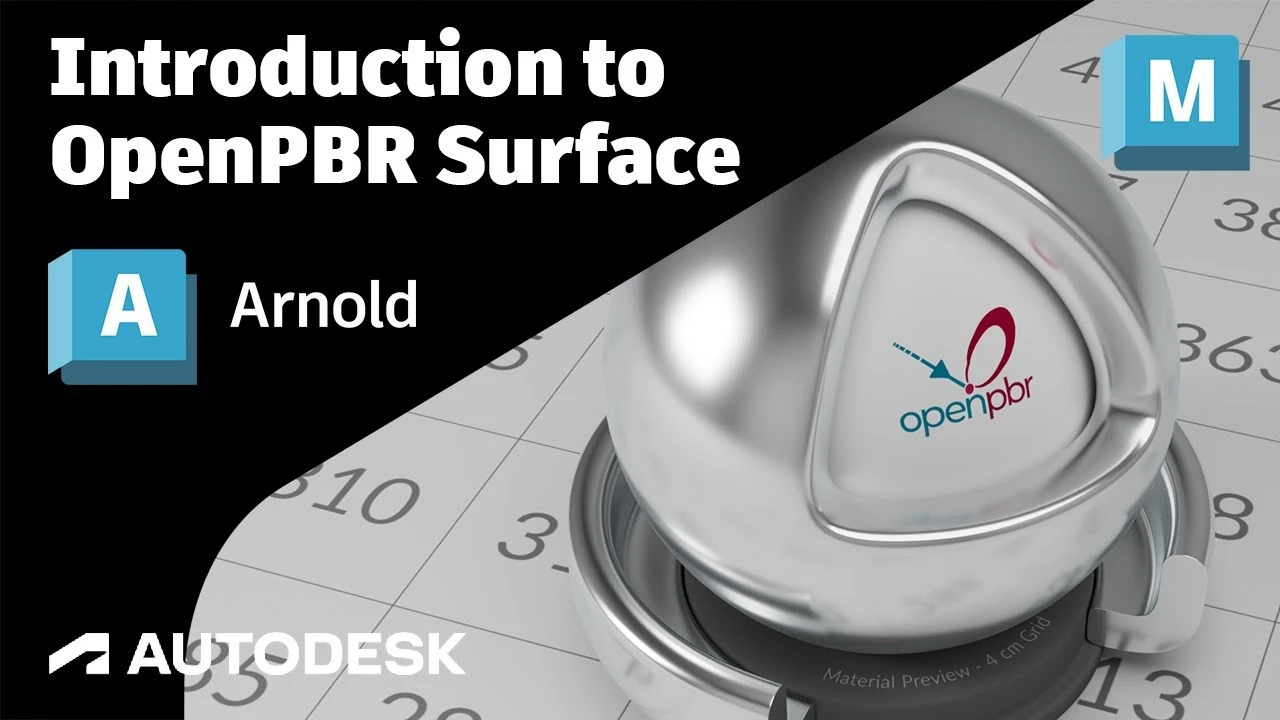
An Introduction to OpenPBR Surface in Arnold
Beginner🍅 Pomodoro Timer
Study for 25 min, then take a break. Improves focus!
Description
OpenPBR Surface is a shading model that renders consistently across Arnold, VRay, Redshift, Cycles, Karma, Omniverse, Octane, Unreal Engine and more. In this video we break down exactly how its layered system works. You'll learn how to control every aspect of your material using one unified framework.
OpenPBR Surface is a highly art-directable material model: an expressive yet intuitive set of parameters, with direct control over the perceived colors, detailed enough to represent most real-world materials. It is physically accurate, meaning that materials look realistic by default, while still giving artists the freedom to represent imaginary ones. OpenPBR Surface aims to strike a balance between simplicity of use and expressivity.
This physically based shading model has been developed to offer creatives a more artist-friendly bridge between different software applications. It's an open standard backed by major players like Autodesk, Adobe, and NVIDIA.
https://help.autodesk.com/view/ARNOL/...
https://github.com/AcademySoftwareFou...
0:00 Introduction
1:12 Model Overview
2:17 Metal
3:25 Dielectric
3:44 Diffuse Base
4:44 Subsurface scattering
6:18 Transparent Base
7:41 Transmission Dispersion
8:27 Specular Roughness
9:38 Coat
10:50 Fuzz
11:28 Thin-film iridescence
12:42 Emission
13:15 Bump mapping
13:36 Thin-walled mode
14:34 Conclusion
OpenPBR Surface is a highly art-directable material model: an expressive yet intuitive set of parameters, with direct control over the perceived colors, detailed enough to represent most real-world materials. It is physically accurate, meaning that materials look realistic by default, while still giving artists the freedom to represent imaginary ones. OpenPBR Surface aims to strike a balance between simplicity of use and expressivity.
This physically based shading model has been developed to offer creatives a more artist-friendly bridge between different software applications. It's an open standard backed by major players like Autodesk, Adobe, and NVIDIA.
https://help.autodesk.com/view/ARNOL/...
https://github.com/AcademySoftwareFou...
0:00 Introduction
1:12 Model Overview
2:17 Metal
3:25 Dielectric
3:44 Diffuse Base
4:44 Subsurface scattering
6:18 Transparent Base
7:41 Transmission Dispersion
8:27 Specular Roughness
9:38 Coat
10:50 Fuzz
11:28 Thin-film iridescence
12:42 Emission
13:15 Bump mapping
13:36 Thin-walled mode
14:34 Conclusion
Up Next

Cómo Crear una Animación de Cámara 360 en Maya – Iluminación y Render
Fox Bandit
UVs for Beginners - UV mapping a Head in Maya
FlippedNormals
Arnold tutorial - How to create a CD shader in MtoA
Arnold renderer
Arnold tutorial - Using the camera rolling shutter in MtoA
Arnold renderer
Agregar SkyDome y HDRI en Maya Anrold
Blender Deluxe Tutoriales
Ray Shelf Setup
Blender Deluxe Tutoriales
Arnold tutorial - Rendering a refractive portrait effect in MtoA
Arnold renderer
Arnold tutorial - Using transmission_scatter in MtoA
Arnold renderer
Create a Flag using nCloth in Maya 2019
Academic Phoenix Plus
3D Game Asset Creation (Full Process) - Stylised Axe
Stu Lloyd (CG Stu)