¡Tiempo de descanso!
Tu sesión Pomodoro ha terminado
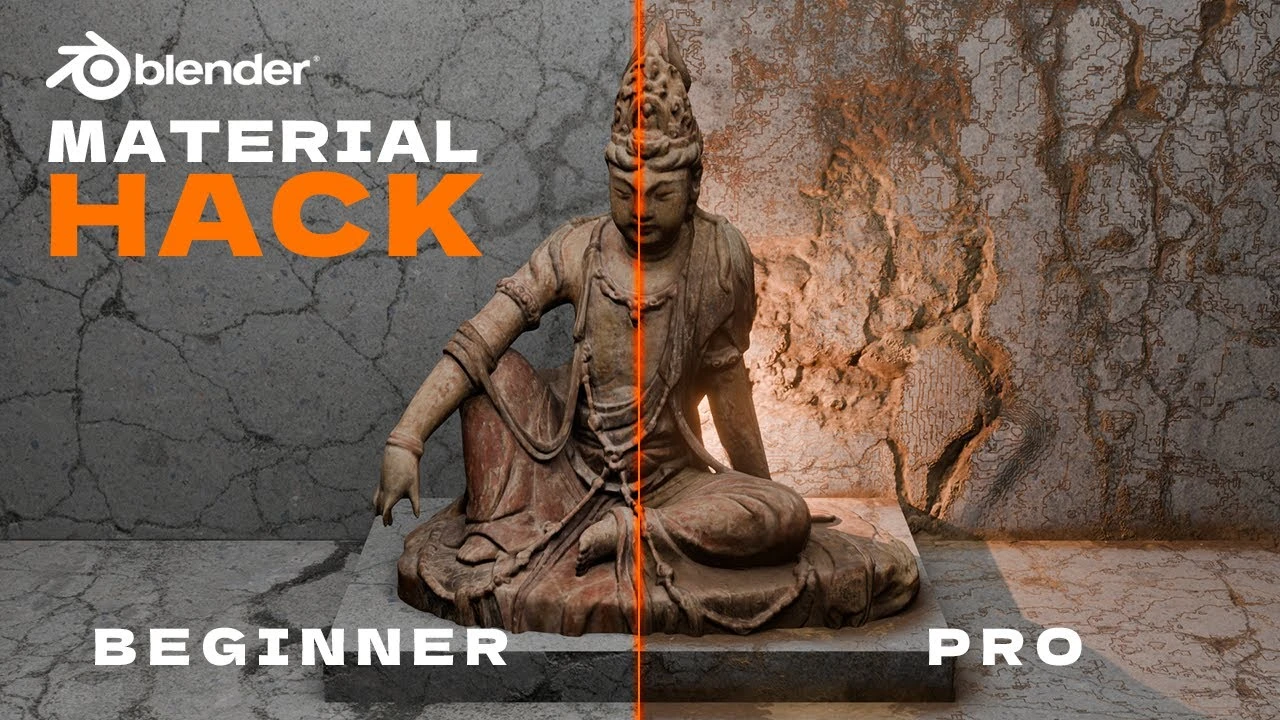
Realistic Details in Blender with One Powerful Node
Principiante🍅 Timer Pomodoro
Estudia 25 min, luego toma un descanso. ¡Mejora la concentración!
Descripción
PolySuite: https://polysuite.app
Link to BlenderKit: https://www.blenderkit.com/
Affiliate Links & Socials: https://linktr.ee/polyplayground
Ready to take your Blender scenes to the next level? In this exciting tutorial, we reveal the secrets of the Ambient Occlusion node—a powerful tool that adds incredible depth and detail to your 3D projects. Whether you’re aiming to create realistic edge wear, grime, or intricate textures, this step-by-step guide will show you how to achieve stunning results with ease.
Watch as we transform a basic scene into a detailed masterpiece, and learn how to apply these techniques to any material. Perfect for beginners and seasoned Blender users alike, this tutorial covers everything from basic setups to advanced adjustments, ensuring your scenes never look flat again.
What you’ll learn:
• Setting up and using the Ambient Occlusion node
• Creating dynamic dirt and grime effects
• Adding texture and depth to your materials
• Applying these techniques to real-world materials
Join us and unlock the full potential of Blender’s Ambient Occlusion node. Don’t forget to like, comment, and subscribe for more Blender tips and tricks. Got questions or ideas? Drop them in the comments!
Keywords
Blender tutorial, ambient occlusion, Blender ambient occlusion node, Blender 3D, Blender depth, Blender edge wear, realistic Blender scenes, Blender tips, Blender tricks, 3D modeling, Blender 2024
Link to BlenderKit: https://www.blenderkit.com/
Affiliate Links & Socials: https://linktr.ee/polyplayground
Ready to take your Blender scenes to the next level? In this exciting tutorial, we reveal the secrets of the Ambient Occlusion node—a powerful tool that adds incredible depth and detail to your 3D projects. Whether you’re aiming to create realistic edge wear, grime, or intricate textures, this step-by-step guide will show you how to achieve stunning results with ease.
Watch as we transform a basic scene into a detailed masterpiece, and learn how to apply these techniques to any material. Perfect for beginners and seasoned Blender users alike, this tutorial covers everything from basic setups to advanced adjustments, ensuring your scenes never look flat again.
What you’ll learn:
• Setting up and using the Ambient Occlusion node
• Creating dynamic dirt and grime effects
• Adding texture and depth to your materials
• Applying these techniques to real-world materials
Join us and unlock the full potential of Blender’s Ambient Occlusion node. Don’t forget to like, comment, and subscribe for more Blender tips and tricks. Got questions or ideas? Drop them in the comments!
Keywords
Blender tutorial, ambient occlusion, Blender ambient occlusion node, Blender 3D, Blender depth, Blender edge wear, realistic Blender scenes, Blender tips, Blender tricks, 3D modeling, Blender 2024
A continuación





La IA acaba de llegar a Blender… pero no como imaginaba
Aura Prods
MAKE THIS: Realistic Dense Forest Scene in Blender
Meshful Works
Rigging switchable parents and equipment slots in Blender
Pierrick Picaut
1 Easy Way to Make Better Environments in Blender
ManjuRam
Sculpting a cliff in Blender (timelapse)
Blender Guru
Blender Beginner Modeling Chair Tutorial - Part 6: Creases & Shearing
Blender Guru
Create Realistic Mountains with Blender 5.0 and Gaea 2
Maarten Nauta
Stylised Sky shader - Blender tutorial
Pierrick Picaut
Easy Fog in Blender
Blender Guru
How I rendered 17,731 Donuts
Blender Guru