¡Tiempo de descanso!
Tu sesión Pomodoro ha terminado
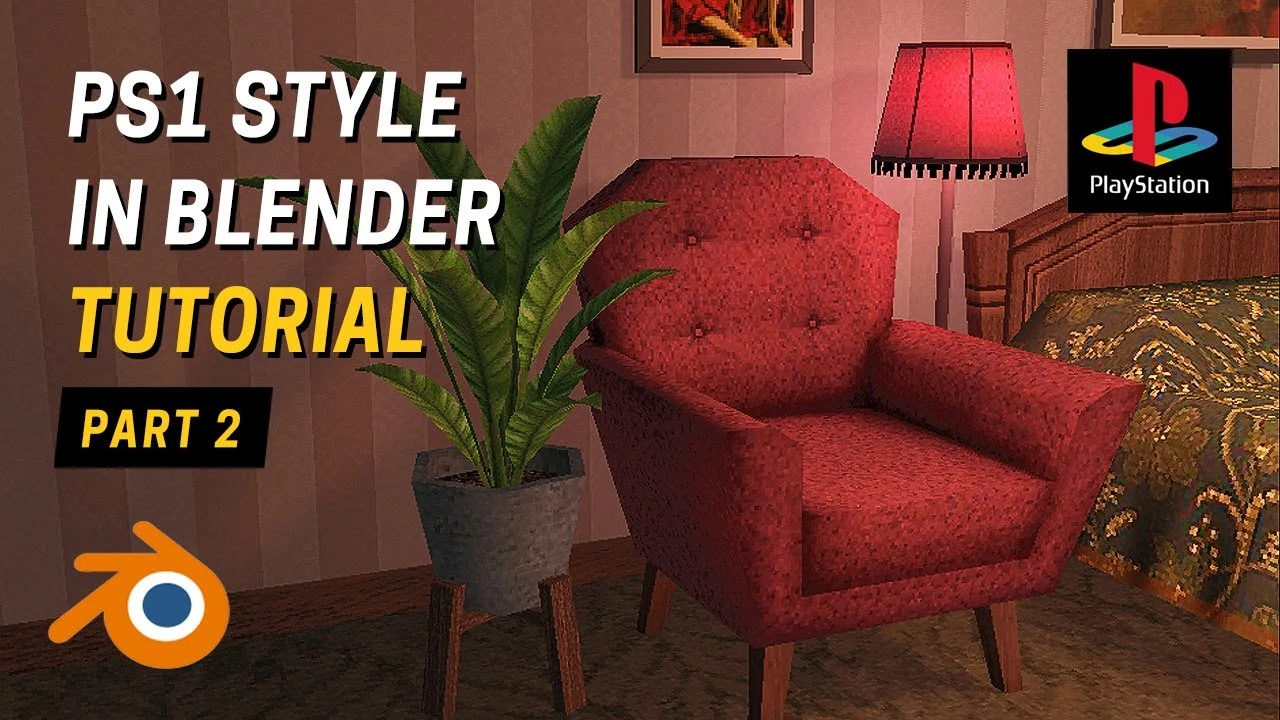
PS1 Style in Blender / Retro Low Poly Assets Beginner Tutorial - Part 2
🍅 Timer Pomodoro
Estudia 25 min, luego toma un descanso. ¡Mejora la concentración!
Descripción
Hello everyone!
This is the second part of a beginner-friendly tutorial on creating retro-style graphics in Blender, where we continue making low-poly assets and textures for them. If you haven't seen the first part I recommend starting with that.
And as always, feel free to ask any questions in the comments — I’ll be happy to help!
Hope you enjoy the process.
Part 3 is currently available on my Patreon: / summer85
This is the second part of a beginner-friendly tutorial on creating retro-style graphics in Blender, where we continue making low-poly assets and textures for them. If you haven't seen the first part I recommend starting with that.
And as always, feel free to ask any questions in the comments — I’ll be happy to help!
Hope you enjoy the process.
Part 3 is currently available on my Patreon: / summer85
Etiquetas
A continuación





La IA acaba de llegar a Blender… pero no como imaginaba
Aura Prods
1 Easy Way to Make Better Environments in Blender
ManjuRam
Sculpting a cliff in Blender (timelapse)
Blender Guru
How I created a barren world in Blender 3D
Samuel Krug VFX
Easy Fog in Blender
Blender Guru
Aprende TODO de Blender - De CERO a PRO de Producto 3D! 📈📈 (Tutorial ESP) - Blender 4.2.2 LTS
Alinwan Studios
How to Make Cinematic Renders with Blender?
Bad Normals
Material de vidrio en Blender 4.3: ¡Rápido y fácil!
Berk Kaplan - Designer
Blender 3.0 Beginner Tutorial Part 12: Floating Particles
Blender Guru
Topology Tip: Perfect Sub-D Modeling Every Time!
On Mars 3D