Break time!
Your Pomodoro session has ended
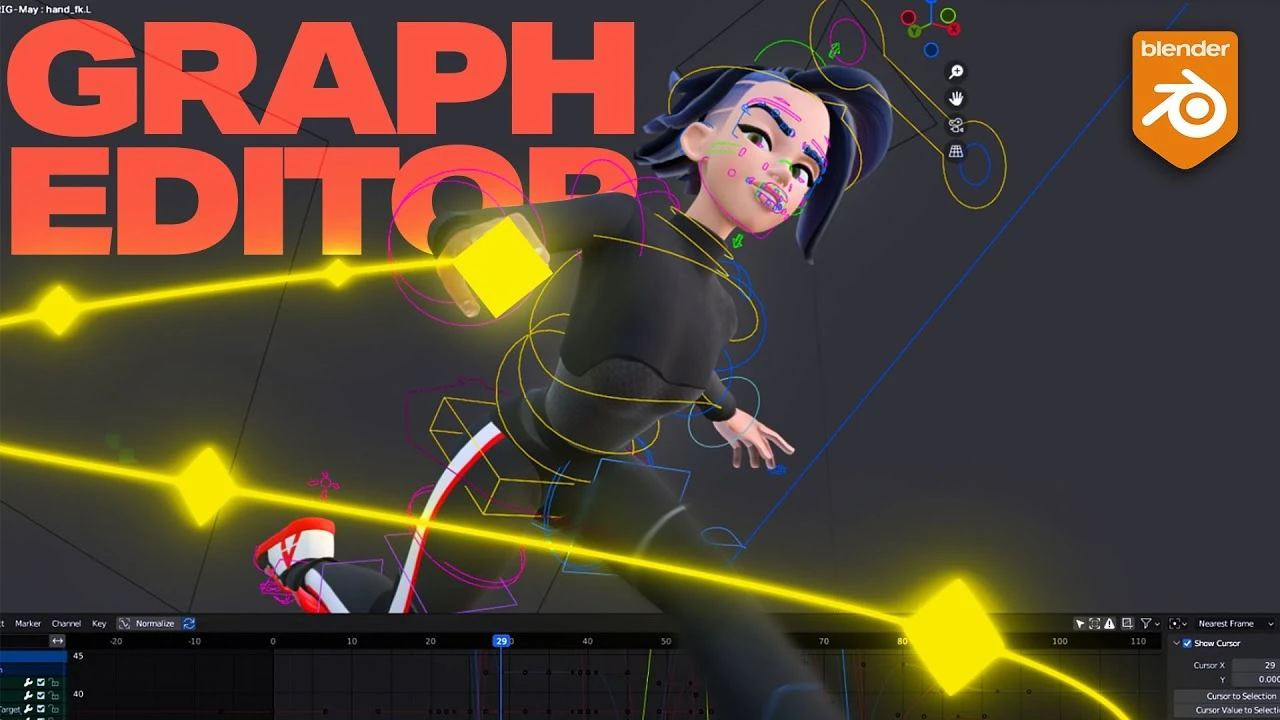
How to use Blender's Graph Editor like a Professional Animator
Beginner🍅 Pomodoro Timer
Study for 25 min, then take a break. Improves focus!
Description
Want to learn how to animate like we do? 🔽
🔶 Blender Basics for Animators Course: https://totrack.app/r/youtube-descrip...
🎓 Ultimate Animation Course: https://totrack.app/r/youtube-video-d...
🔫 Asset Store (high quality Blender rigs): https://totrack.app/r/youtube-descrip...
💸 Or maybe you want to start animating in Blender for free?
Enroll in the 3-Day Blender Bender structured mini-course where you’ll create your first walk and run cycle, all completely free!
👉 Join here → https://www.toanimate.ca/blender-chal...
Video description: Think Blender's Graph Editor is trash? Think again.
In this video, I'll show you how to fully optimize Blender’s Graph Editor for professional animation workflows. If you're a Maya animator or just frustrated with Blender’s defaults, this is the tutorial that will change the way you animate forever. No fluff, just pro tips, time-saving tricks, and real animator workflows from artists who worked on Netflix’s Maya and the Three.
✅ Setup once, animate faster forever
0:00 - Intro
0:14 - SETUP
0:47 - How to Set a Keying Set in Blender for Cleaner Animation
1:22 - How to Show and Edit Channel Values in Blender’s Graph Editor
1:34 - How to Isolate F-Curves for Selected Bones in Blender
2:42 - How to Show Only Selected Keyframe Handles in Blender
2:57 - What Does Normalize Do in Blender’s Graph Editor? (And Why You Need It)
4:05 - How to Move, Scale, and Adjust Keyframes Precisely in Blender's graph editor
6:59 - How to Loop Animations and Use Interpolation in Blender
7:55 - How to Modify Curve Tangents in Blender's Graph Editor
8:47 - How to Select all in Blender
9:12 - How to Select Keys Before or After Play-head
9:36 - How to Clean Your Keyframes in Blender's Graph Editor (Delete static keys)
10:09 - How to Copy & Paste Keys
10:53 - How to Use Modifiers in Blender’s Graph Editor (Noise, Stepped, etc.)
12:08 - How to Mute Channels in Blender (Not see their animation)
12:49 - How to use Blender's Euler Filter
13:44 - How to Zoom In/Out or Focus on Selection in Blender's Graph Editor
14:30 - How to Add Markers in Blender's Timeline and Graph Editor
#b3d #grapheditor #animationtips
🔶 Blender Basics for Animators Course: https://totrack.app/r/youtube-descrip...
🎓 Ultimate Animation Course: https://totrack.app/r/youtube-video-d...
🔫 Asset Store (high quality Blender rigs): https://totrack.app/r/youtube-descrip...
💸 Or maybe you want to start animating in Blender for free?
Enroll in the 3-Day Blender Bender structured mini-course where you’ll create your first walk and run cycle, all completely free!
👉 Join here → https://www.toanimate.ca/blender-chal...
Video description: Think Blender's Graph Editor is trash? Think again.
In this video, I'll show you how to fully optimize Blender’s Graph Editor for professional animation workflows. If you're a Maya animator or just frustrated with Blender’s defaults, this is the tutorial that will change the way you animate forever. No fluff, just pro tips, time-saving tricks, and real animator workflows from artists who worked on Netflix’s Maya and the Three.
✅ Setup once, animate faster forever
0:00 - Intro
0:14 - SETUP
0:47 - How to Set a Keying Set in Blender for Cleaner Animation
1:22 - How to Show and Edit Channel Values in Blender’s Graph Editor
1:34 - How to Isolate F-Curves for Selected Bones in Blender
2:42 - How to Show Only Selected Keyframe Handles in Blender
2:57 - What Does Normalize Do in Blender’s Graph Editor? (And Why You Need It)
4:05 - How to Move, Scale, and Adjust Keyframes Precisely in Blender's graph editor
6:59 - How to Loop Animations and Use Interpolation in Blender
7:55 - How to Modify Curve Tangents in Blender's Graph Editor
8:47 - How to Select all in Blender
9:12 - How to Select Keys Before or After Play-head
9:36 - How to Clean Your Keyframes in Blender's Graph Editor (Delete static keys)
10:09 - How to Copy & Paste Keys
10:53 - How to Use Modifiers in Blender’s Graph Editor (Noise, Stepped, etc.)
12:08 - How to Mute Channels in Blender (Not see their animation)
12:49 - How to use Blender's Euler Filter
13:44 - How to Zoom In/Out or Focus on Selection in Blender's Graph Editor
14:30 - How to Add Markers in Blender's Timeline and Graph Editor
#b3d #grapheditor #animationtips
Up Next






La IA acaba de llegar a Blender… pero no como imaginaba
Aura Prods
Como hacer el efecto de VENOM en ¡BLENDER!
Aura Prods
Making a Realistic Ruins Environment in Blender 4.5
Rithick_03d
1 Easy Way to Make Better Environments in Blender
ManjuRam
My secret animation trick you should always use, Retiming!
Pierrick Picaut
Blender 5.0 Changed Sky & Atmosphere Rendering
CG Vortex
Sculpting a cliff in Blender (timelapse)
Blender Guru
Easy Fog in Blender
Blender Guru
Blender Tutorial: Geometry Nodes for Beginners - Part 2
Blender Guru
Toon Shader | Blender Tutorial
Tawan Sunflower