Break time!
Your Pomodoro session has ended
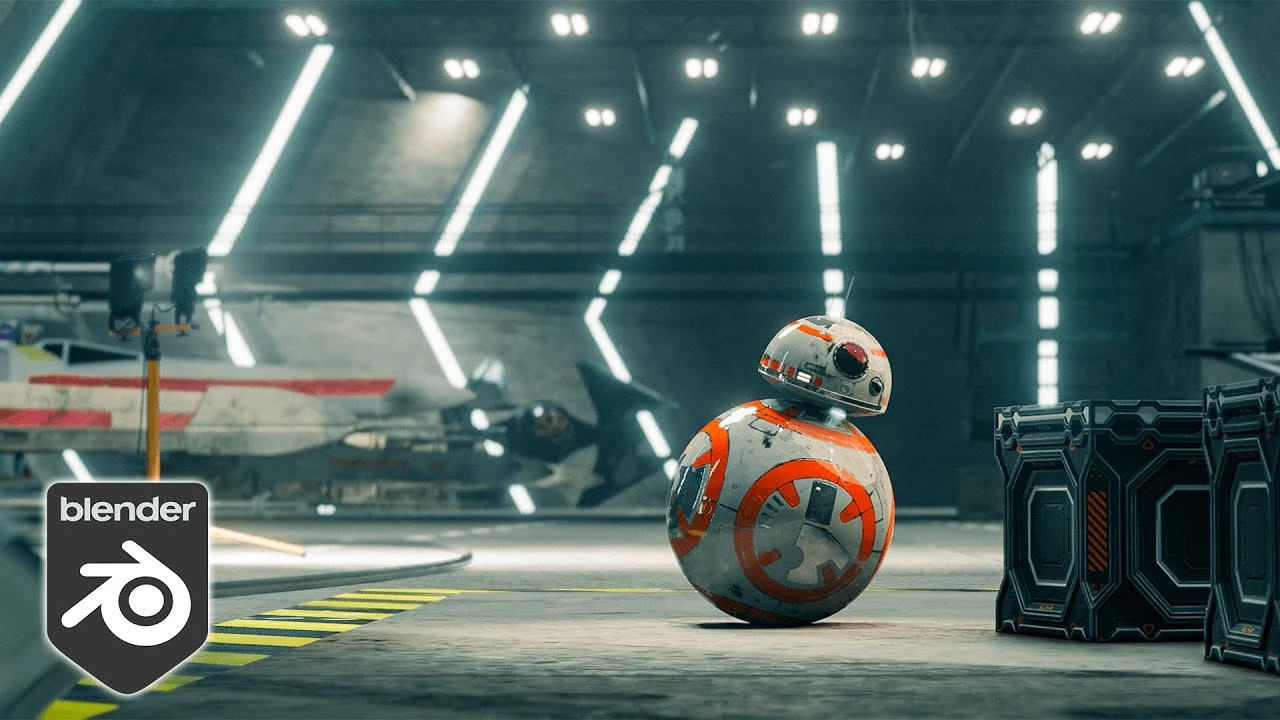
How to make REALISTIC renders in EEVEE?
Beginner🍅 Pomodoro Timer
Study for 25 min, then take a break. Improves focus!
Description
Blender has two rendering engines, Cycles and EEVEE and I will show you how to make EEVEE look like Cycles. We will cover render settings, indirect light baking, reflections baking, fixing light bleeding, shadows and many more. This should be pretty future proof and work in Blender 2.92, Blender 2.93 and Blender 3.0.
Up Next





La IA acaba de llegar a Blender… pero no como imaginaba
Aura Prods
MAKE THIS: Realistic Dense Forest Scene in Blender
Meshful Works
Rigging switchable parents and equipment slots in Blender
Pierrick Picaut
1 Easy Way to Make Better Environments in Blender
ManjuRam
Sculpting a cliff in Blender (timelapse)
Blender Guru
Blender Beginner Modeling Chair Tutorial - Part 6: Creases & Shearing
Blender Guru
Create Realistic Mountains with Blender 5.0 and Gaea 2
Maarten Nauta
Stylised Sky shader - Blender tutorial
Pierrick Picaut
Easy Fog in Blender
Blender Guru
How I rendered 17,731 Donuts
Blender Guru