Break time!
Your Pomodoro session has ended
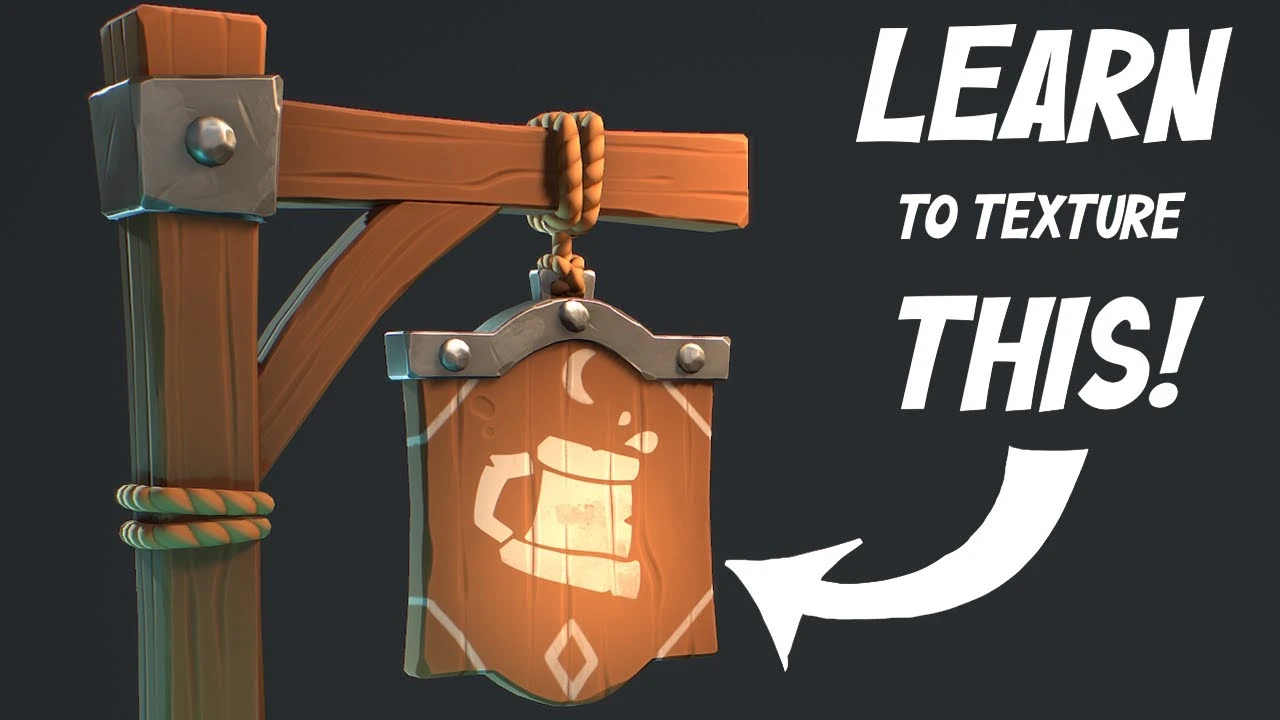
HOW I texture STYLIZED GAME ASSETS in SUBSTANCE PAINTER
Beginner🍅 Pomodoro Timer
Study for 25 min, then take a break. Improves focus!
Description
Follow along for free in this tutorial on texturing a stylized game asset!
20% off for the first week!
Get the full Course on creating a Stylized game asset from scratch here: https://brownbearboy.gumroad.com/l/Co...
Get the free follow along assets here: https://brownbearboy.gumroad.com/l/St...
20% off for the first week!
Get the full Course on creating a Stylized game asset from scratch here: https://brownbearboy.gumroad.com/l/Co...
Get the free follow along assets here: https://brownbearboy.gumroad.com/l/St...
Up Next
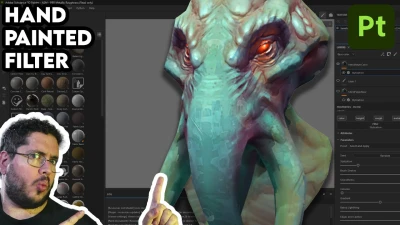
Hand Painted Workflow in Substance 3D Painter | Adobe Substance 3D
Adobe Substance 3D
Modelling a Sci-Fi Apartment in Blender Substance and Unreal Engine
Nico Linde
Creating 3D Paths in Substance 3D Painter | Adobe Substance 3D
Adobe Substance 3D
¡Crea este Diorama Realista! Tutorial de UVs en Maya y Texturizado en Substance Painter
Blender Deluxe Tutoriales
How To Use Torn Fabric Alpha In #substancepainter
Bagher Bolouri
New Path Tool Features & Improvements in Substance 3D Painter | Adobe Substance 3D
Adobe Substance 3D
Get Better at SUBSTANCE PAINTER!
ProductionCrate
Substance Painter - NEW Hand Painted Filters
Abe Leal 3D
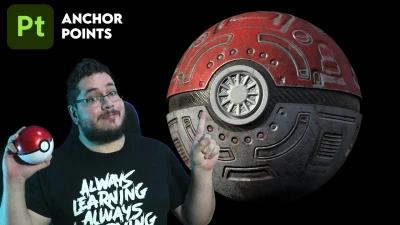
Substance Painter Tutorial: Texture Your 3D Models Like a Pro with Anchor Points
Abe Leal 3D
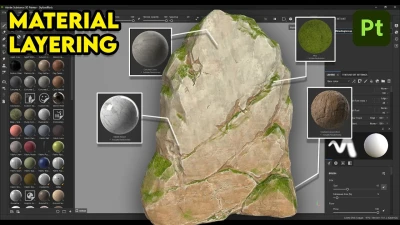
Substance Painter Material Layering Basic Setup
Abe Leal 3D