Break time!
Your Pomodoro session has ended
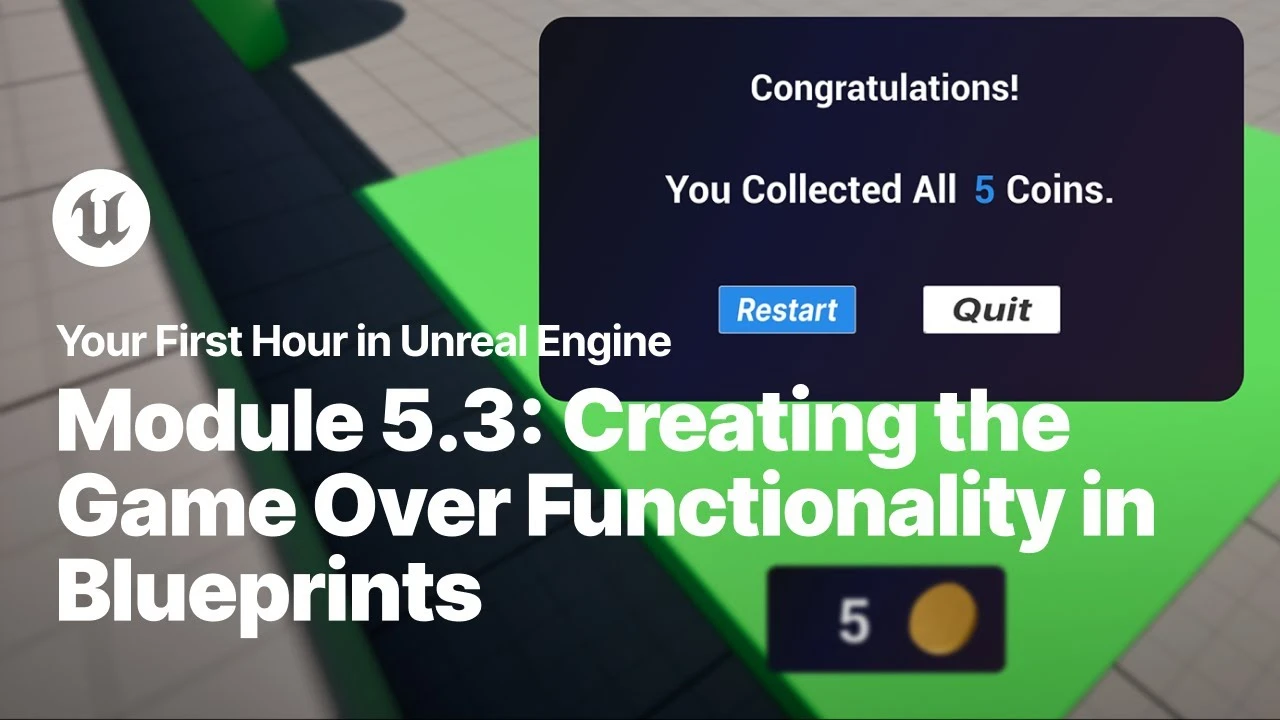
Creating the Game Over Functionality in Blueprints
Beginner🍅 Pomodoro Timer
Study for 25 min, then take a break. Improves focus!
Description
Just starting your journey using Unreal Engine? This beginner tutorial series, created in partnership with Luke Anderton of Tinkr Studios, will show you how to get started while helping you start building your first 3d platforming game!
In this video, you will learn how to add functionality to your Quit and Reset buttons and add the finishing touches to your 3D Platformer.
YFHIU Tutorial Page: https://dev.epicgames.com/documentati...
Additional Resources:
Blueprint Visual Scripting: https://dev.epicgames.com/documentati...
Building Your UI: https://dev.epicgames.com/documentati...
Importing Assets Directly: https://dev.epicgames.com/documentati...
In this video, you will learn how to add functionality to your Quit and Reset buttons and add the finishing touches to your 3D Platformer.
YFHIU Tutorial Page: https://dev.epicgames.com/documentati...
Additional Resources:
Blueprint Visual Scripting: https://dev.epicgames.com/documentati...
Building Your UI: https://dev.epicgames.com/documentati...
Importing Assets Directly: https://dev.epicgames.com/documentati...
Up Next





Unreal Engine 5 Beginner Tutorial Part 3: Modelling Tools Basics
Bad Decisions Studio
Installing Unreal Engine
Unreal Engine
3 Ways to Fix Visually Tiling Textures in Unreal Engine 5
Aziel Arts
Unreal Engine 5 Beginner Tutorial Part 17: Animation & Sequencer Basics
Bad Decisions Studio
Procedural PAINTERLY SHADER in Unreal Engine 5 | Part 2
Kher
Chateau Project Overview | Unreal Engine 5.4
Megatecture
Speed Level Design UE5 - The Heart of Stone | Timelapse
Actoo'sLive
Creating An End State Screen in Unreal Engine
Unreal Engine
Mafia: The Old Country: Using MetaHuman in a AAA Character Pipeline | Unreal Fest Stockholm 2025
Unreal Engine
Unreal Engine 5 Beginner Tutorial Part 4: Modeling Tools Advanced
Bad Decisions Studio