Break time!
Your Pomodoro session has ended
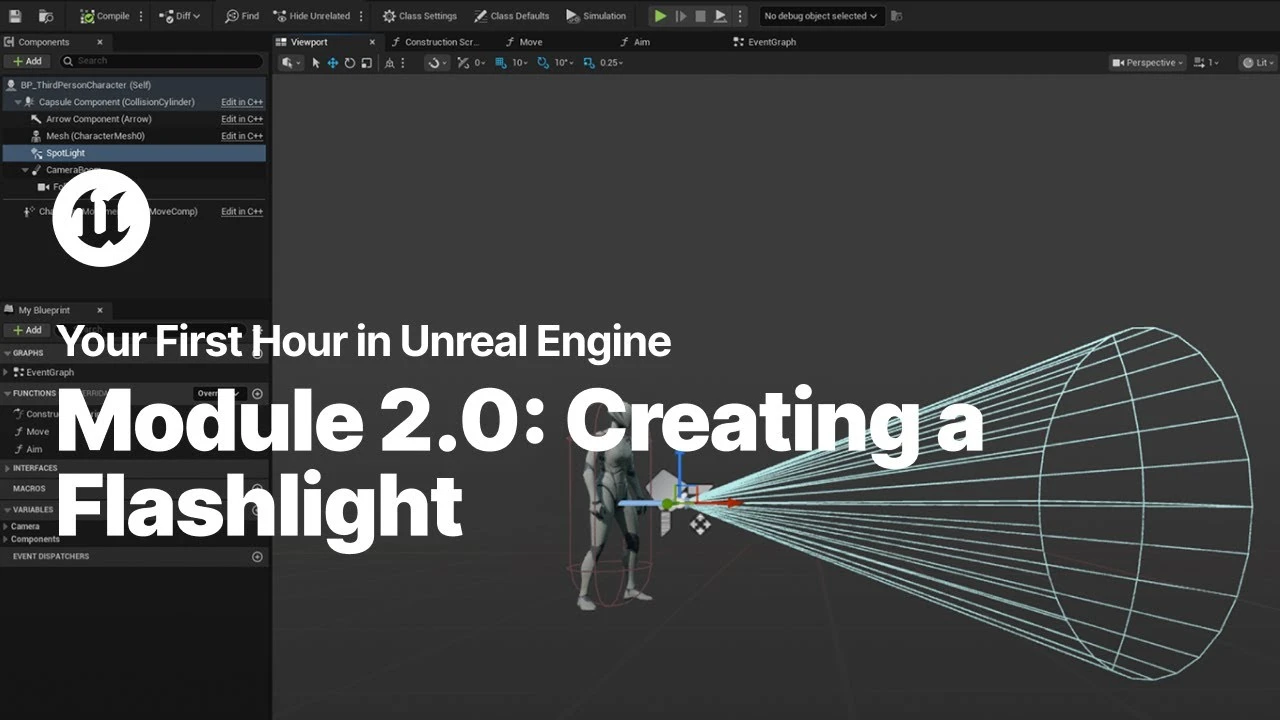
Creating a Flashlight with Enhanced Input in Unreal Engine
Beginner🍅 Pomodoro Timer
Study for 25 min, then take a break. Improves focus!
Description
Just starting your journey using Unreal Engine? This beginner tutorial series, created in partnership with Luke Anderton of Tinkr Studios, will show you how to get started while helping you start building your first 3d platforming game!
In this module, you will learn about the Player Blueprint and the Enhanced Input system to create your very own flashlight for your player.
YFHIU Tutorial Page: https://dev.epicgames.com/documentati...
In this module, you will learn about the Player Blueprint and the Enhanced Input system to create your very own flashlight for your player.
YFHIU Tutorial Page: https://dev.epicgames.com/documentati...
Up Next


Unreal Engine 5 Beginner Tutorial Part 10: Post Process Volume
Bad Decisions Studio
Compiling Your Project in Unreal Engine
Unreal Engine
Packaging Your Project in Unreal Engine
Unreal Engine
A First Look at the New Animation Features in Unreal Engine 5.6
Unreal Engine
Introduction to Unreal Motion Graphics (UMG)
Unreal Engine
Speed Level Design UE5 - The Heart of Stone | Timelapse
Actoo'sLive
Modelling a Sci-Fi Apartment in Blender Substance and Unreal Engine
Nico Linde
Navigating the Viewport in Unreal Engine
Unreal Engine
Creating a Coin Pickup with Blueprints in Unreal Engine
Unreal Engine
Creating Debug Tools with SlateIM | Unreal Fest Stockholm 2025
Unreal Engine