¡Tiempo de descanso!
Tu sesión Pomodoro ha terminado
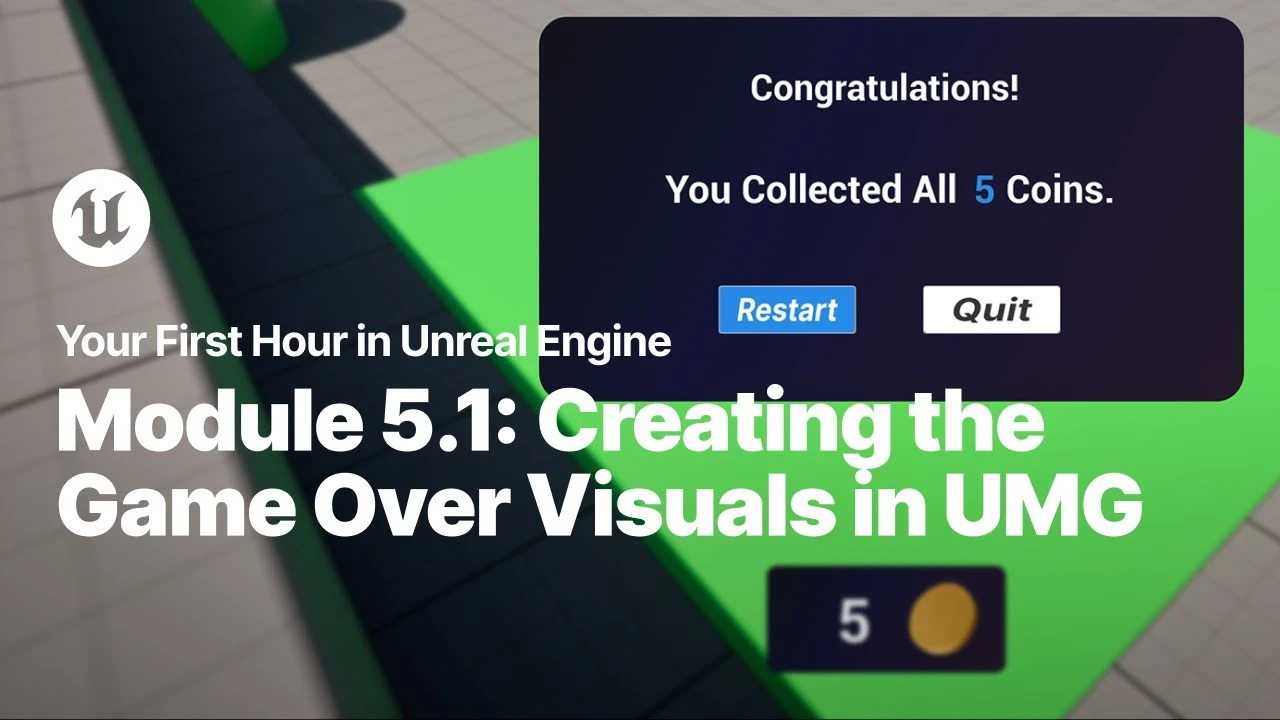
Create the Game Over Visuals in UMG
Principiante🍅 Timer Pomodoro
Estudia 25 min, luego toma un descanso. ¡Mejora la concentración!
Descripción
Just starting your journey using Unreal Engine? This beginner tutorial series, created in partnership with Luke Anderton of Tinkr Studios, will show you how to get started while helping you start building your first 3d platforming game!
In this video, you will create a new widget for your Game Over screen and add all the text and button components to support exiting or restarting your game.
YFHIU Tutorial Page: https://dev.epicgames.com/documentati...
Additional Resources:
Blueprint Visual Scripting: https://dev.epicgames.com/documentati...
Building Your UI: https://dev.epicgames.com/documentati...
Importing Assets Directly: https://dev.epicgames.com/documentati...
In this video, you will create a new widget for your Game Over screen and add all the text and button components to support exiting or restarting your game.
YFHIU Tutorial Page: https://dev.epicgames.com/documentati...
Additional Resources:
Blueprint Visual Scripting: https://dev.epicgames.com/documentati...
Building Your UI: https://dev.epicgames.com/documentati...
Importing Assets Directly: https://dev.epicgames.com/documentati...
A continuación




Florian and Sam Make a Real-Time Strategy Game in UEFN | Unreal Fest Stockholm 2025
Unreal Engine
Procedural PAINTERLY SHADER in Unreal Engine 5 | Part 4
Kher
Level Management: Sub-Levels, Spawnables, Possessibles in UE5
Unreal Engine
How to Create UNLIMITED 3D Interior Options in UNREAL ENGINE
Urban Decoders
Unreal Engine Materials in 6 Levels of Complexity
pwnisher
Building a Coin Counter in Unreal Engine
Unreal Engine
Unreal Engine 5.5.4 Best render setting for Cinematic render | World Of VFX
World Of VFX
Unreal Engine 5 Beginner Tutorial Part 7: Materials & Textures Basics
Bad Decisions Studio
Create a Resident Evil Style Horror Environment in Unreal Engine 5 | Small Hallway Scene Tutorial
HALbot Studios
Build a AAA Skill Tree in Unreal Engine — Details UI
Enginuity