¡Tiempo de descanso!
Tu sesión Pomodoro ha terminado
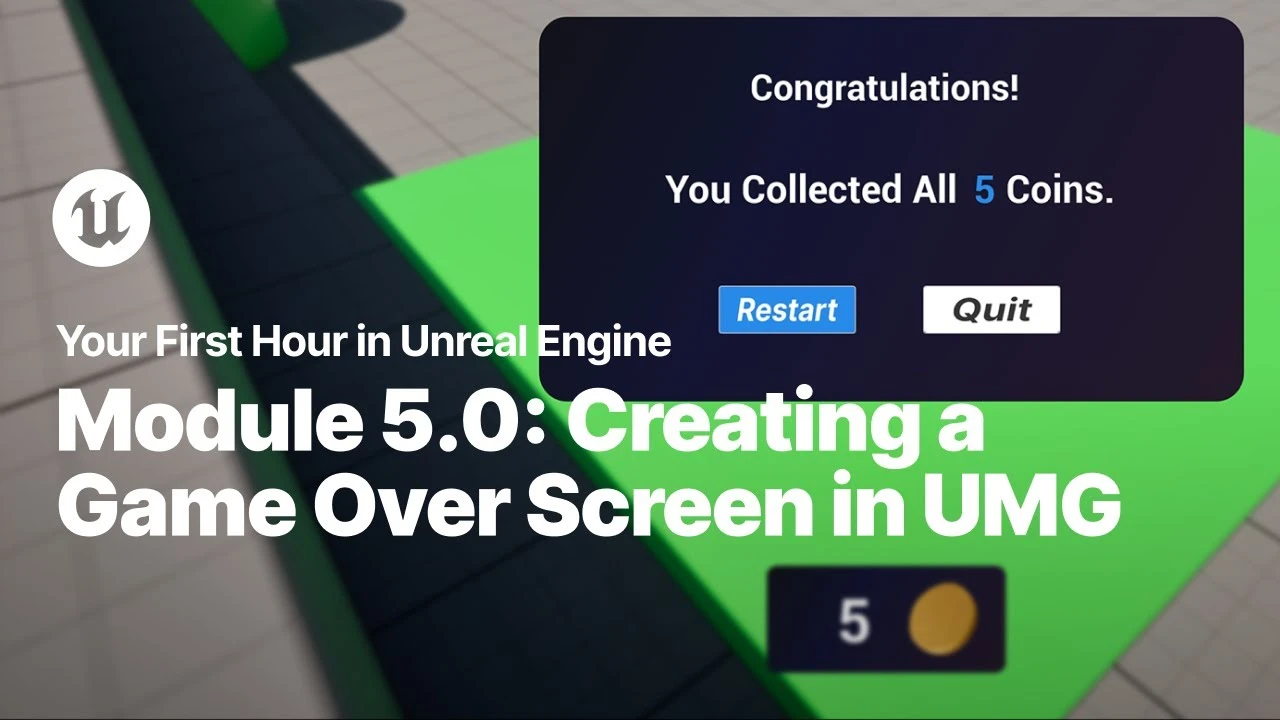
Create the Game Over Screen in Unreal Engine
Principiante🍅 Timer Pomodoro
Estudia 25 min, luego toma un descanso. ¡Mejora la concentración!
Descripción
Just starting your journey using Unreal Engine? This beginner tutorial series, created in partnership with Luke Anderton of Tinkr Studios, will show you how to get started while helping you start building your first 3d platforming game!
In this module, you will learn how to create a custom Game Over screen using Unreal Motion Graphics and how to tie that to your End Game state that you created in the last video of Module 3.
You will need the project files from the Your First Hour in Unreal Engine documentation to complete this module.
YFHIU Tutorial Page: https://dev.epicgames.com/documentati...
In this module, you will learn how to create a custom Game Over screen using Unreal Motion Graphics and how to tie that to your End Game state that you created in the last video of Module 3.
You will need the project files from the Your First Hour in Unreal Engine documentation to complete this module.
YFHIU Tutorial Page: https://dev.epicgames.com/documentati...
Etiquetas
A continuación

How to Create UNLIMITED 3D Interior Options in UNREAL ENGINE
Urban Decoders
Mastering Cinematic Lighting Techniques in Unreal Engine 5
Mohammad Solei
Introduction to Enhanced Input Action Mapping in Unreal Engine
Unreal Engine
How To - Flashlight With Battery Level | UE5
Lunar9
Make a Realistic VHS Camera in UE5
Eremental Studios
Create A Realistic Horror game Enviroment in UE5 (Horror Game Series Part 3)
Eremental Studios
NEW Mesh Painting in UE5.5 & 5.6! Stack Multiple Textures Like a Pro
Arghanion's Puzzlebox
HOW I REMADE PORSCHE COMMERCIAL | UNREAL ENGINE 5 BREAKDOWN
Post Processed
Adding Blueprint Components in Unreal Engine
Unreal Engine
Speed Level Design UE5 - The Heart of Stone | Timelapse
Actoo'sLive