Break time!
Your Pomodoro session has ended
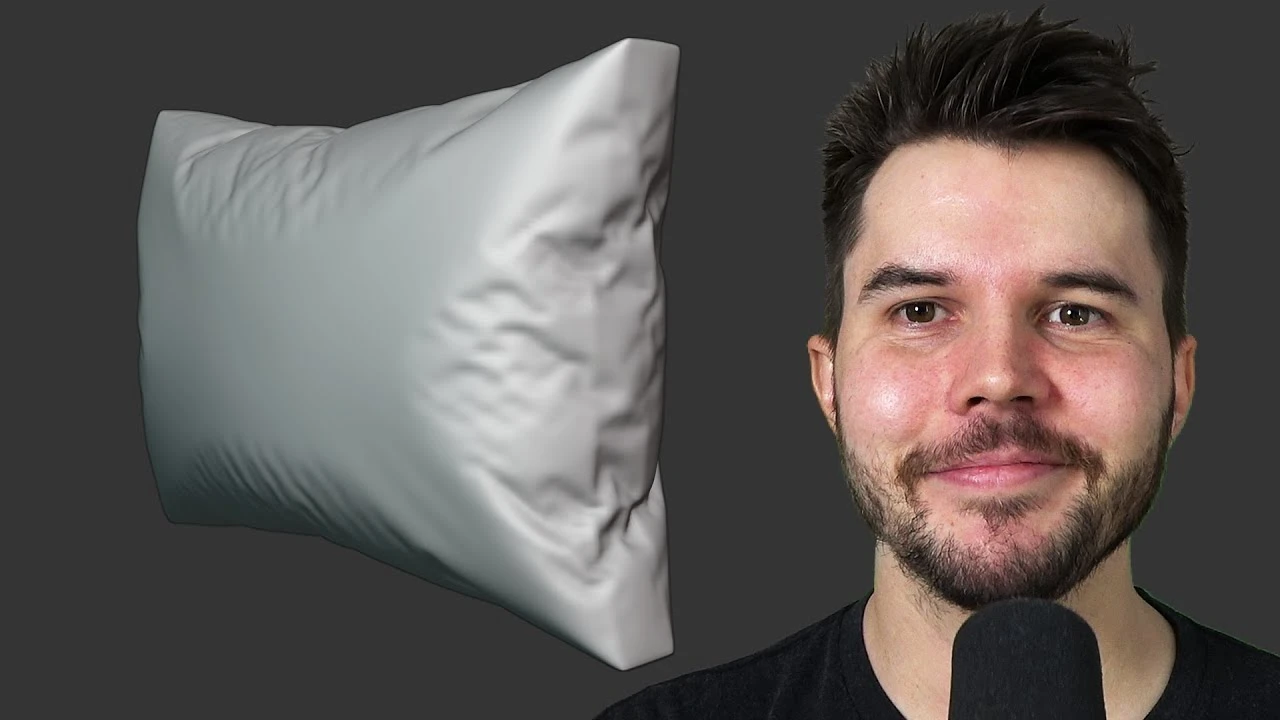
Couch Tutorial Part 2: Cushion Simulation
Beginner🍅 Pomodoro Timer
Study for 25 min, then take a break. Improves focus!
Description
Blender tutorial on making a couch cushion with proper wrinkles and creases, using the new cloth pressure simulation feature.
Chapter marks:
0:00 Intro
1:42 Mesh setup
5:55 Simulation setup
9:31 Customizing wrinkles
17:16 UV Unwrap
Join the free newsletter to get a Blender Keyboard Shortcut PDF: https://mailchi.mp/ef5b15a32043/subsc...
-----------------------------------------------
Follow me:
Twitter: / andrewpprice
Instagram: / andrewpprice
Facebook: / blenderguru
ArtStation: http://artstation.com/artist/andrewprice
Blender Guru: https://www.blenderguru.com
Poliigon: https://www.poliigon.com?utm_campaign...
Chapter marks:
0:00 Intro
1:42 Mesh setup
5:55 Simulation setup
9:31 Customizing wrinkles
17:16 UV Unwrap
Join the free newsletter to get a Blender Keyboard Shortcut PDF: https://mailchi.mp/ef5b15a32043/subsc...
-----------------------------------------------
Follow me:
Twitter: / andrewpprice
Instagram: / andrewpprice
Facebook: / blenderguru
ArtStation: http://artstation.com/artist/andrewprice
Blender Guru: https://www.blenderguru.com
Poliigon: https://www.poliigon.com?utm_campaign...
Up Next







La IA acaba de llegar a Blender… pero no como imaginaba
Aura Prods
1 Easy Way to Make Better Environments in Blender
ManjuRam
Procedural Dark Leather Material (Blender Tutorial)
Ryan King Art
Easy Realistic Architecture And Environments In Blender - Beginner tutorial
AlternaVision Studio
Sculpting a cliff in Blender (timelapse)
Blender Guru
Easy Fog in Blender
Blender Guru
Mastering Sub-D and Low Poly 3D Modeling
On Mars 3D
How to make an abandoned house in Blender - Tutorial
Blender Guru
Create Realistic Mountains with Blender 5.0 and Gaea 2
Maarten Nauta
Blender 3.0 Beginner Tutorial Part 12: Floating Particles
Blender Guru