¡Tiempo de descanso!
Tu sesión Pomodoro ha terminado
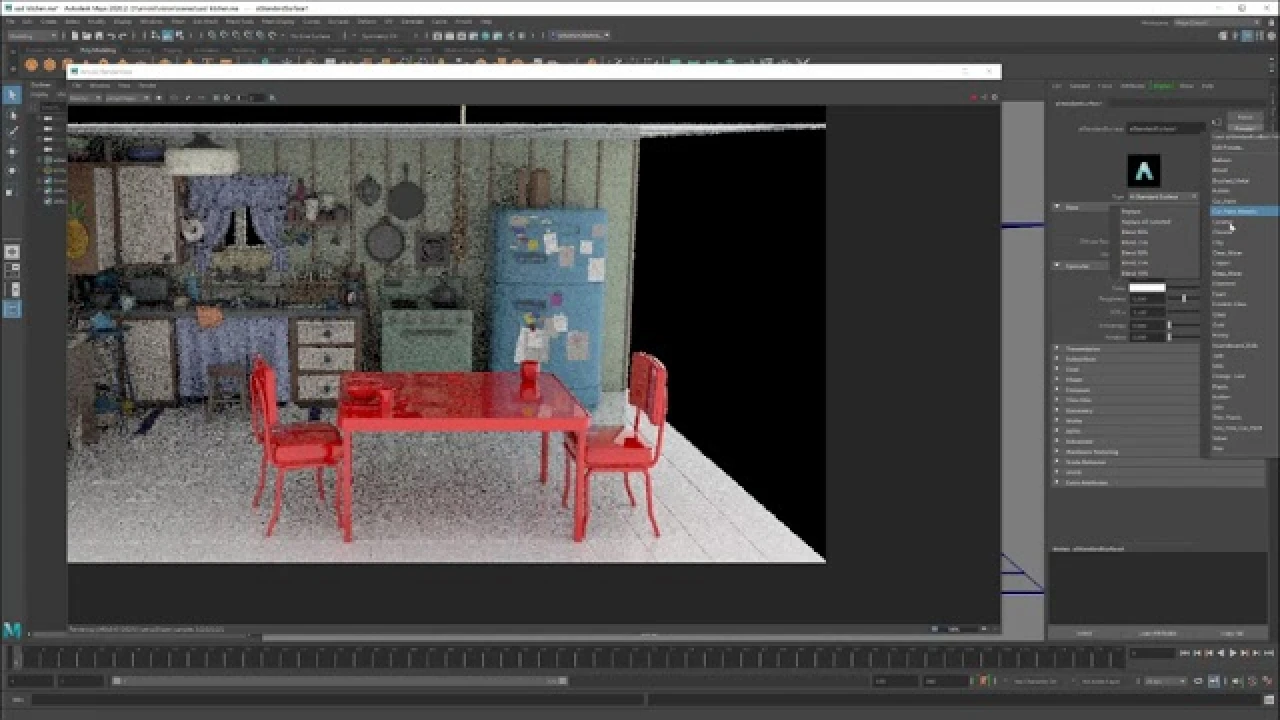
Arnold + USD = Love
Principiante🍅 Timer Pomodoro
Estudia 25 min, luego toma un descanso. ¡Mejora la concentración!
Descripción
Maximize the power of Pixar's USD with Arnold software in production scenarios. We'll show examples of exporting and importing USD assets—including full shading, material assignments, and render setup—from any of the applications that Arnold supports, such as Maya software, 3ds Max software, Houdini, or Cinema 4D. We’ll also demonstrate how you can take advantage of the power of USD's composition and variants to address common scenarios in modern studio pipelines. All of Arnold software’s effort for USD is open source. You'll learn what's out there and how you can contribute.
#maya #arnoldrenderer #usd
#maya #arnoldrenderer #usd
A continuación


Holographic Iridescent In Maya And Arnold Renderer - Tutorial
Reimagine Fx
More nCloth stuff ( as promised )
MH Tutorials
Arnold tutorial - Toon Shading and Lighting Sven in MtoA
Arnold renderer
Arnold Tutorial - Rendering a Toon vehicle in Maya
Arnold renderer
How to Quick Rig a Character with Controllers? | Lesson10PartB | Maya Animation for Beginners | Live
zinteractive
Descubre los secretos del RenderSettings en MAYA Arnold Renderer | Parte 2 IMPERDIBLE
Blender Deluxe Tutoriales
Skin Shading in Arnold for Maya Tutorial - The Ultimate Guide
FlippedNormals
¡Crea este Diorama Realista! Tutorial de UVs en Maya y Texturizado en Substance Painter
Blender Deluxe Tutoriales
Arnold Tutorial - How to shade origami paper in Maya
Arnold renderer
Arnold Tutorial: How to create a portal effect using the ray_switch shader (GPU)
Arnold renderer