Break time!
Your Pomodoro session has ended
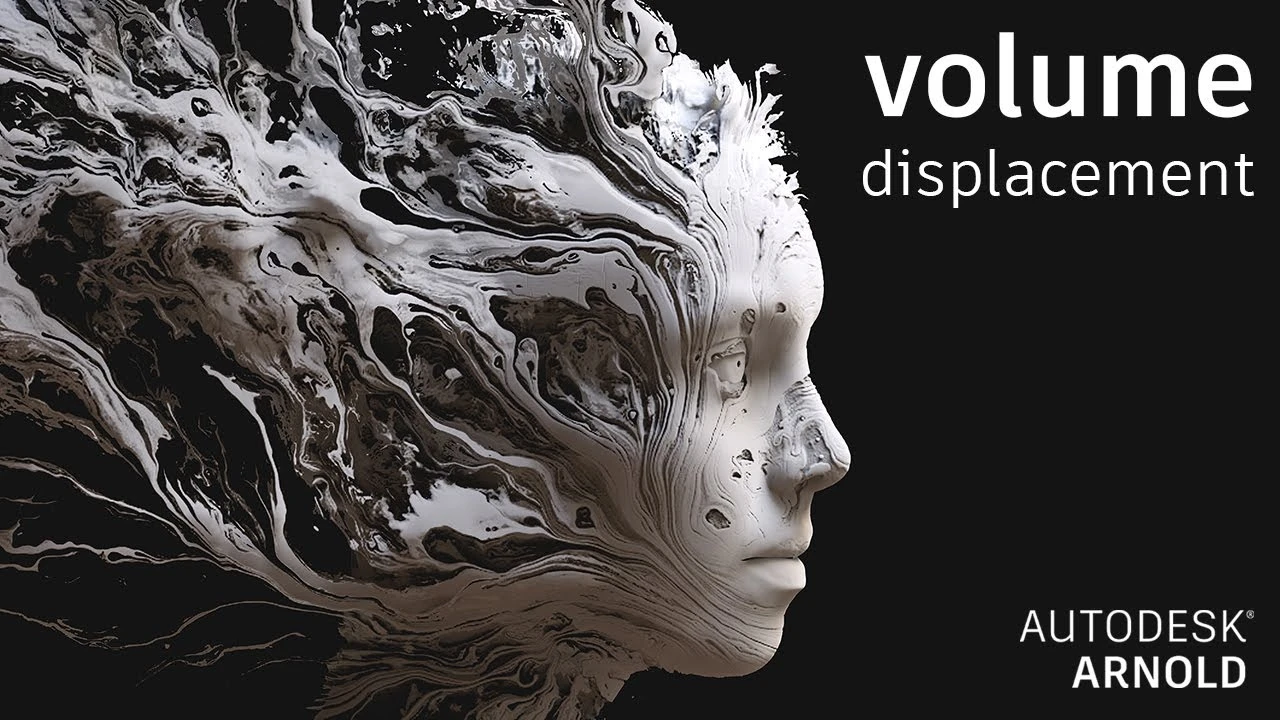
Arnold tutorial - Using volume_displacement in MtoA
Beginner🍅 Pomodoro Timer
Study for 25 min, then take a break. Improves focus!
Description
This video shows you how to render a poly mesh as a volume and displace it using a texture map.
https://help.autodesk.com/view/ARNOL/...
https://docs.arnoldrenderer.com/pages...
#maya #arnoldrenderer #shading
https://help.autodesk.com/view/ARNOL/...
https://docs.arnoldrenderer.com/pages...
#maya #arnoldrenderer #shading
Up Next


Finalizing Walk Cycle in Maya 2022 | Lesson 7 | Maya Animation for Beginners | Livestream
zinteractive
Herramienta de Bevel Maya #maya #maya3d #mayatutorial #3dtutorial #bevel
Blender Deluxe Tutoriales
The Easiest Character Setup for Mocap Animation in Maya
Sir Wade Neistadt
How to Retopologize the Body in Maya
FlippedNormals
How to Retopologize a Head in Maya
FlippedNormals
How to Shatter Objects in Maya
FlippedNormals
How to Easily Translate a Walk Cycle Forward | Maya Animation Tip
Mark Masters
Skin Shading in Arnold for Maya Tutorial - The Ultimate Guide
FlippedNormals
Animation Masterclass: How to Create Walk Cycles in Maya
Mark Masters
Arnold tutorial - Using the barndoor light filter in MtoA
Arnold renderer