Break time!
Your Pomodoro session has ended
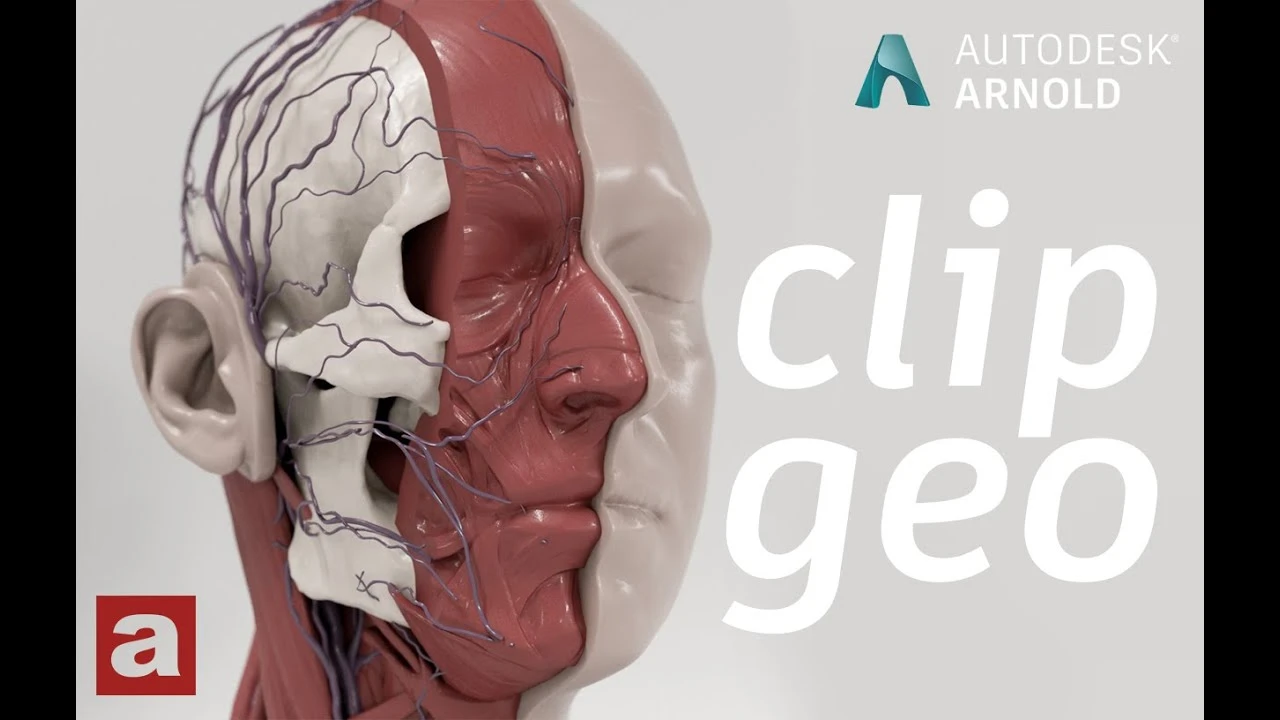
Arnold tutorial - Using the clip_geo shader in MtoA
Beginner🍅 Pomodoro Timer
Study for 25 min, then take a break. Improves focus!
Description
This video shows you how to use the clip_geo shader in Arnold for Maya (MtoA).
https://help.autodesk.com/view/ARNOL/...
#maya #arnoldrenderer #shading
https://help.autodesk.com/view/ARNOL/...
#maya #arnoldrenderer #shading
Up Next


How to Work with Rigging in Maya 2020? | Lesson4 | Maya Animation for Beginners | Livestream Session
zinteractive
Arnold tutorial - Using the light_blocker in MtoA
Arnold renderer
Details on Cylinders // 3D Modeling in Maya
Mario Elementza
The Maya Hypershade: Your Secret Weapon for Creating Materials!
Abe Leal 3D
Gobo Volumetric Lighting in Arnold for Maya | #maya #autodesk #3d #arnold #animation #lighting
SAStuts
Rigging brazo IKFK Parte 4
Blender Deluxe Tutoriales
The Easiest Character Setup for Mocap Animation in Maya
Sir Wade Neistadt
Cómo Crear una Animación de Cámara 360 en Maya – Iluminación y Render
Fox Bandit
UV Tools You Didn't Know in Maya 2018
FlippedNormals
Animación rebote Pelota Maya #maya #maya3d #mayaanimation #animation #animationtutorials
Blender Deluxe Tutoriales