Break time!
Your Pomodoro session has ended
Arnold Tutorial - Rendering a Toon vehicle in Maya
Beginner🍅 Pomodoro Timer
Study for 25 min, then take a break. Improves focus!
Description
This video shows how to shade, light and render a vehicle using the Toon shader in Maya.
https://help.autodesk.com/view/ARNOL/...
https://help.autodesk.com/view/ARNOL/...
#shading #rendering #toon
https://help.autodesk.com/view/ARNOL/...
https://help.autodesk.com/view/ARNOL/...
#shading #rendering #toon
Up Next
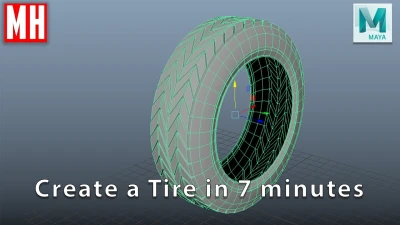

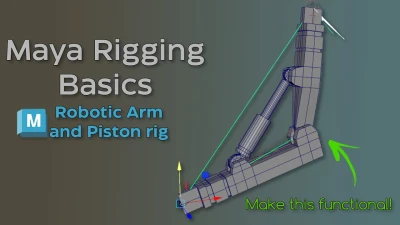
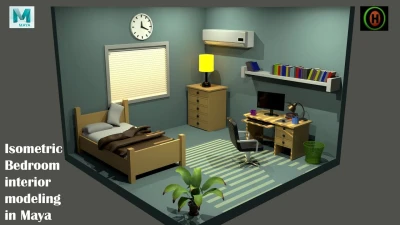

How to model a tire in 7 Minutes in Maya
MH Tutorials
Rigging brazo IKFK Parte 2
Blender Deluxe Tutoriales
How to Connect PBR Textures in Maya
Abe Leal 3D
Maya Basic Rigging Tutorial | Rigging a Robotic Arm with a Piston | Maya Rigging
Cryptic Visionary
Autodesk Maya | How to Model an Isometric Bedroom.
Hassaan Owaisi
How to Easily Translate a Walk Cycle Forward | Maya Animation Tip
Mark Masters
Lighting in Arnold for Maya | Lighting Tutorial
Brent Le Blanc
Introduction to Lighting in Arnold for Maya
FlippedNormals
The Maya Hypershade: Your Secret Weapon for Creating Materials!
Abe Leal 3D
5 Topology Tips That Will Get You HIRED
JL Mussi