Break time!
Your Pomodoro session has ended
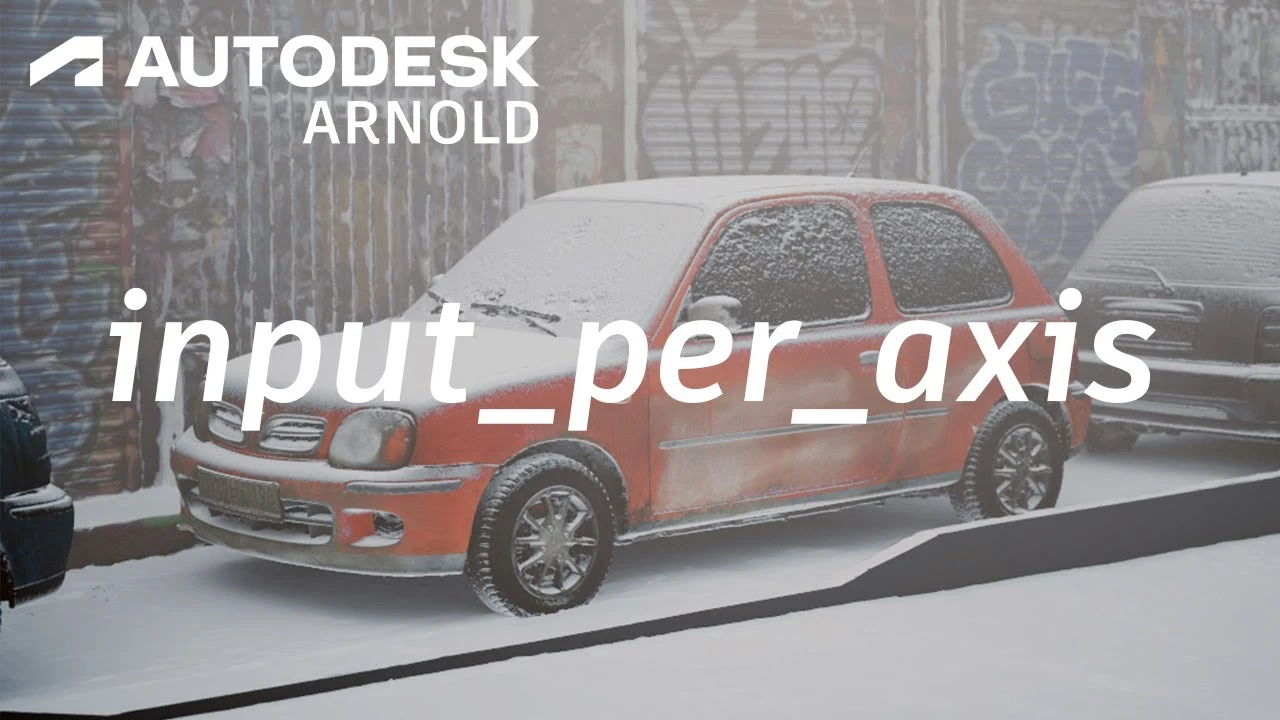
Arnold Tutorial - How to use triplanar.input_per_axis to create a snowy street scene
Beginner🍅 Pomodoro Timer
Study for 25 min, then take a break. Improves focus!
Description
This tutorial shows you how to create use the input_per_axis of the triplanar shader to add some snow to a street scene.
https://help.autodesk.com/view/ARNOL/...
https://help.autodesk.com/view/ARNOL/...
https://help.autodesk.com/view/ARNOL/...
#arnoldrenderer #triplanar #shading
https://help.autodesk.com/view/ARNOL/...
https://help.autodesk.com/view/ARNOL/...
https://help.autodesk.com/view/ARNOL/...
#arnoldrenderer #triplanar #shading
Up Next





How to Retopologize a Head in Maya
FlippedNormals
Candle Flame Tutorial in Maya
Creatively3d
How to Connect PBR Textures in Maya
Abe Leal 3D
Animation Masterclass: How to Create Walk Cycles in Maya
Mark Masters
Arnold tutorial - How to use the color shaders in MtoA
Arnold renderer
Texturizado con Gradient Texturing en Maya Técnica para Videojuegos ⭐ ⭐ ⭐ ⭐ ⭐
Blender Deluxe Tutoriales
Agregar SkyDome y HDRI en Maya Anrold
Blender Deluxe Tutoriales
How to Quick Rig a Character with Controllers? | Lesson10PartB | Maya Animation for Beginners | Live
zinteractive
Rig Simple de Auto en Maya clase
Blender Deluxe Tutoriales
EASILY Rig a Car in Maya - with Advanced Skeleton Vehicle Rigging
Animator Artist Life