Break time!
Your Pomodoro session has ended
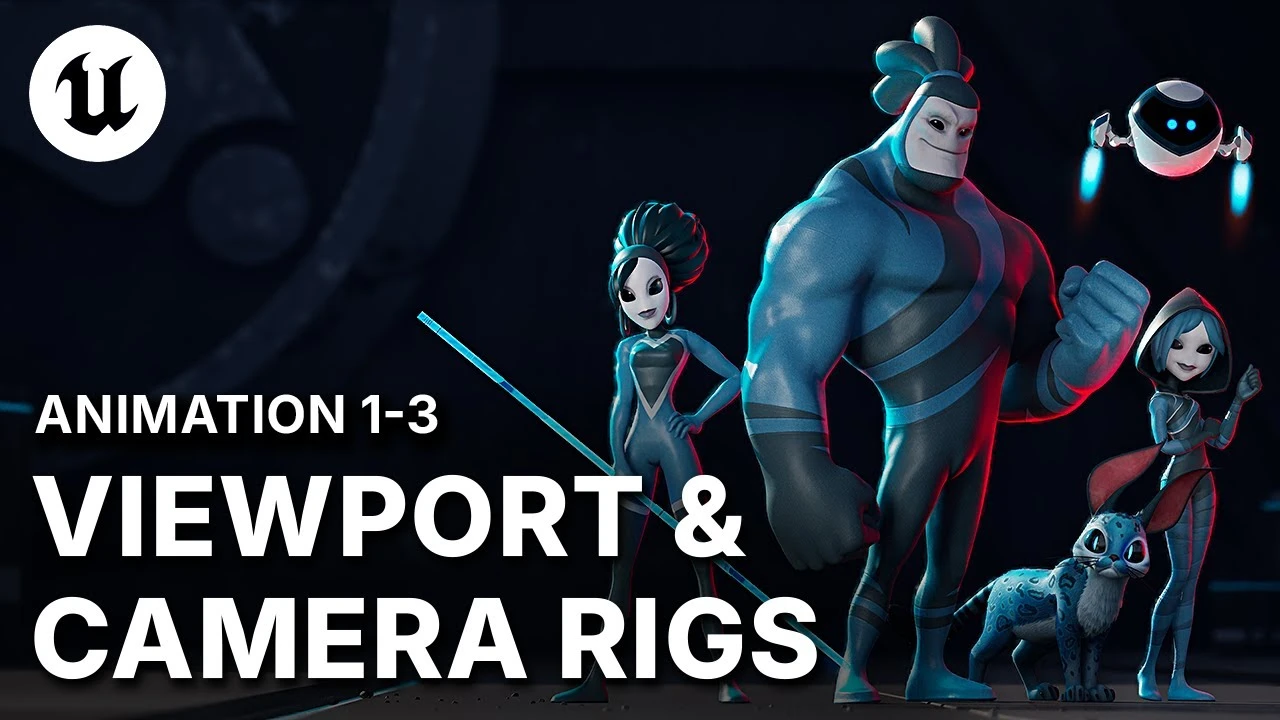
Advanced UE5 Cinematic Workflow: Camera Rigs & Custom Viewports
Beginner🍅 Pomodoro Timer
Study for 25 min, then take a break. Improves focus!
Description
PRO CAMERA ANIMATION HACKS (UE5): Learn advanced organizational techniques by dissecting Sub-sequences (nested Level Sequences), which isolate data like animation, lighting, and effects within each shot, offering superior artistic control. Optimize your workflow by setting up dual viewport layouts to efficiently animate dedicated camera control rigs and adjust visual elements, such as the intensity of camera shake via animation layers and the weight slider, all in real-time
►Download the A-COM Animation Sample here: https://epic.gm/agora-animation-sample
► Check out Sir Wade's channel for more Animation Tutorials and UE5 workflows: / @sirwade
► Sir Wade's Courses: https://courses.sirwade.com
#Animation, #ACOMAnimaticSample, #UnrealEngine5.6, #AgoraStudio
►Download the A-COM Animation Sample here: https://epic.gm/agora-animation-sample
► Check out Sir Wade's channel for more Animation Tutorials and UE5 workflows: / @sirwade
► Sir Wade's Courses: https://courses.sirwade.com
#Animation, #ACOMAnimaticSample, #UnrealEngine5.6, #AgoraStudio
Up Next




Introduction to Player Blueprints in Unreal Engine
Unreal Engine
Profiling with Purpose: Performance Lessons from a Real Unreal Project | Unreal Fest Stockholm 2025
Unreal Engine
Launch Control: Accelerating Real-Time Automotive Design | Unreal Fest Stockholm 2025
Unreal Engine
A First Look at the New Animation Features in Unreal Engine 5.6
Unreal Engine
Unreal Engine 5.5.4 Best render setting for Cinematic render | World Of VFX
World Of VFX
Applying Custom UI Graphics in UMG
Unreal Engine
Florian and Sam Make a Real-Time Strategy Game in UEFN | Unreal Fest Stockholm 2025
Unreal Engine
Level Management: Sub-Levels, Spawnables, Possessibles in UE5
Unreal Engine
03 Spot Light Settings in Unreal Engine
The VFX Yuga
Unreal Engine 5.4: Create a Cinematic Cabin Scene with PCG
Reality Forge