Break time!
Your Pomodoro session has ended
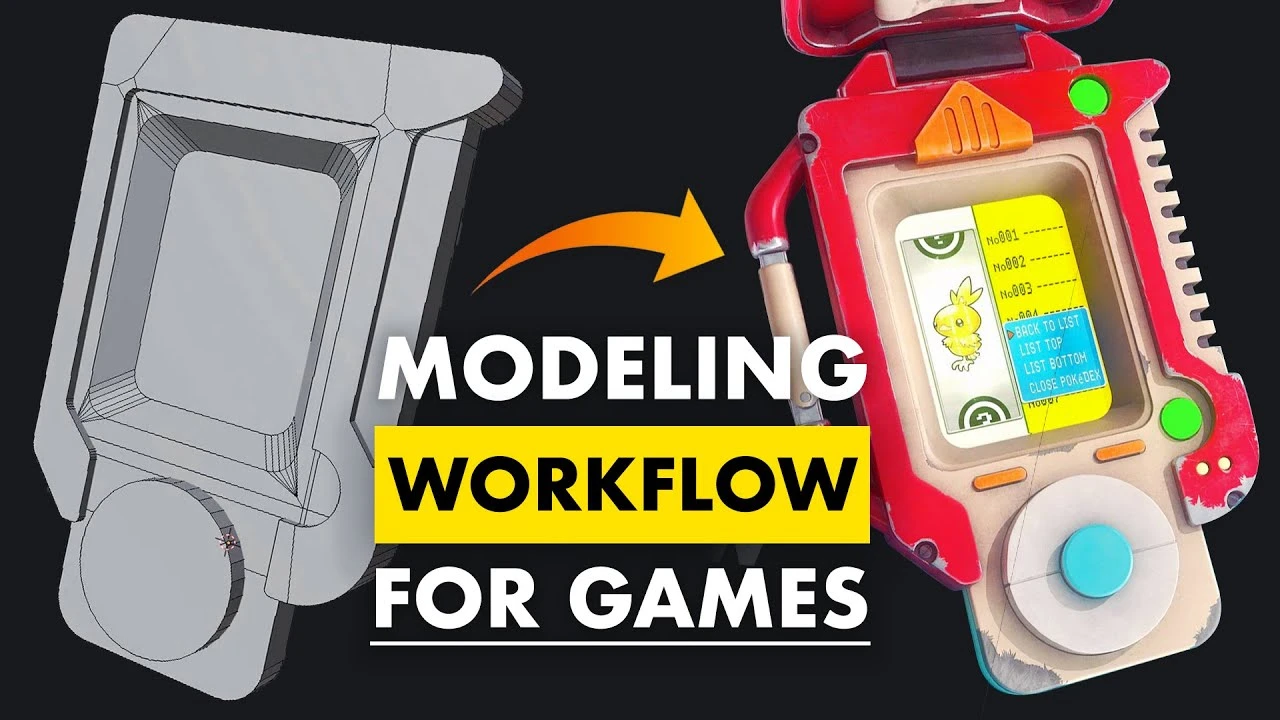
3D Modeling Workflow for Games - Explained
Beginner🍅 Pomodoro Timer
Study for 25 min, then take a break. Improves focus!
Description
In this video, we'll explain all the basic steps needed in order to make 3D models for games. We'll go over blocking out, high poly, low poly, UV unwrapping, texture baking, and texturing.
If you're interested in putting your knowledge to the test, have a look at our FlippedNormals Exclusive - Hero Prop Creation in Blender & Substance Painter http://FlipNm.co/heroPropCreation
▶ SUBSCRIBE | / @fnmarket
▶ MARKETPLACE | https://flippednormals.com/
▷Instagram | / flippednormals
▷Twitter | / flippednormals
▷Facebook | / flippednormals
If you're interested in putting your knowledge to the test, have a look at our FlippedNormals Exclusive - Hero Prop Creation in Blender & Substance Painter http://FlipNm.co/heroPropCreation
▶ SUBSCRIBE | / @fnmarket
▶ MARKETPLACE | https://flippednormals.com/
▷Instagram | / flippednormals
▷Twitter | / flippednormals
▷Facebook | / flippednormals
Up Next





La IA acaba de llegar a Blender… pero no como imaginaba
Aura Prods
1 Easy Way to Make Better Environments in Blender
ManjuRam
Procedural Dark Leather Material (Blender Tutorial)
Ryan King Art
Easy Realistic Architecture And Environments In Blender - Beginner tutorial
AlternaVision Studio
Sculpting a cliff in Blender (timelapse)
Blender Guru
Easy Fog in Blender
Blender Guru
Mastering Sub-D and Low Poly 3D Modeling
On Mars 3D
How to make an abandoned house in Blender - Tutorial
Blender Guru
Create Realistic Mountains with Blender 5.0 and Gaea 2
Maarten Nauta
Blender 3.0 Beginner Tutorial Part 12: Floating Particles
Blender Guru