Break time!
Your Pomodoro session has ended
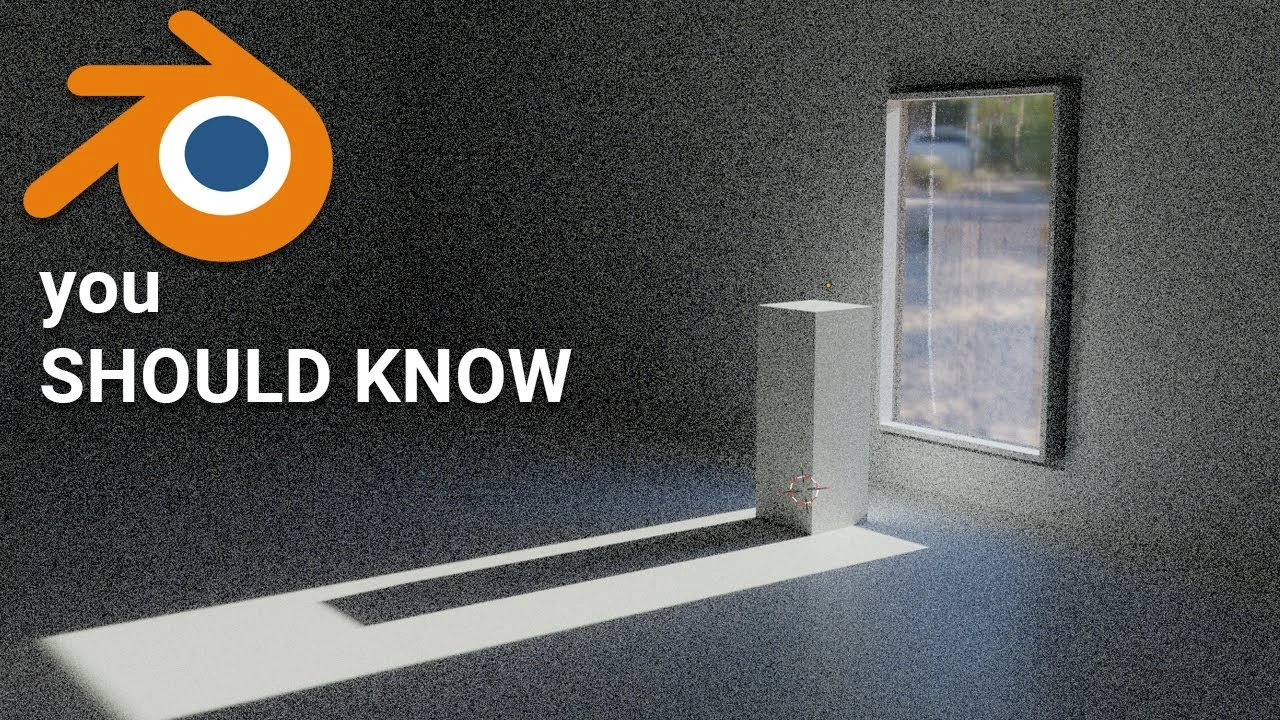
10 Blender Pro Tips
🍅 Pomodoro Timer
Study for 25 min, then take a break. Improves focus!
Description
TIP 1 - Use image projection
TIP 2 - Stairs in Blender, quick way
TIP 3 - Displacement vs. Normal map vs. Bump
TIP 4 - Image collage instead of PBR Texture
TIP 5 - Correct Glass shader in Blender
TIP 6 - Quick modeling in Blender 3D
TIP 7 - Fake lighting
TIP 8 - Modeling tip
TIP 9 - Use references
TIP 10 - Fill your Asset Browser
TIP 2 - Stairs in Blender, quick way
TIP 3 - Displacement vs. Normal map vs. Bump
TIP 4 - Image collage instead of PBR Texture
TIP 5 - Correct Glass shader in Blender
TIP 6 - Quick modeling in Blender 3D
TIP 7 - Fake lighting
TIP 8 - Modeling tip
TIP 9 - Use references
TIP 10 - Fill your Asset Browser
Up Next





La IA acaba de llegar a Blender… pero no como imaginaba
Aura Prods
Como hacer el efecto de VENOM en ¡BLENDER!
Aura Prods
Making a Realistic Ruins Environment in Blender 4.5
Rithick_03d
1 Easy Way to Make Better Environments in Blender
ManjuRam
My secret animation trick you should always use, Retiming!
Pierrick Picaut
Blender 5.0 Changed Sky & Atmosphere Rendering
CG Vortex
Sculpting a cliff in Blender (timelapse)
Blender Guru
Easy Fog in Blender
Blender Guru
Blender Tutorial: Geometry Nodes for Beginners - Part 2
Blender Guru
Toon Shader | Blender Tutorial
Tawan Sunflower